Print the guide and keep it next to your phone while you do the steps.
Tip: untick “Headers and footers” in the print dialog to leave out the web address.
How to protect yourself from scammers who call
Scam warnings
 iPhone
 1Step 1 of 9 · iPhone
In this guide, you will learn what to do if someone calls and asks you to use BankID.
 2Step 2 of 9 · iPhone
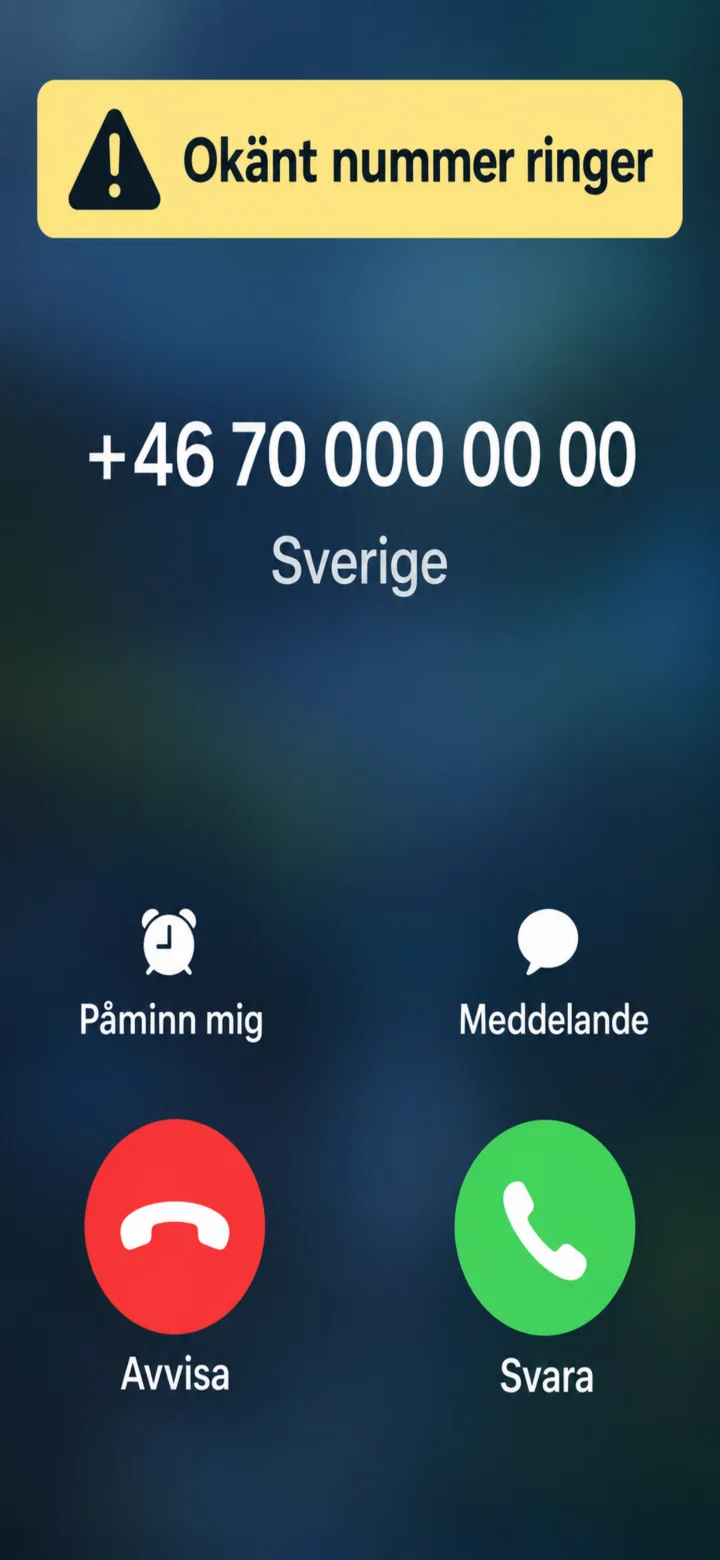
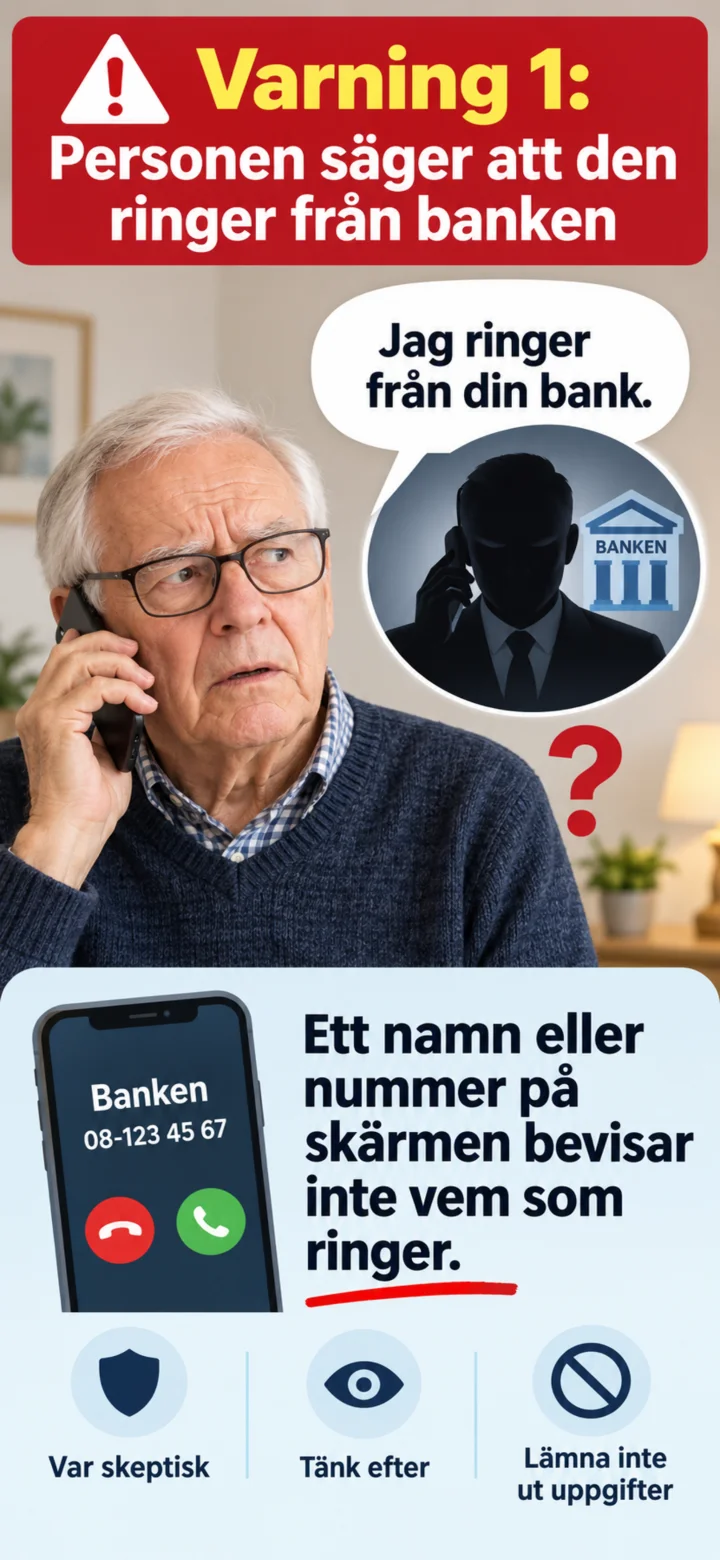
Be careful when an unknown number calls. The number on the screen doesn't prove who is calling.
 3Step 3 of 9 · iPhone
A scammer might claim to be calling from the bank, the police, or a government agency.
 4Step 4 of 9 · iPhone
Bedragaren försöker ofta skapa stress och säger att du måste agera omedelbart.
 5Step 5 of 9 · iPhone
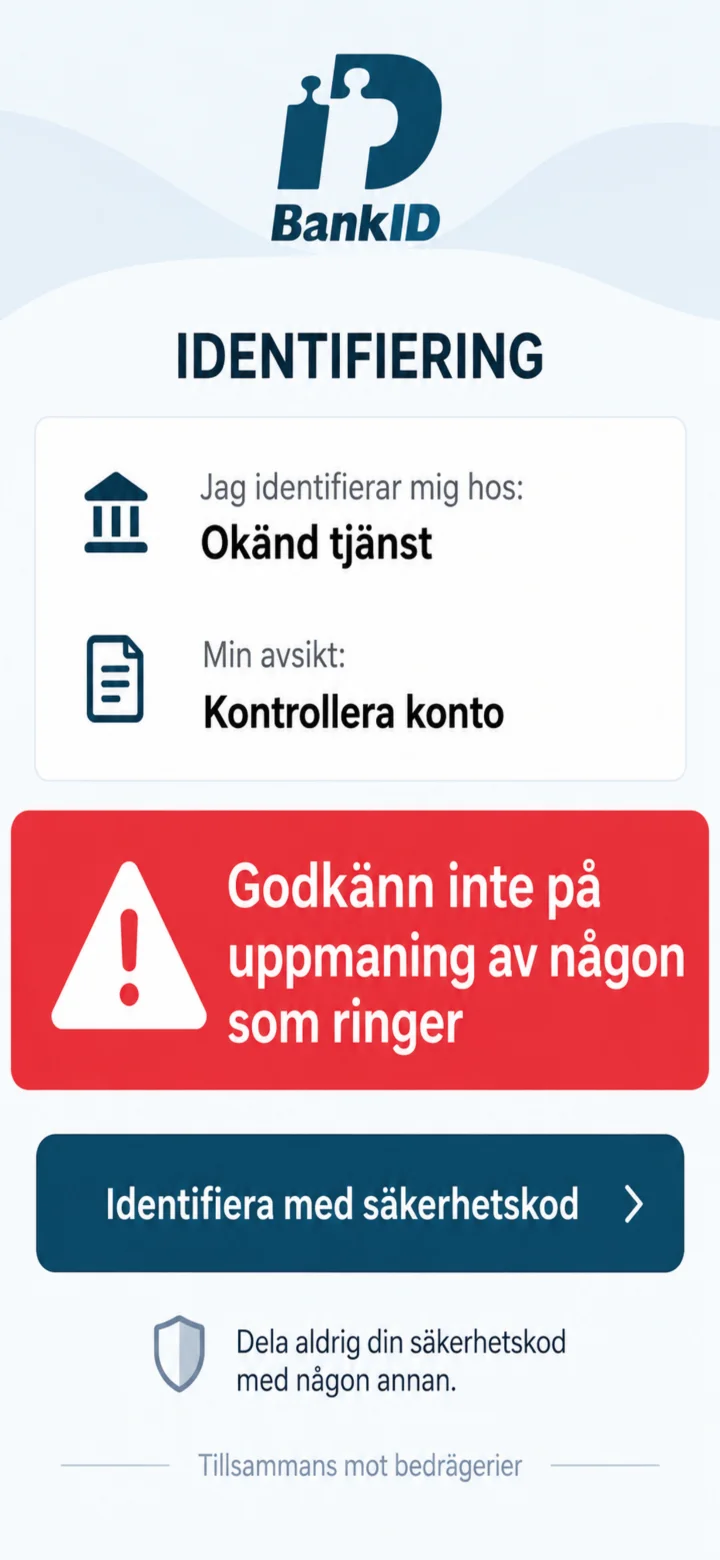
Never approve a BankID request at the urging of someone who calls you.
 6Step 6 of 9 · iPhone
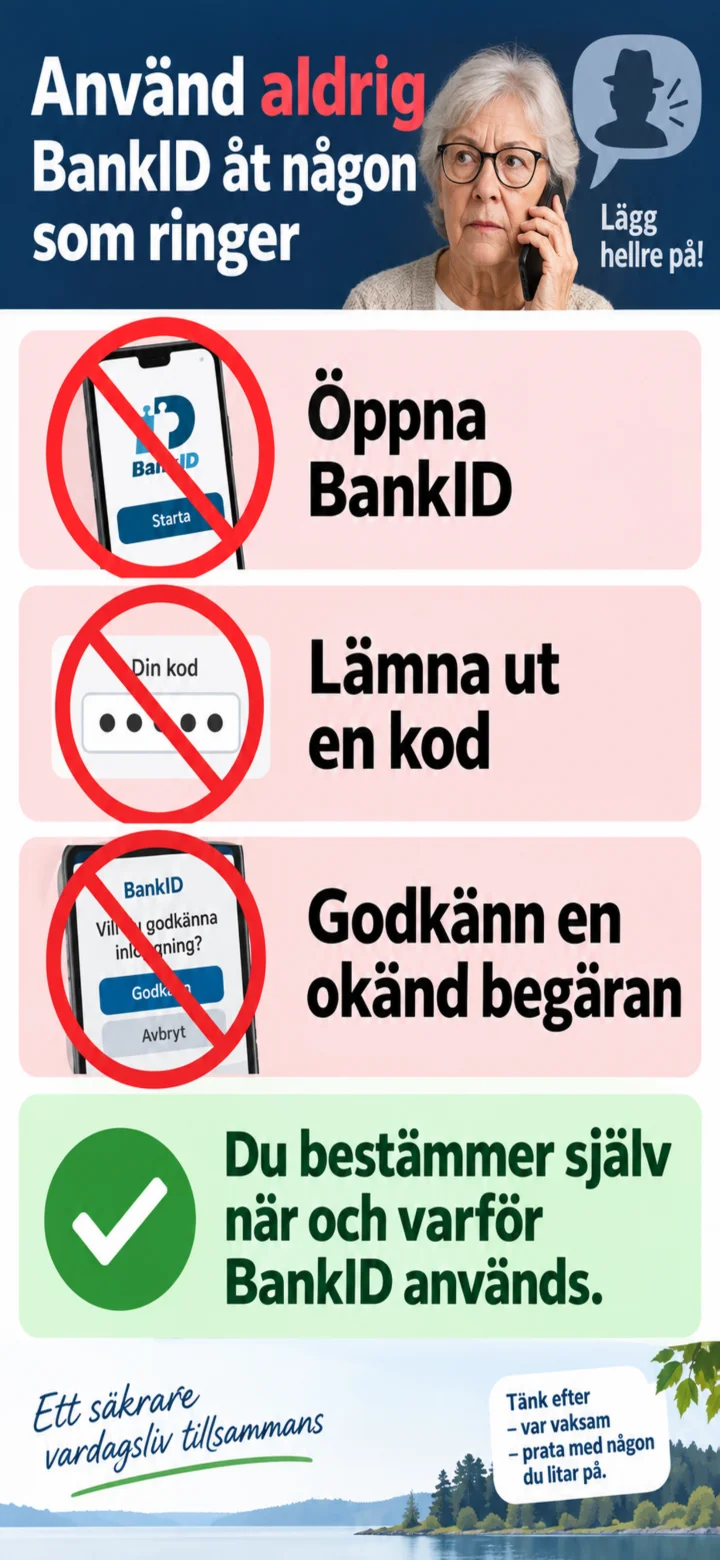
Do not open BankID, do not give out codes, and do not approve an unknown request.
 7Step 7 of 9 · iPhone
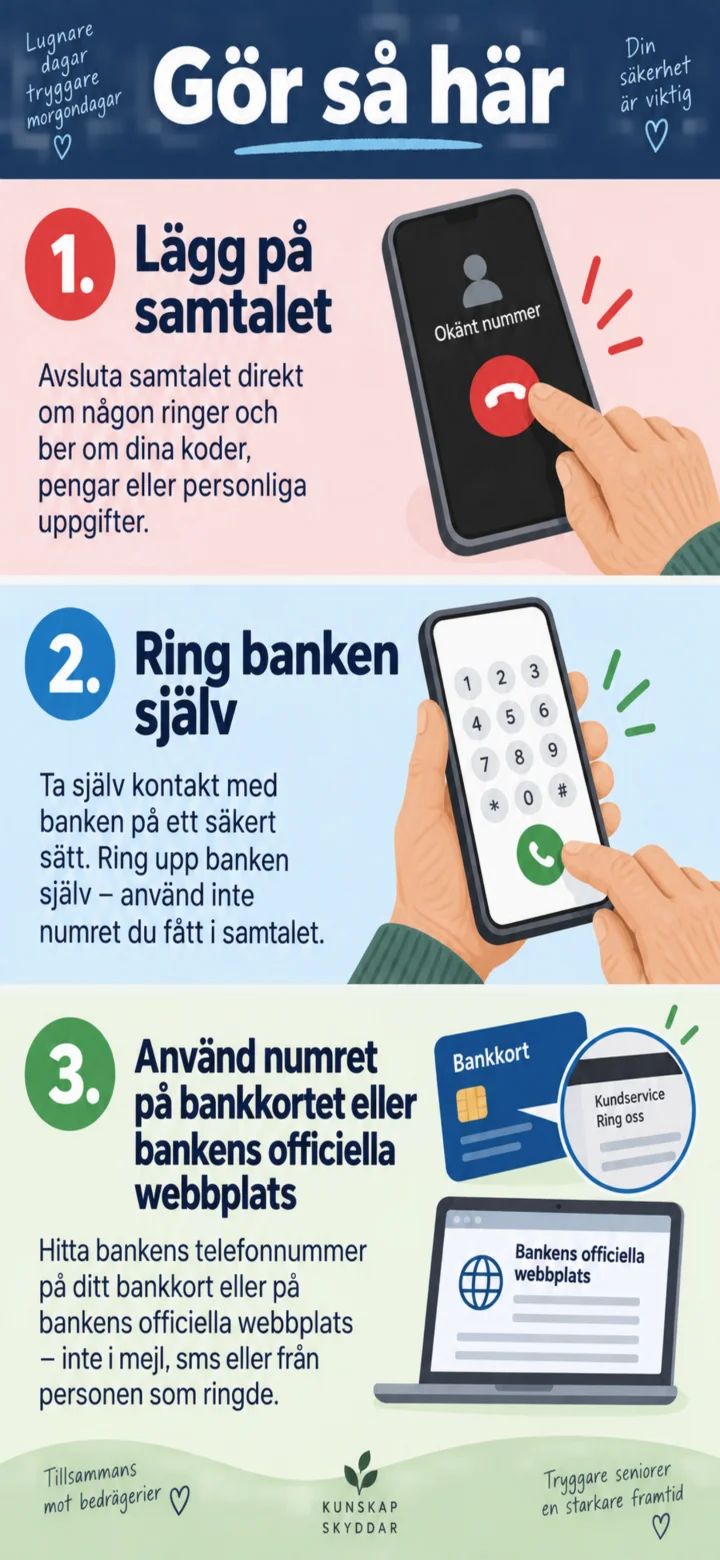
Hang up. Call the bank yourself using the number on your bank card or the bank's official website.
 8Step 8 of 9 · iPhone
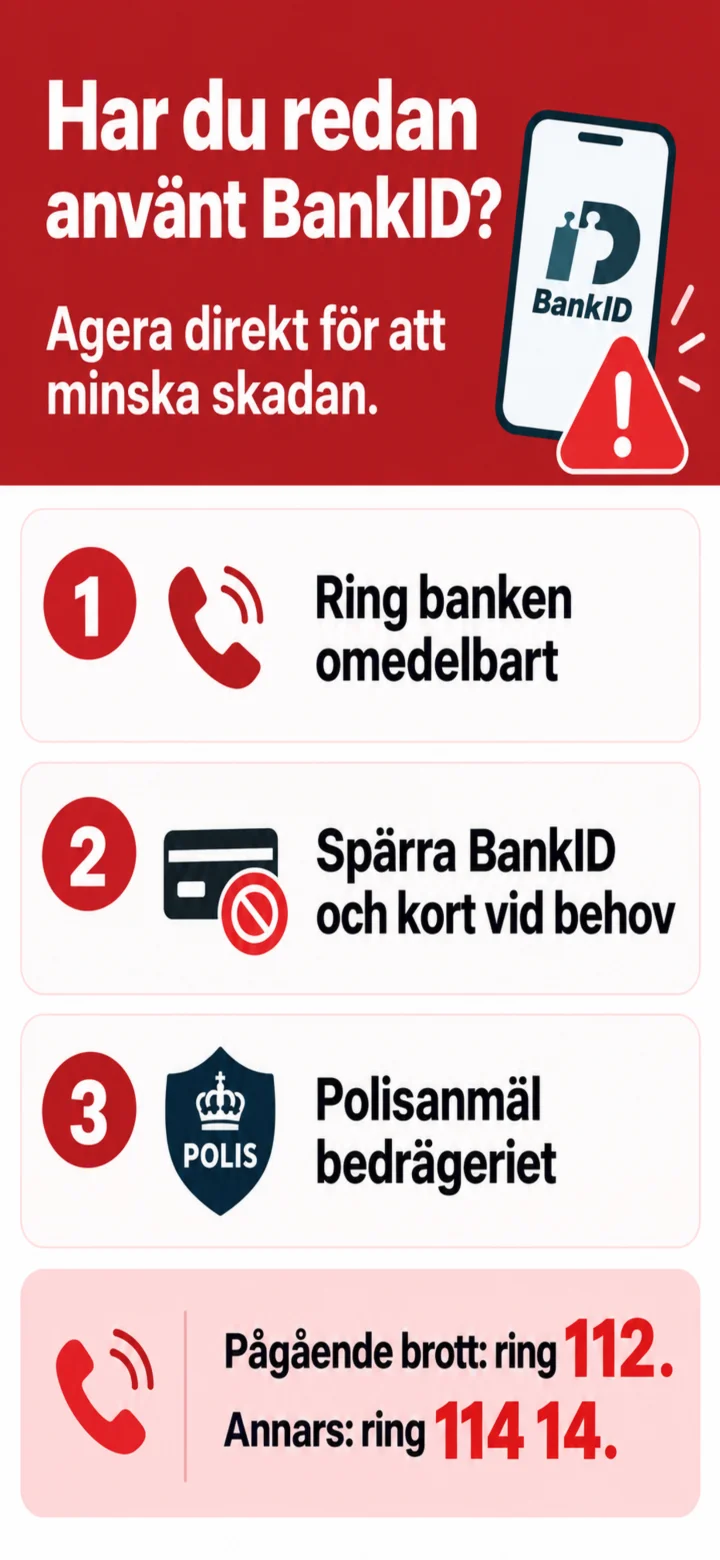
If you have already used BankID, you should call the bank immediately. For ongoing crimes, call 112. Otherwise, call 114 14.
 9Step 9 of 9 · iPhone
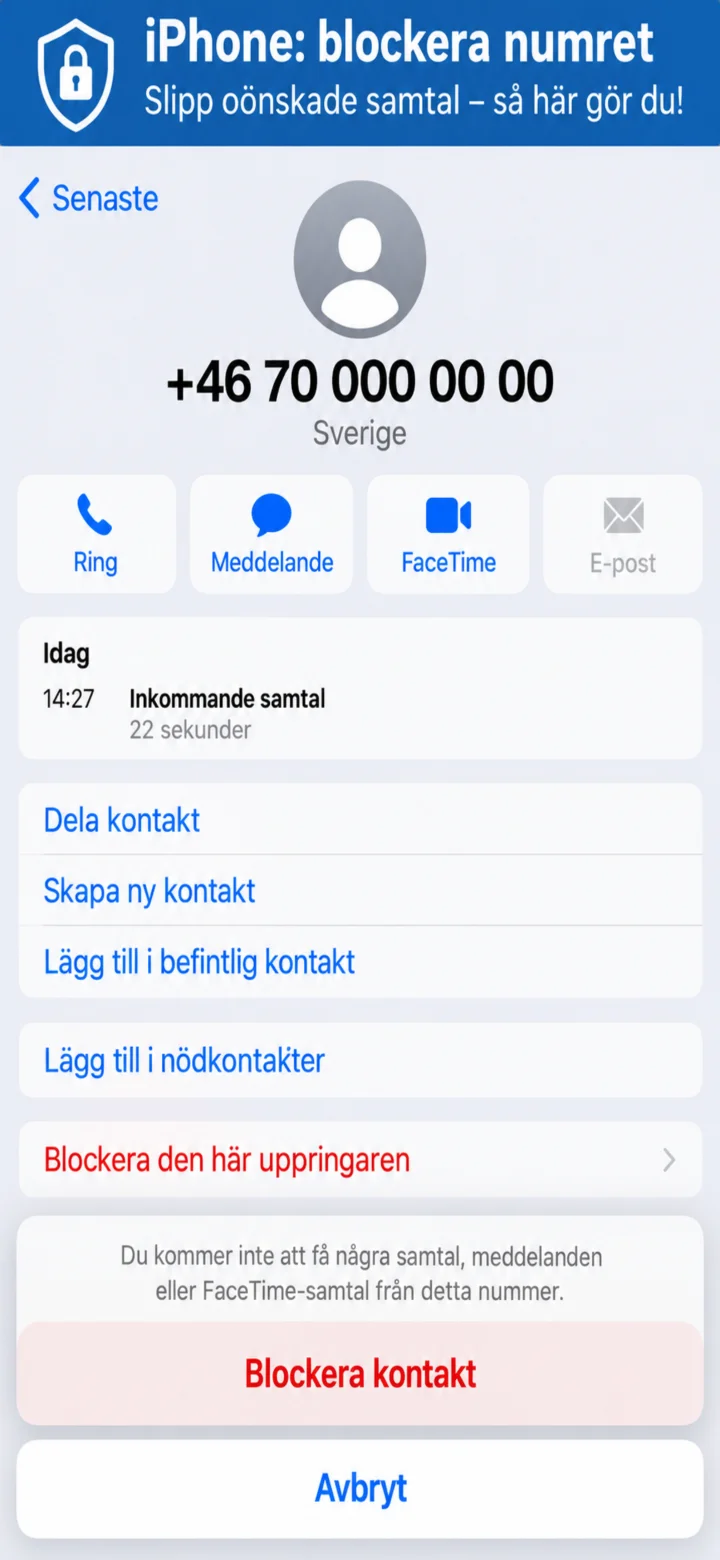
On iPhone, open the call information, tap ”Blockera den här uppringaren” (Block this caller) and confirm.