Print the guide and keep it next to your phone while you do the steps.
Tip: untick “Headers and footers” in the print dialog to leave out the web address.
Which language should the printout be in?SvenskaEnglishSuomiالعربية (Arabiska)Bosanski/Hrvatski/Srpskiفارسی (Persiska)PolskiEspañol
Create a photo album
Mobile phone and tablet
 iPhone
Scan to listen to the guide
 1Step 1 of 5 · iPhone
Now you're going to learn how to put several pictures together and create a photo album.
 2Step 2 of 5 · iPhone
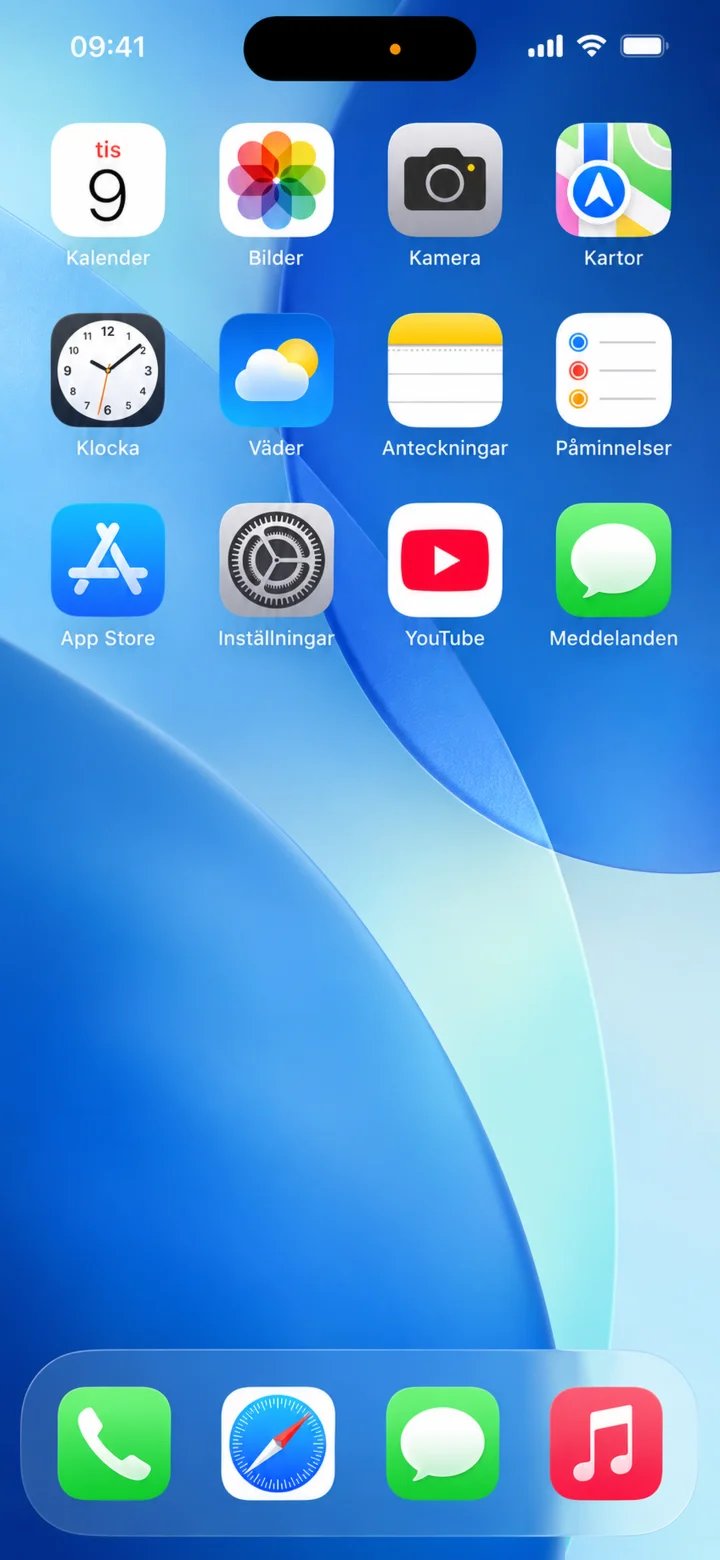
Start from the home screen and tap on Bilder (Pictures).
 3Step 3 of 5 · iPhone
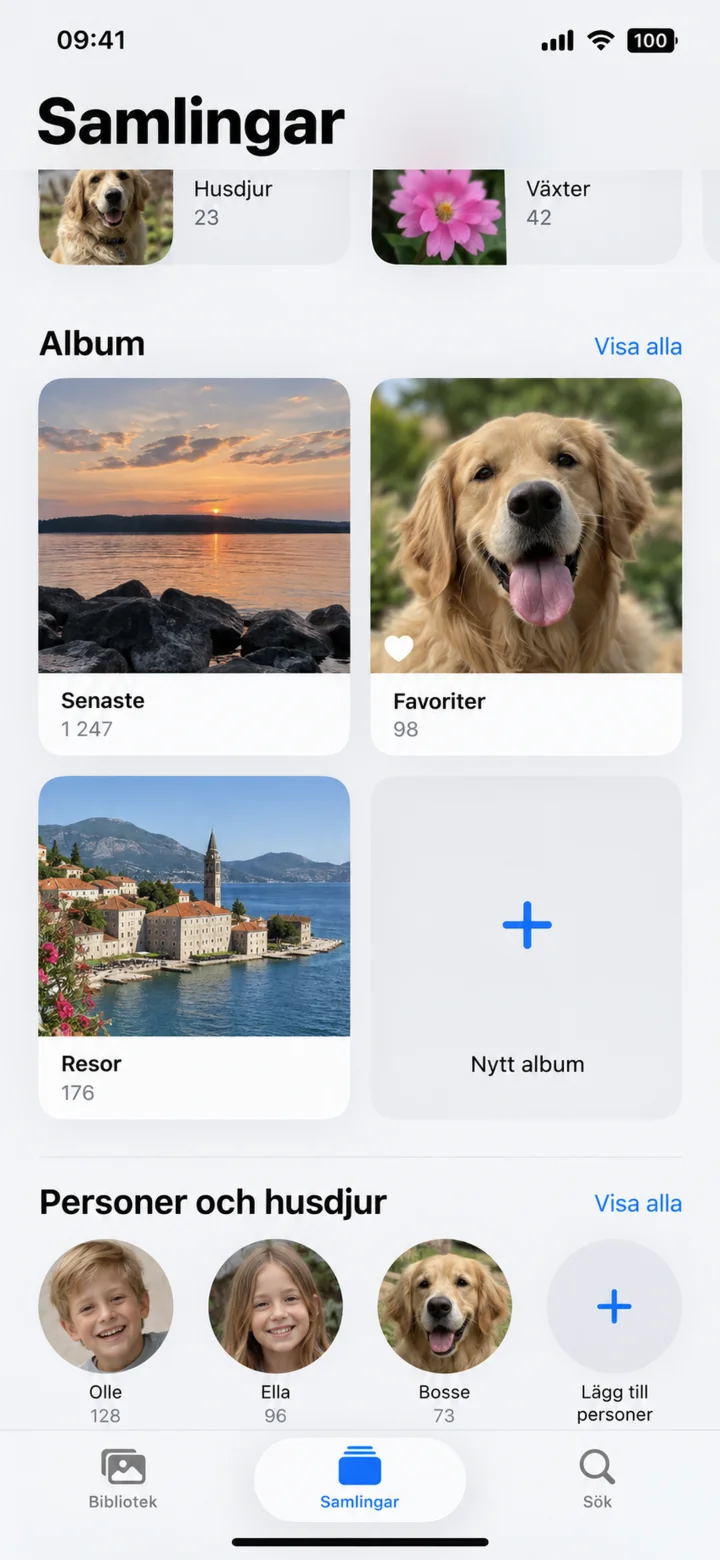
Tap on Samlingar (Collections). Under Album (Albums), tap on Nytt album (New album).
 4Step 4 of 5 · iPhone
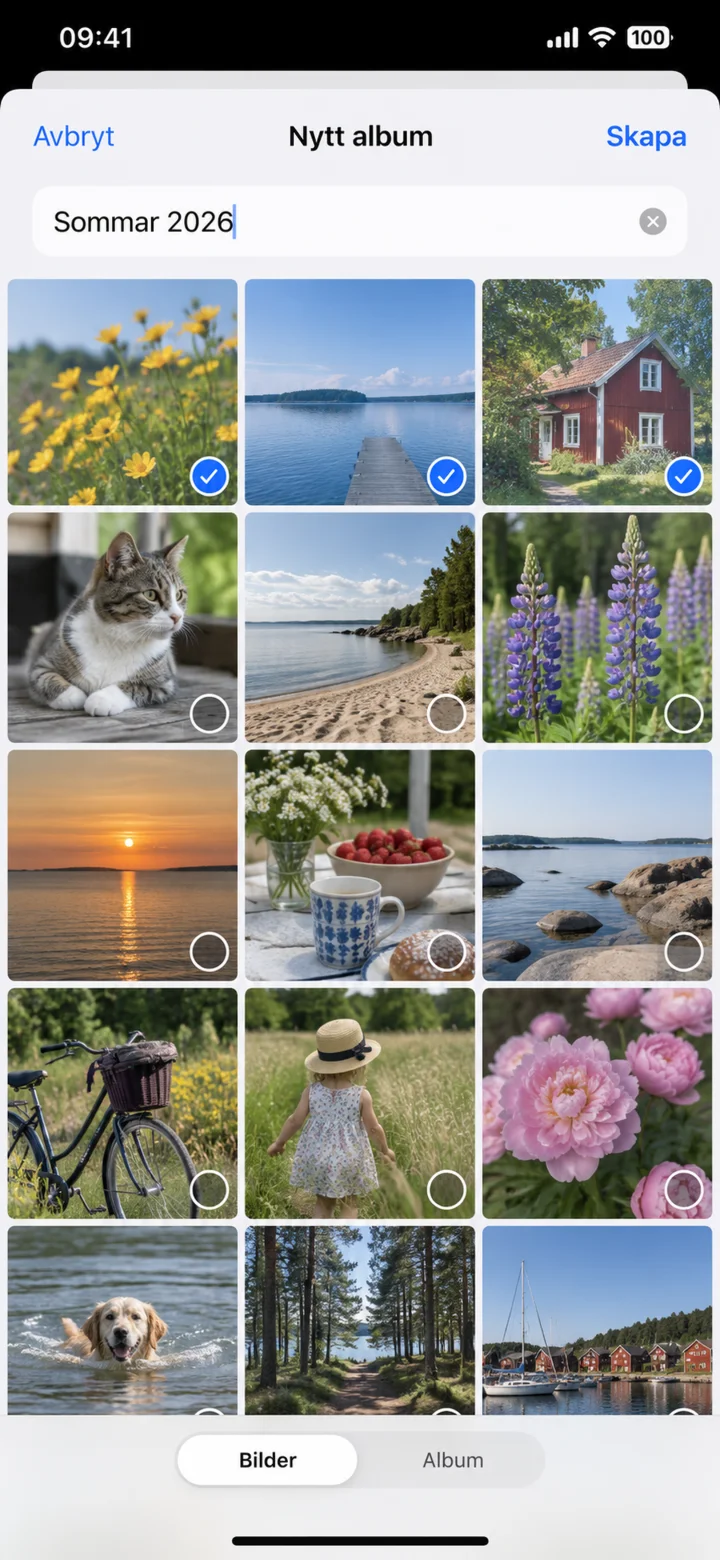
Write a name for the album, select the pictures, and tap on Skapa (Create).
 5Step 5 of 5 · iPhone
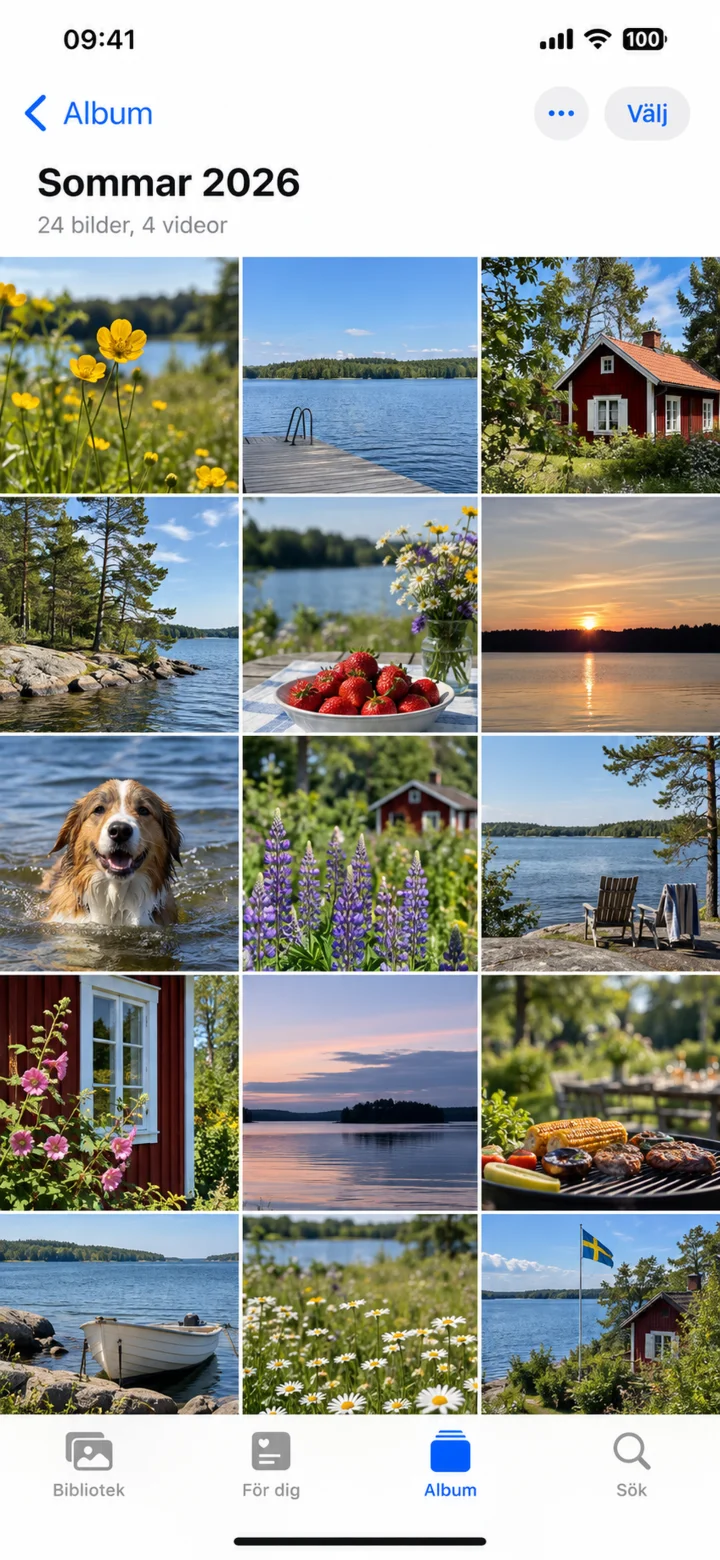
Well done! You have now created the album Sommar 2026, and your selected pictures are now gathered in an album here.