Every guide in the topic, each starting on a new page. 15 steps in total.
Tip: untick “Headers and footers” in the print dialog to leave out the web address.
SOS
Step-by-step guides · 1 guide
 Android
Contents
- 1.How to install and use the SOS Alarm 112 app15 steps
How to install and use the SOS Alarm 112 app
Android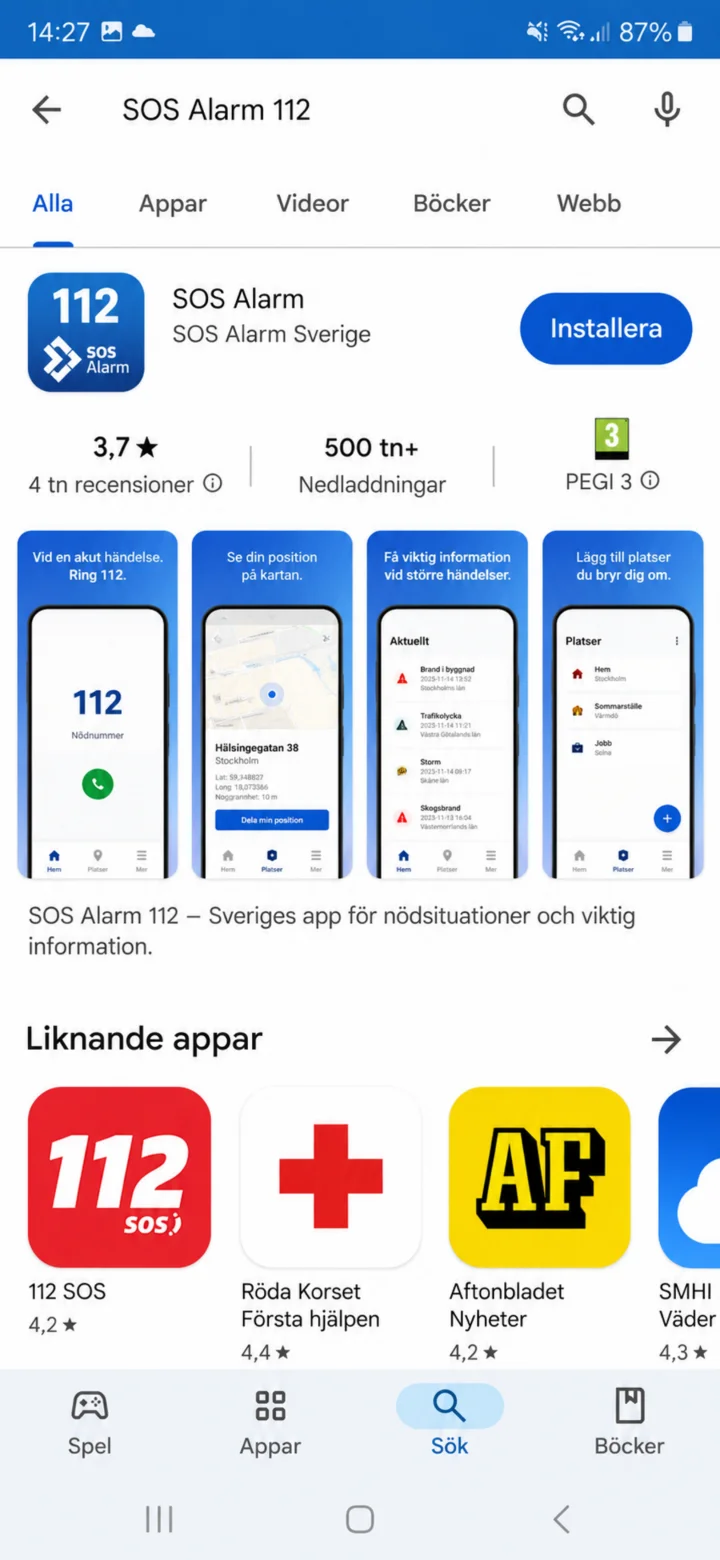 1Step 1 of 15 · Android
Open Google Play and search for SOS Alarm. Choose the app from SOS Alarm Sverige.
 2Step 2 of 15 · Android
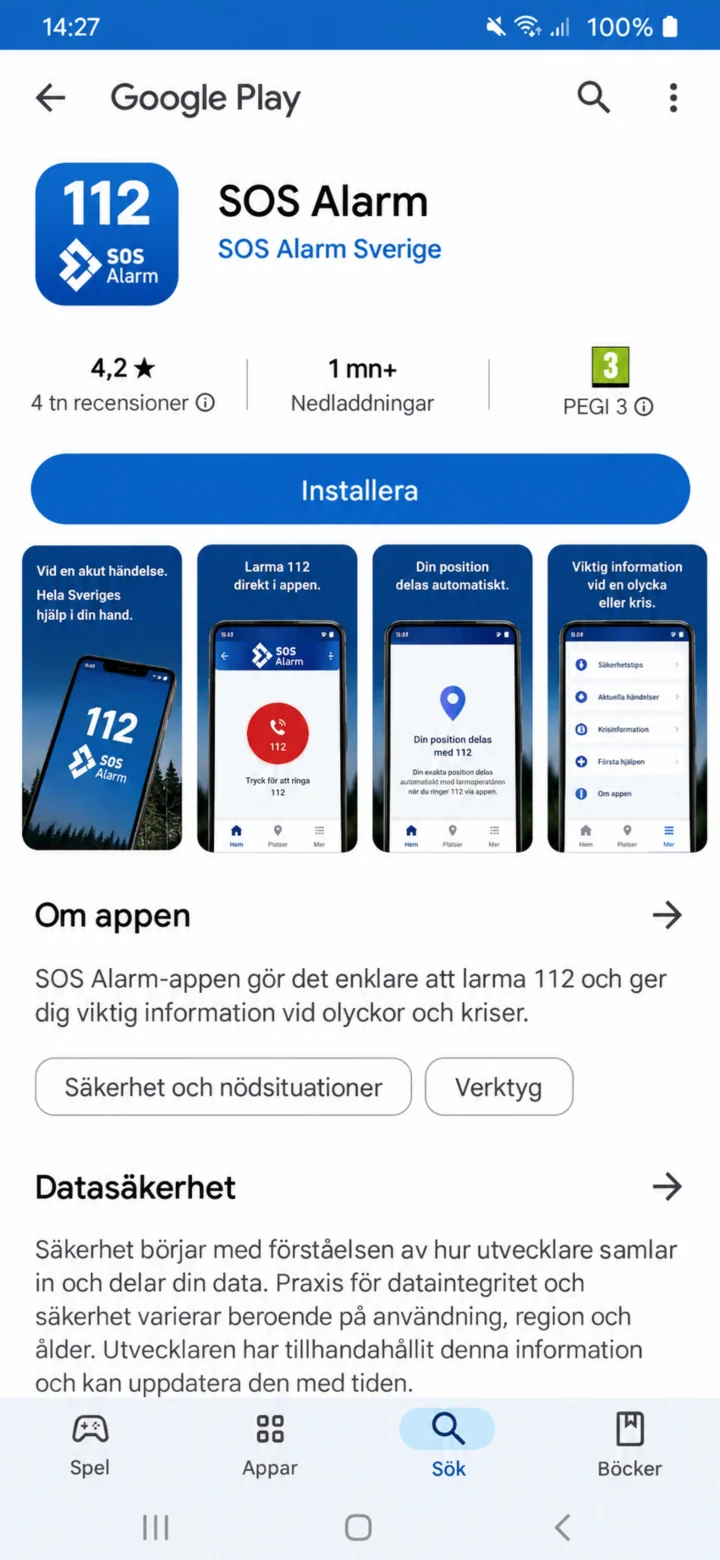
Check the app's name and developer. Then tap ”Installera”.
 3Step 3 of 15 · Android
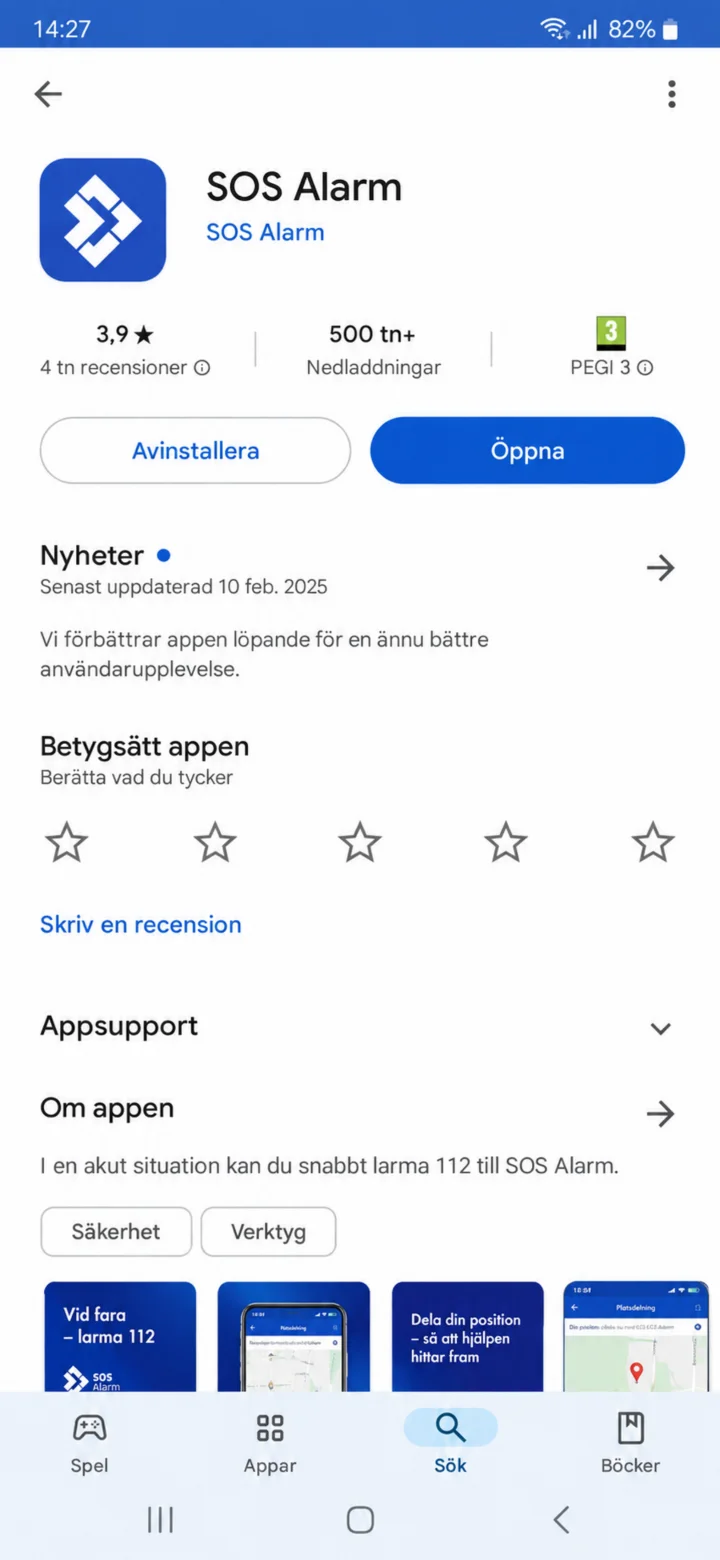
Once the installation is complete, tap ”Öppna”.
 4Step 4 of 15 · Android
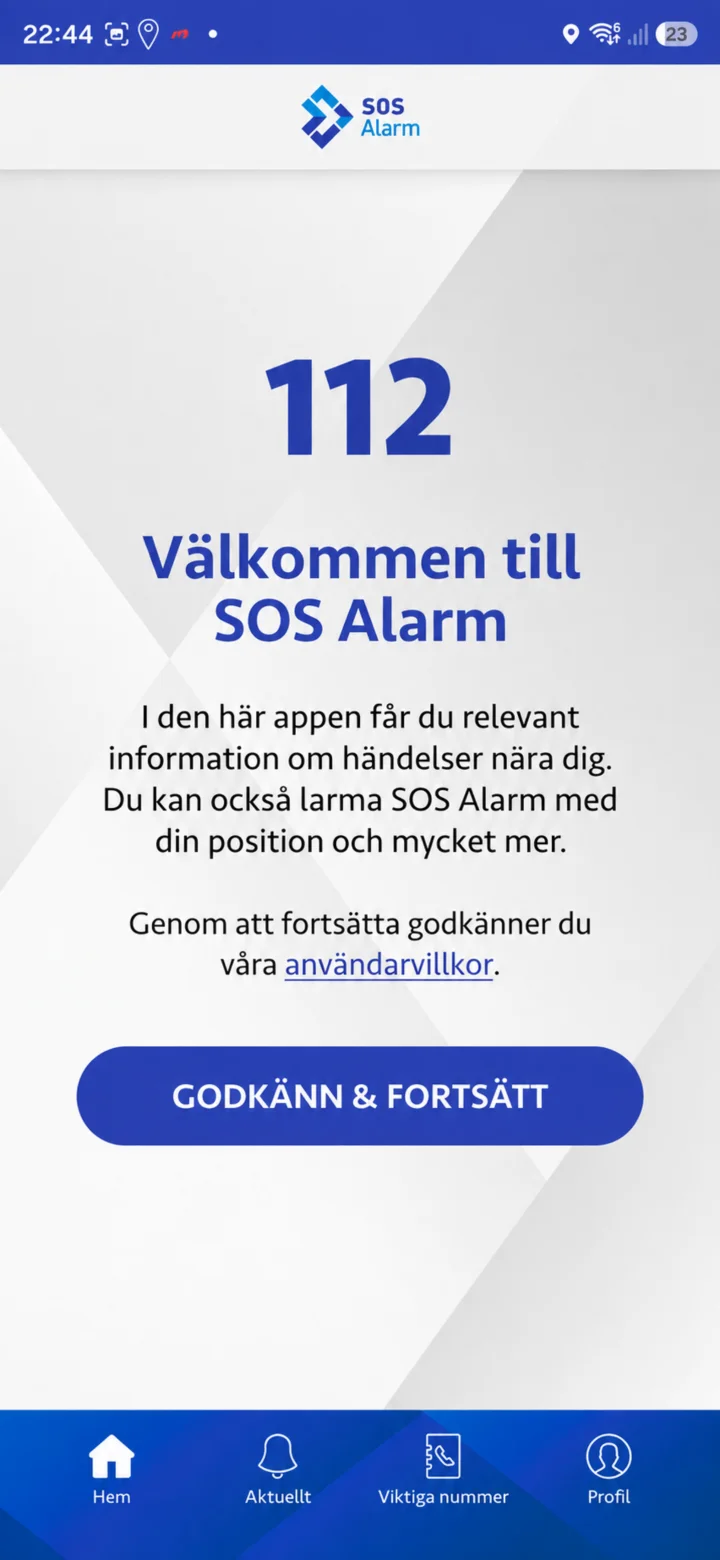
On the welcome page, it says Välkommen till SOS Alarm. Read the text and tap ”Godkänn och fortsätt”.
 5Step 5 of 15 · Android
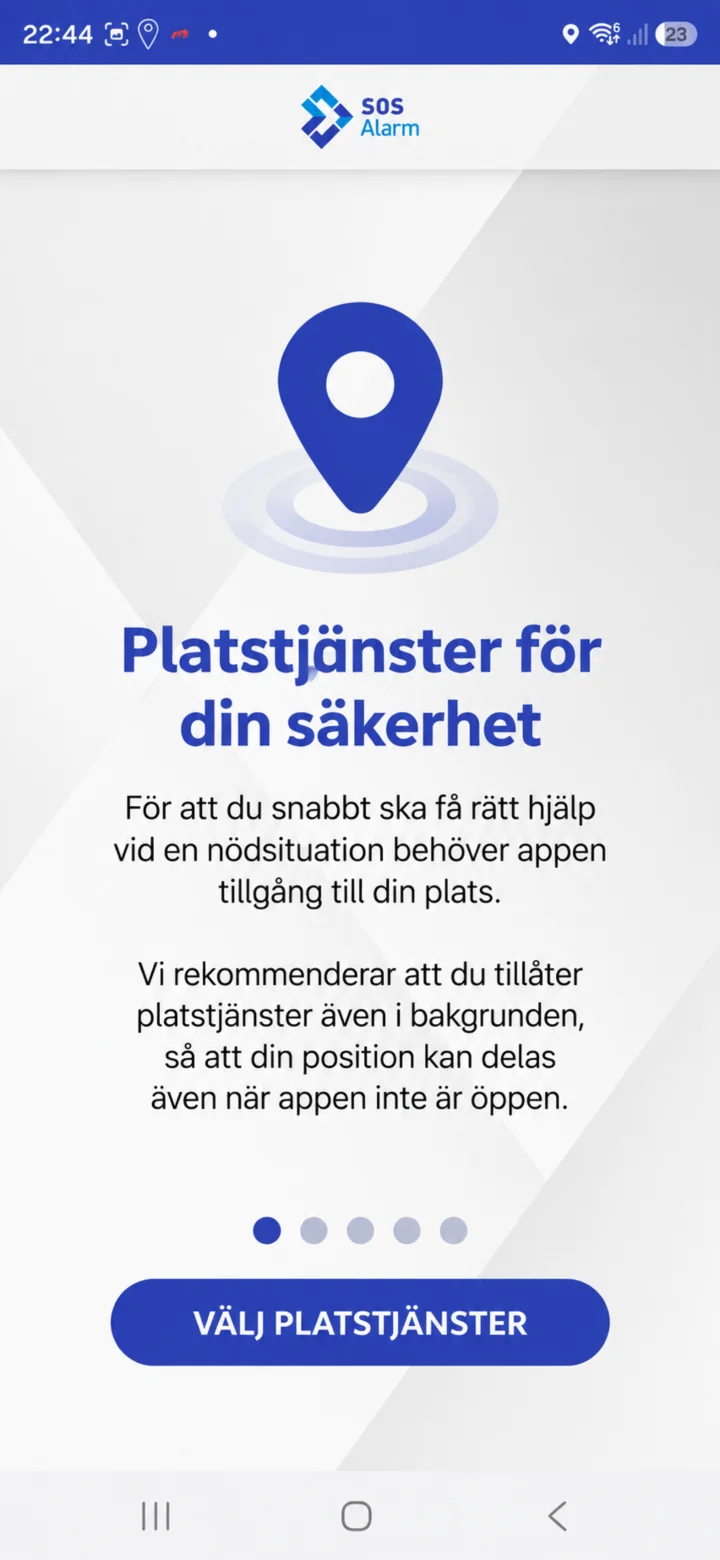
The app needs your location to inform you about important events and to send your position during a 112 call. Tap ”Välj platstjänster”.
 6Step 6 of 15 · Android
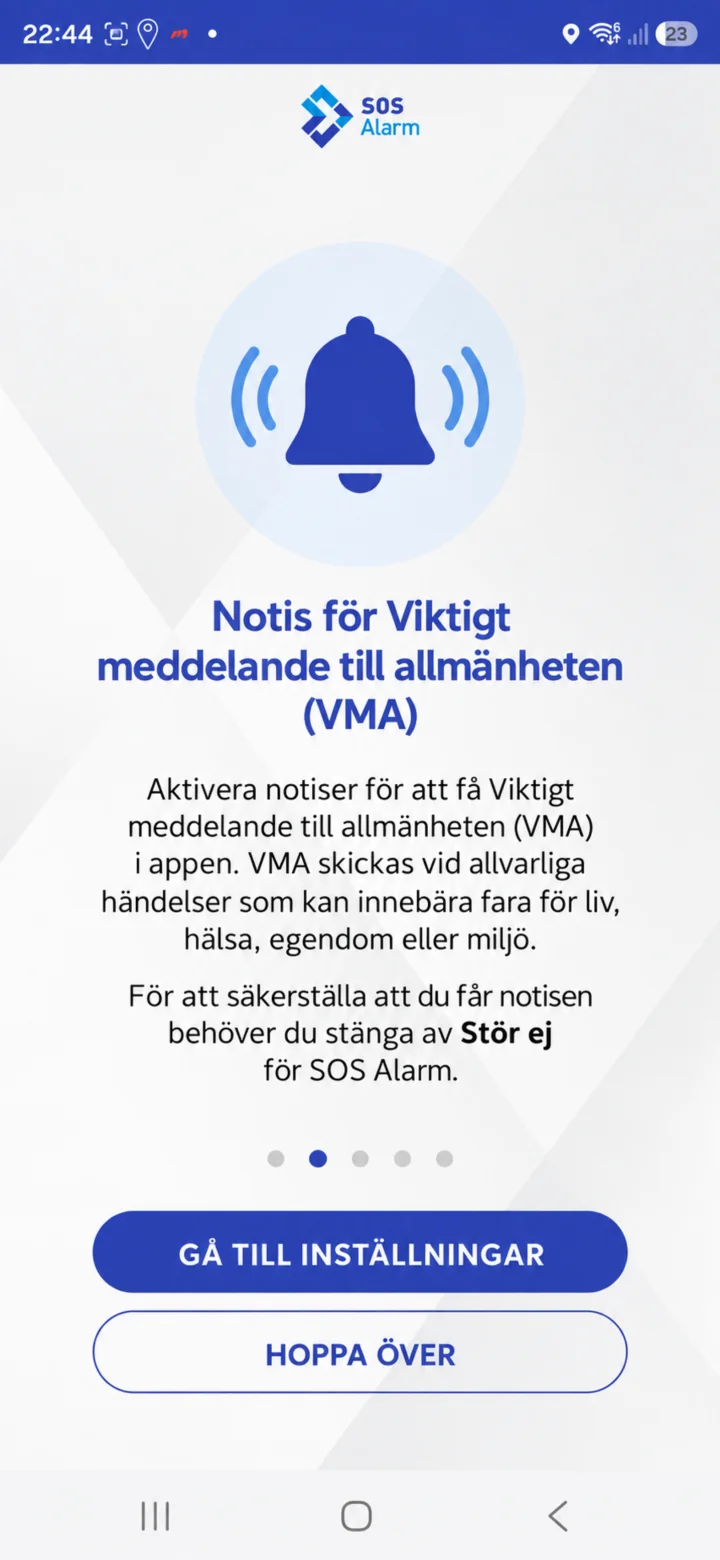
Here you set up notifications for Viktigt meddelande till allmänheten. Tap ”Gå till inställningar”, or ”Hoppa över” if you want to do it later.
 7Step 7 of 15 · Android
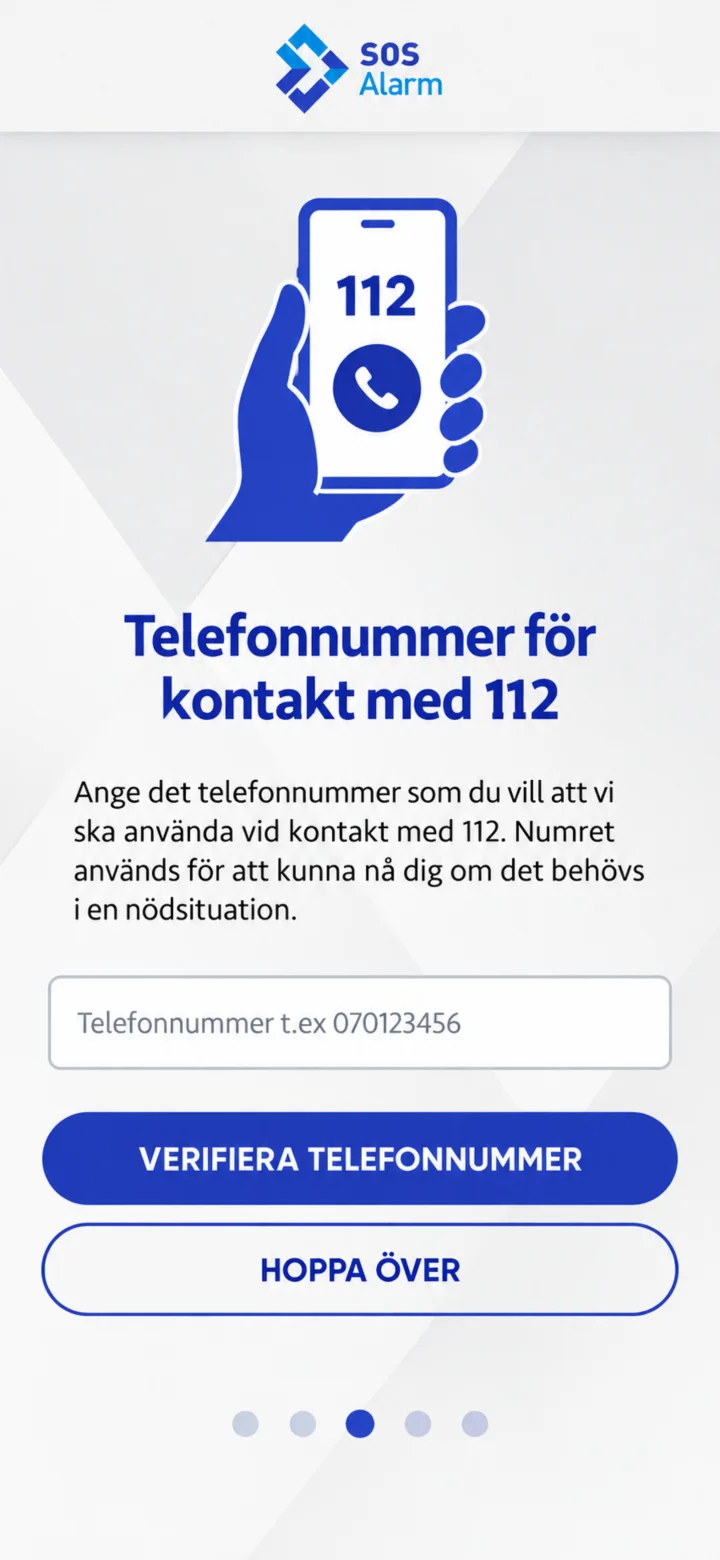
If you want to register a phone number, enter it and tap ”Verifiera telefonnummer”. You can also tap ”Hoppa över”. No real information is shown in the example.
 8Step 8 of 15 · Android
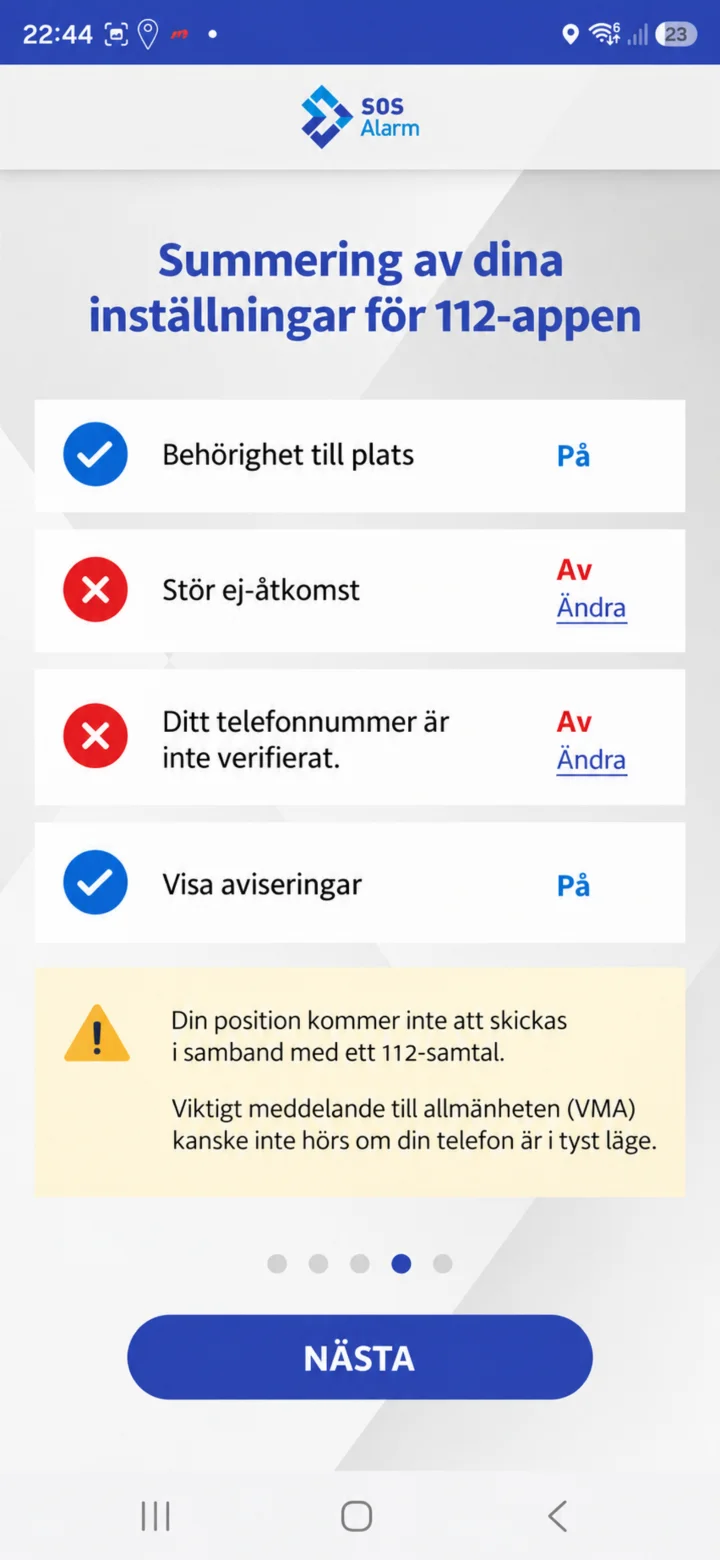
Check the summary. Here you can see if location, Stör ej-åtkomst, phone number, and notifications are activated. Then tap ”Nästa”.
 9Step 9 of 15 · Android
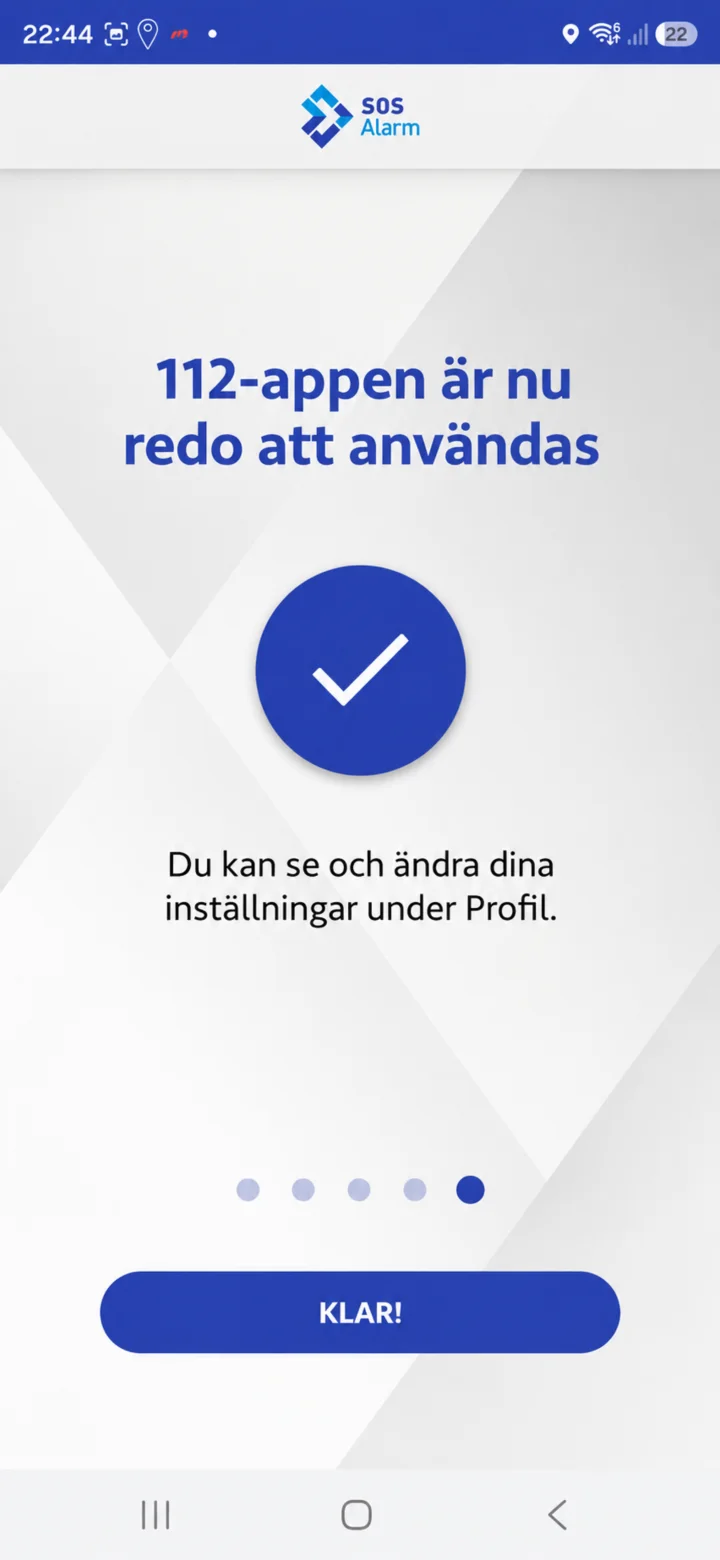
When the app is ready, it says that 112-appen is ready to use. Tap ”Klar”.
 10Step 10 of 15 · Android
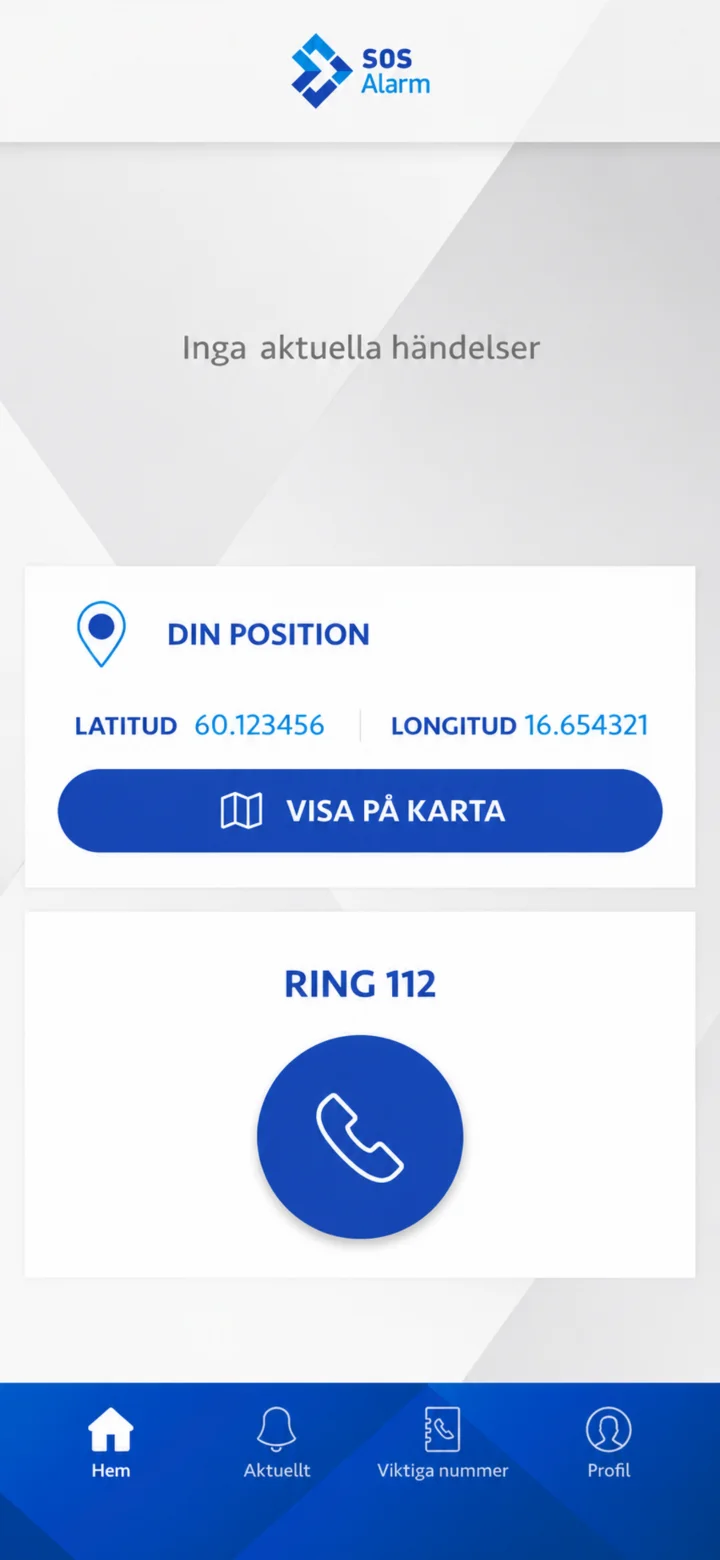
On the home screen, you'll see current events, your position, and the ”Ring 112” button. At the bottom, you'll find ”Hem”, ”Aktuellt”, ”Viktiga nummer”, and ”Profil”.
 11Step 11 of 15 · Android
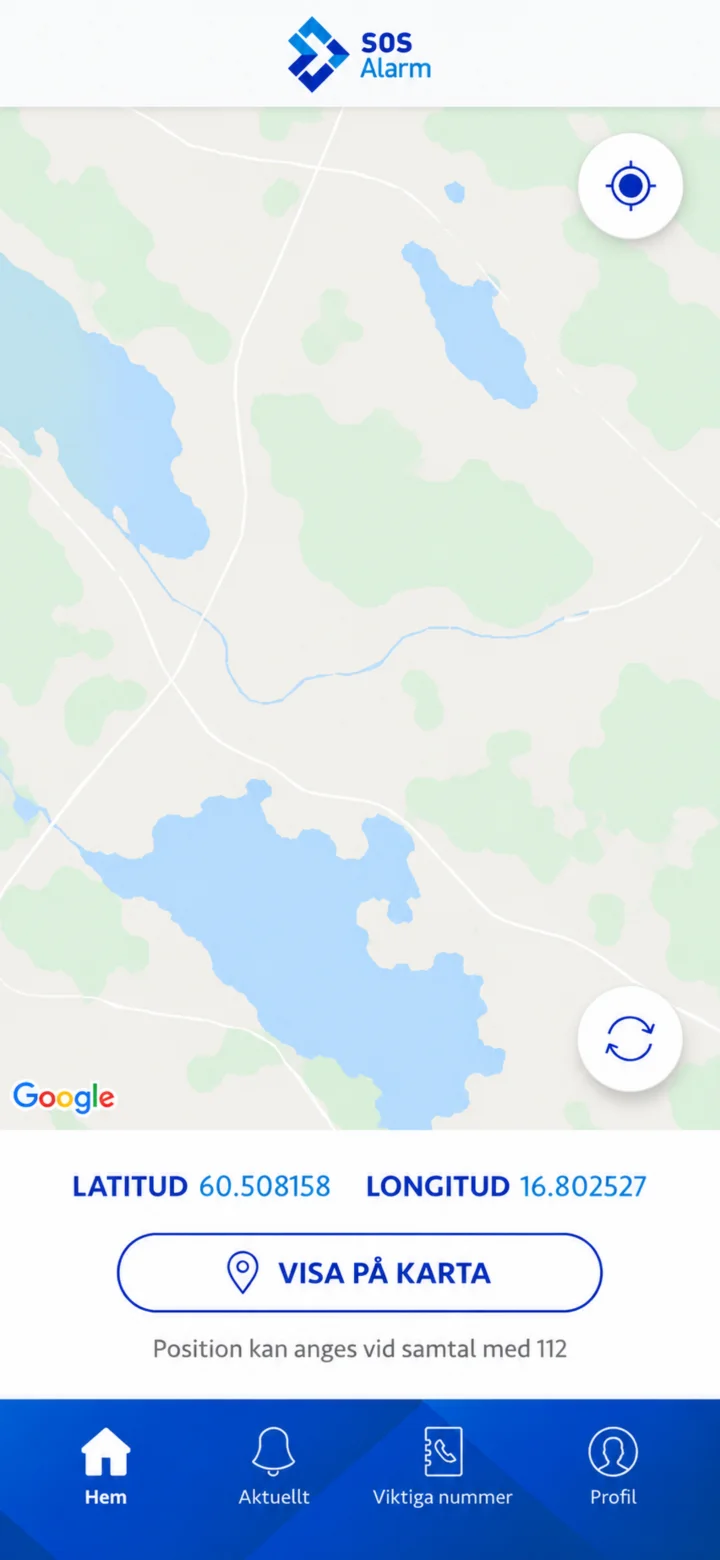
On the position page, you'll see latitude and longitude. Tap ”Visa på karta” if you want to see your location on the map.
 12Step 12 of 15 · Android
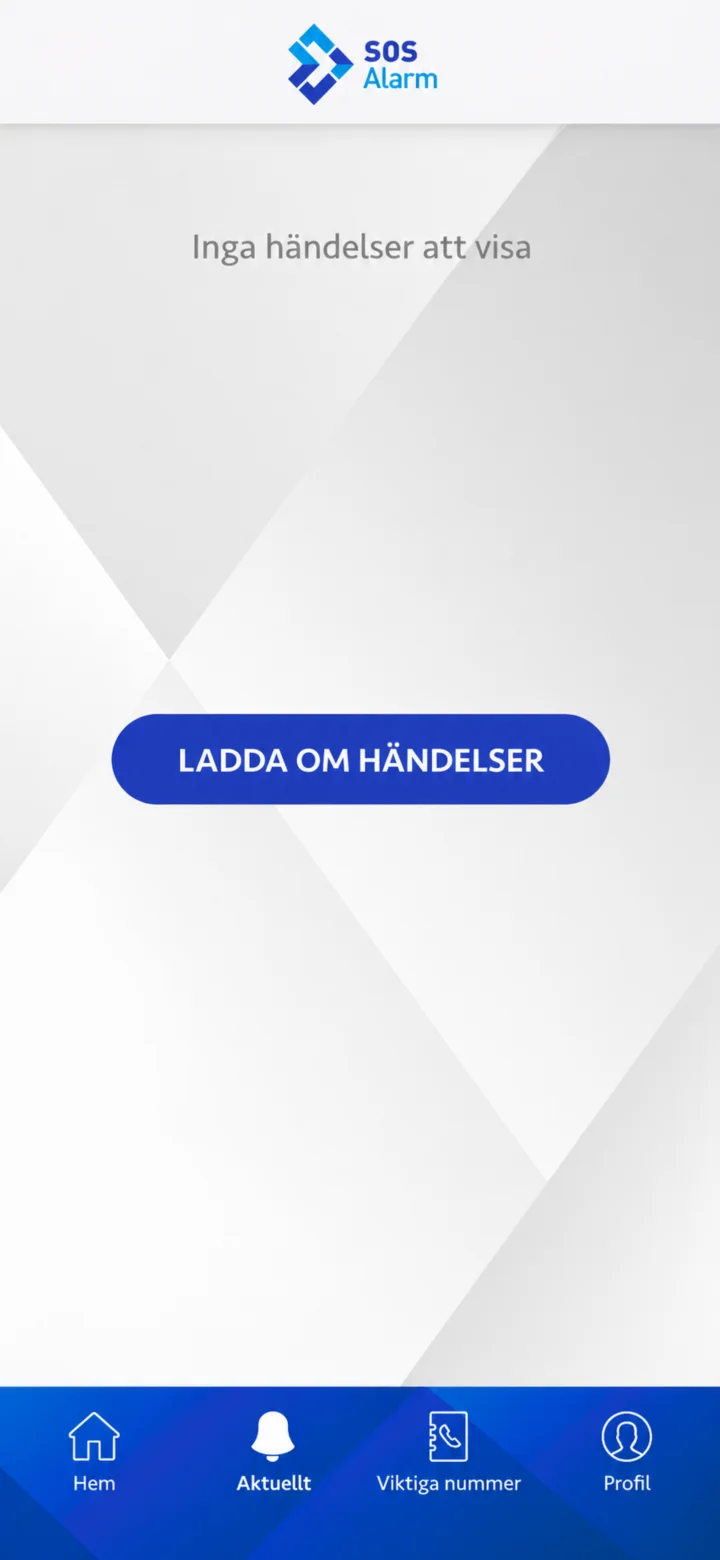
Under ”Aktuellt”, you'll see nearby events. If the list is empty, you can tap ”Ladda om händelser”.
 13Step 13 of 15 · Android
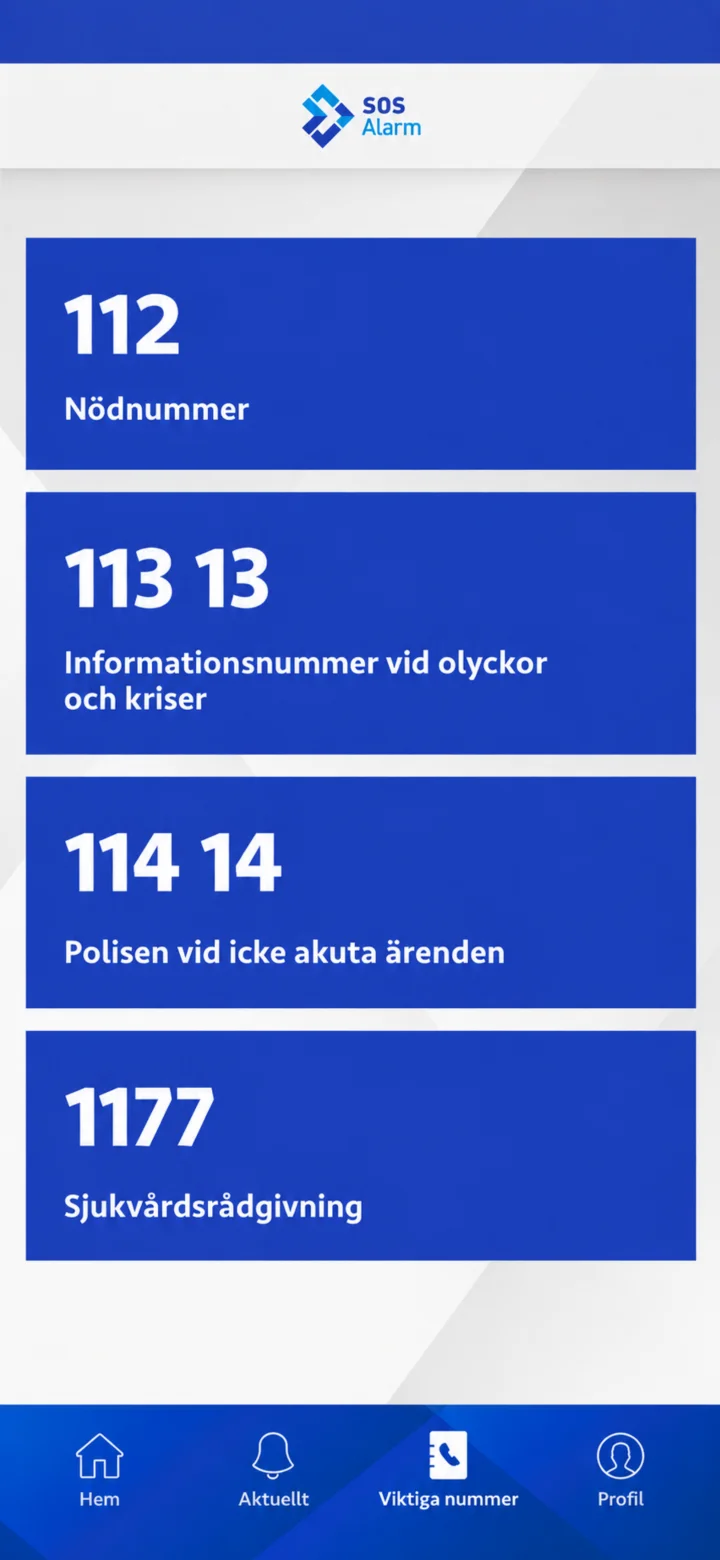
Under ”Viktiga nummer”, you'll find 112, 113 13, 114 14, and 1177. Tap ”Läs mer” next to the number you want to learn about.
 14Step 14 of 15 · Android
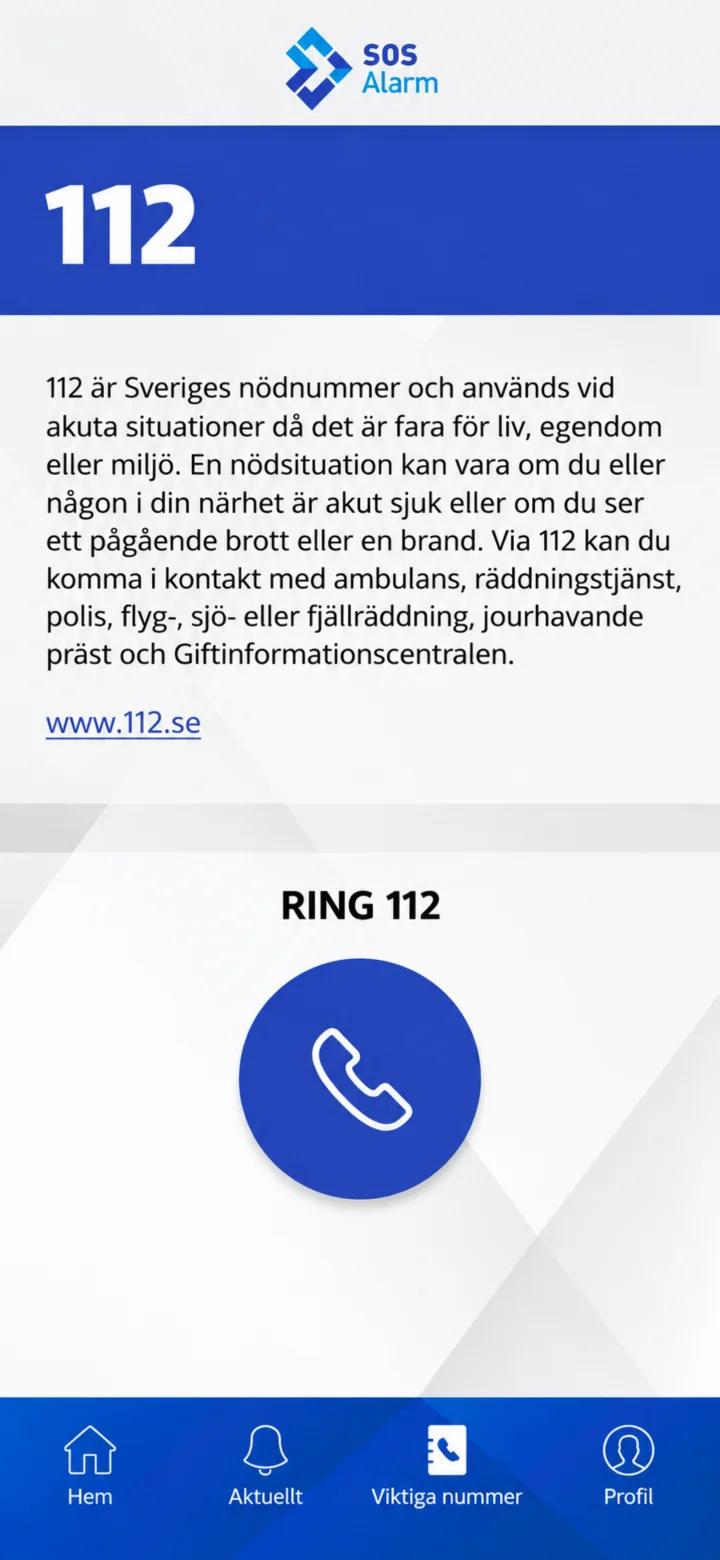
Here you can read when to use 112. Call 112 in case of immediate danger to life, property, or the environment. The image shows the information and not an ongoing call.
 15Step 15 of 15 · Android
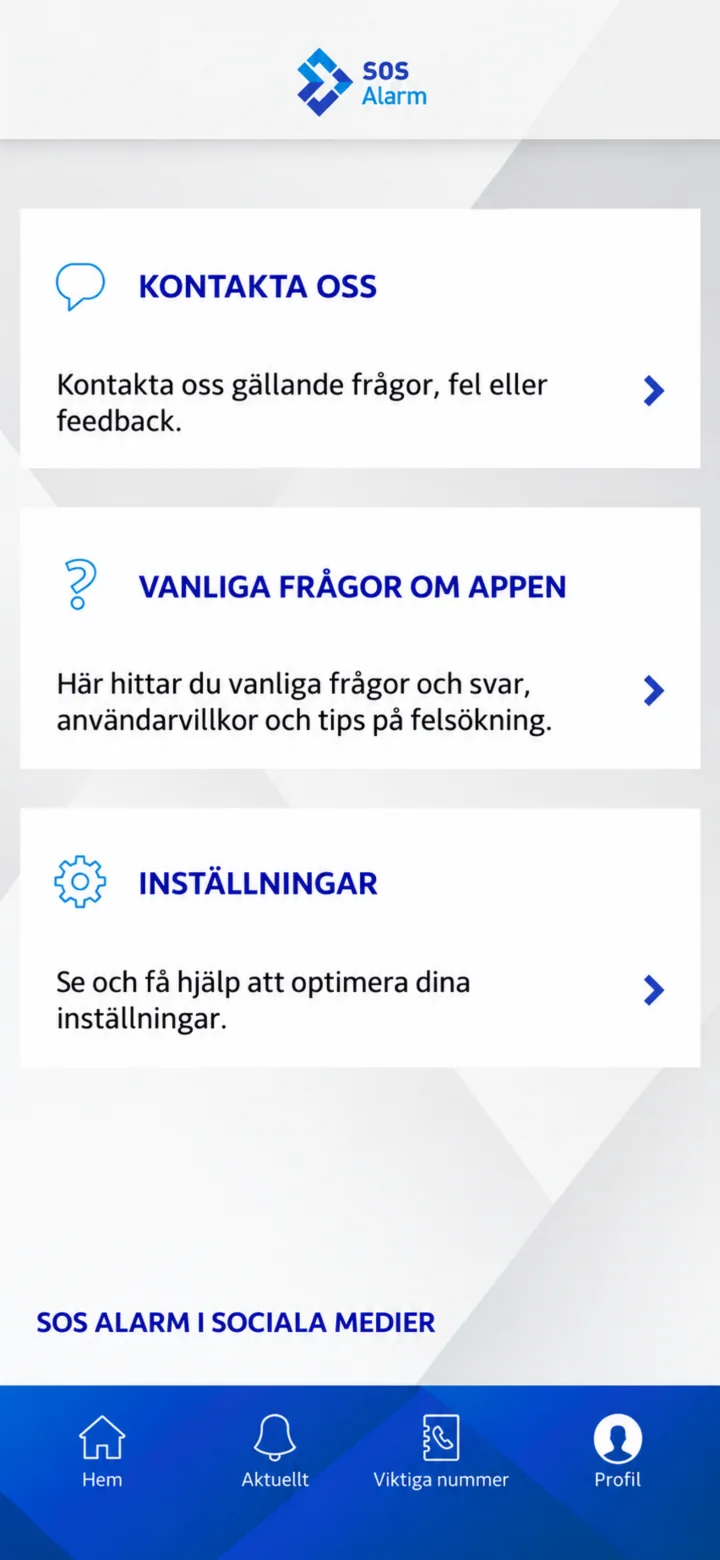
Under ”Profil”, you'll find ”Kontakta oss”, ”Vanliga frågor om appen”, and ”Inställningar”.