How to buy a train ticket in the SJ app
Print the guideTranslated automatically.
Which of these is on your phone?
Look at your phone’s screen and tap the one that looks the same. Then we only show the steps for your phone.
Can’t find either of them? An iPhone has an Apple symbol on the back. If the phone says Samsung, Google, Motorola or OnePlus, it is an Android.
Show all steps as text
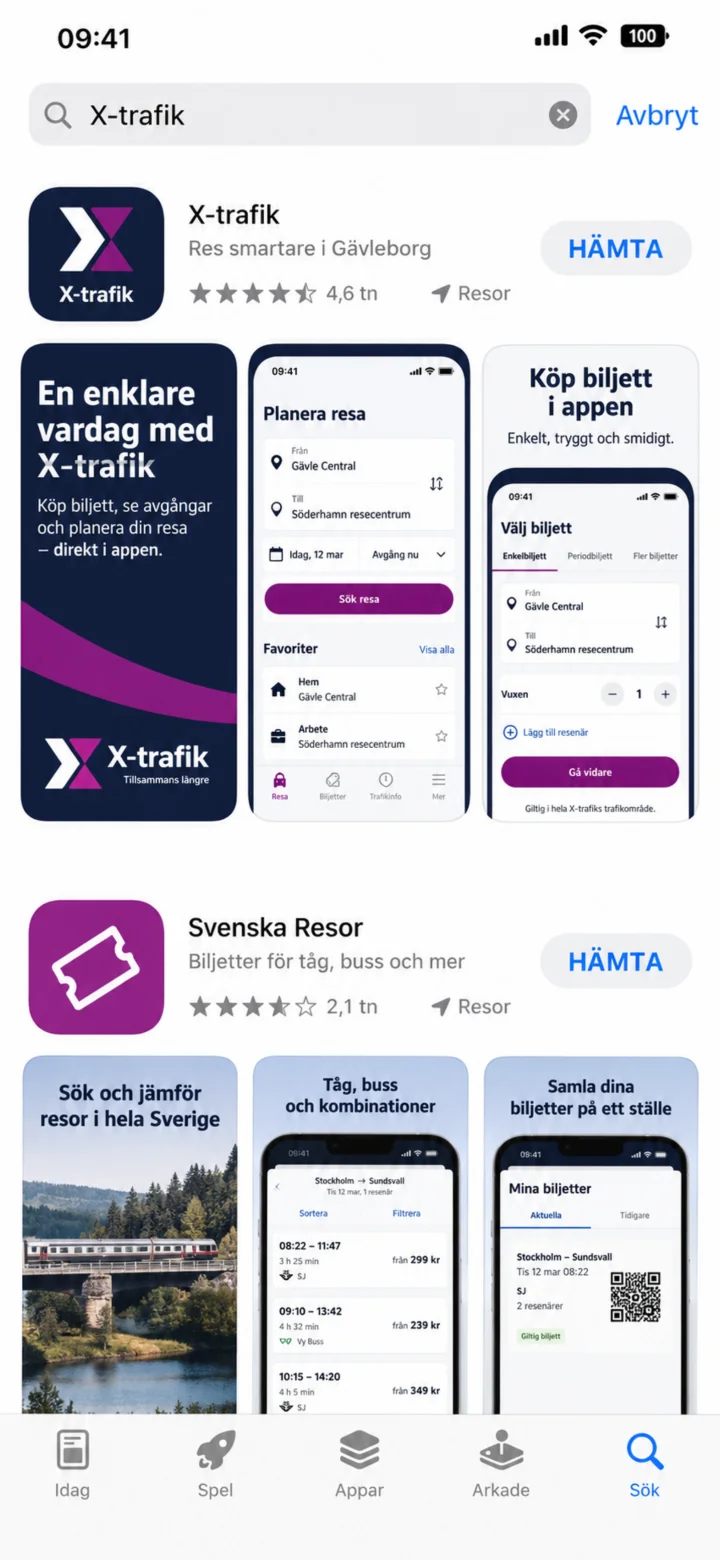
- iPhone: Open the App Store and search for SJ.
- iPhone: Check that the app is called SJ – Biljetter och trafikinfo (Tickets and traffic info) and that it's from SJ AB. Then, tap ”Hämta” (Get).
- iPhone: Once the app is installed, tap ”Öppna” (Open).
- Android: Open Google Play and search for SJ. Choose the app SJ – Biljetter och trafikinfo from SJ AB.
- Android: Check the app's name and tap ”Installera” (Install).
- Android: When the installation is complete, tap ”Öppna” (Open).
- When the SJ app opens, tap the search box under the text Vart vill du resa? (Where do you want to travel?)
- Type Gävle Central as the starting point and Stockholm Central as the destination. Check the date, time, and number of travelers. Then, tap ”Sök resa” (Search trip).
- Look at the list of departures and choose the time that suits you. In the example, we're choosing the train at 10:12. Tap ”Fortsätt” (Continue).
- Choose your ticket type. In the example, we're choosing 2 klass. Check the conditions and tap ”Fortsätt” (Continue).
- Check the date, route, times, number of travelers, class, and price. You can also choose your seat or pre-order food. Then, tap ”Gå till kassan” (Go to checkout).
- Choose how you want to pay. In the example, Betalkort (Debit/Credit card) is selected. Check the amount and tap ”Betala” (Pay).
- Check that the recipient is SJ AB and that the amount is correct. Tap ”Godkänn betalning” (Approve payment).
- Once the purchase is complete, your ticket will be in the app under Biljetter (Tickets). This image shows an example ticket that is not valid.