Mobile and tablet
Print every guide in this topicHere you'll get help with your mobile or tablet, for example, adding an emergency contact, taking a picture, connecting to Wi-Fi, and making the text larger. You'll also learn how to watch movies on YouTube and create a photo album. The guides go step by step.
Step-by-step guides
 Add an emergency contact16 steps
 Add and call a favorite contact13 steps
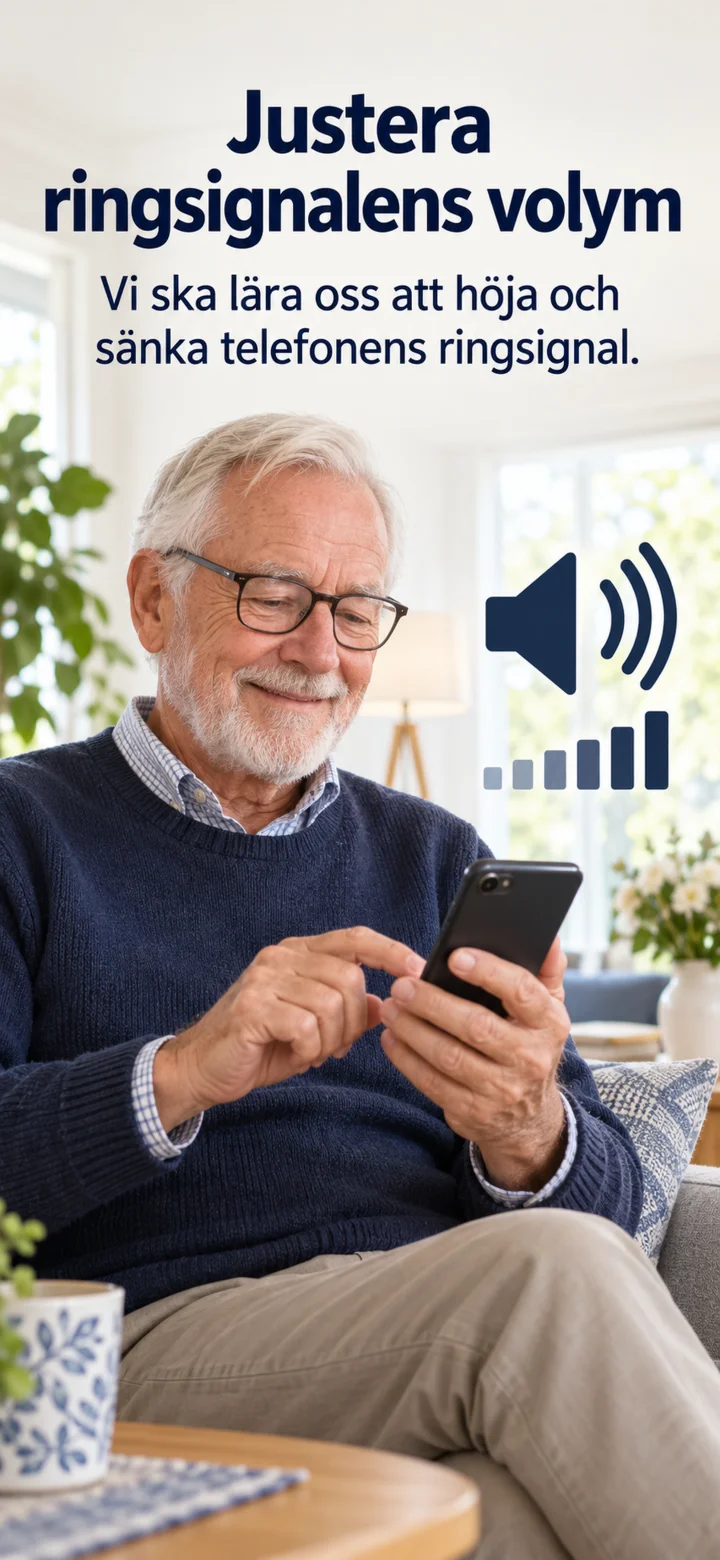 Adjust the ringtone volume11 steps
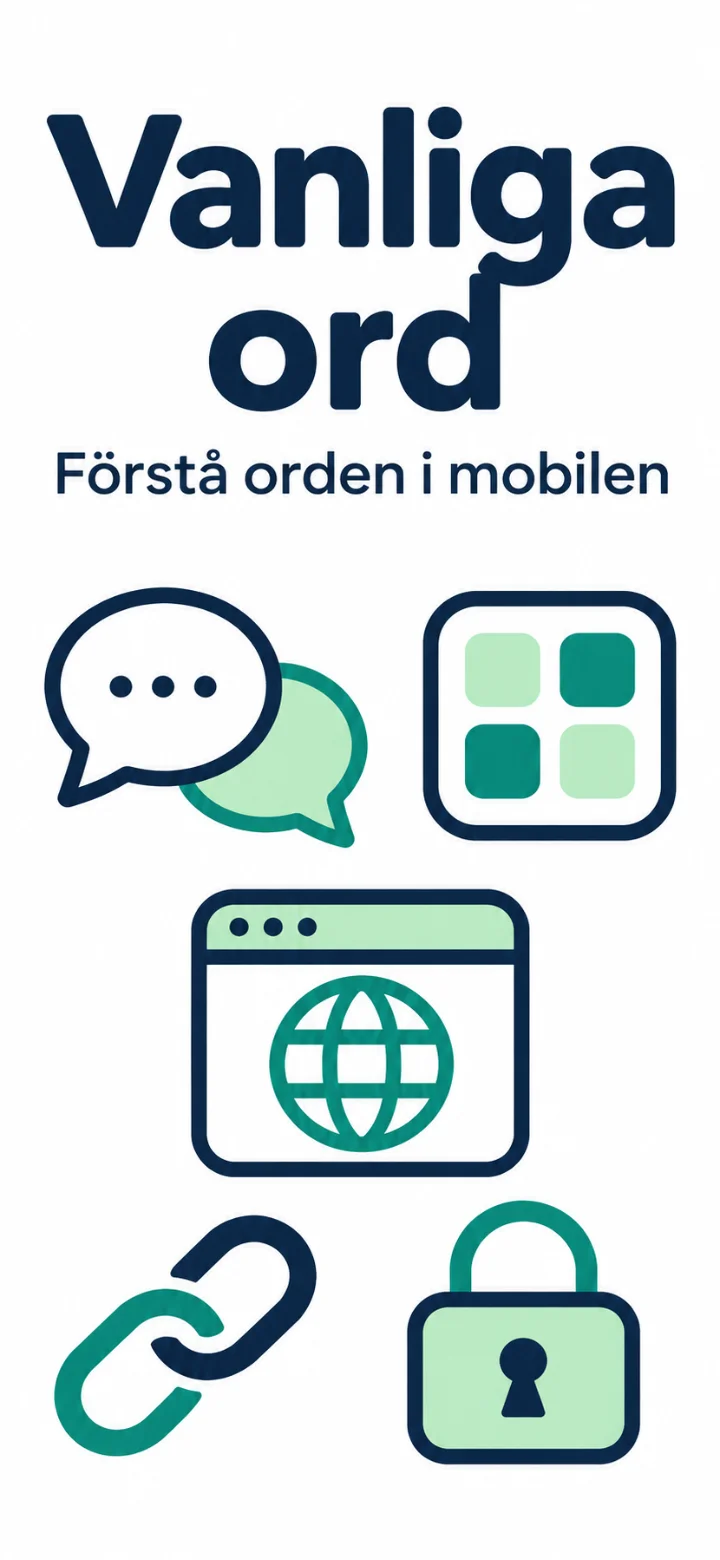 NewCommon terms12 steps
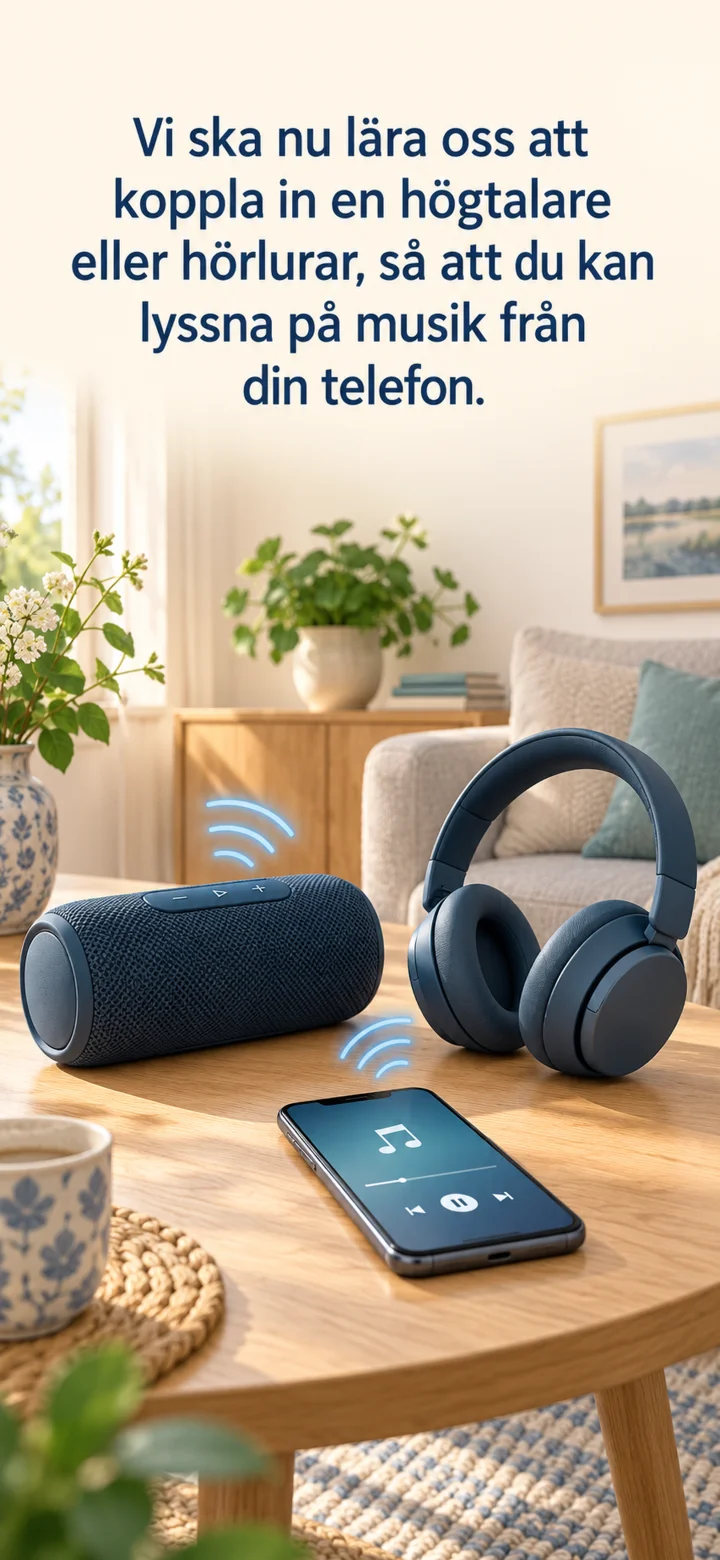 Connect a Bluetooth speaker or headphones12 steps
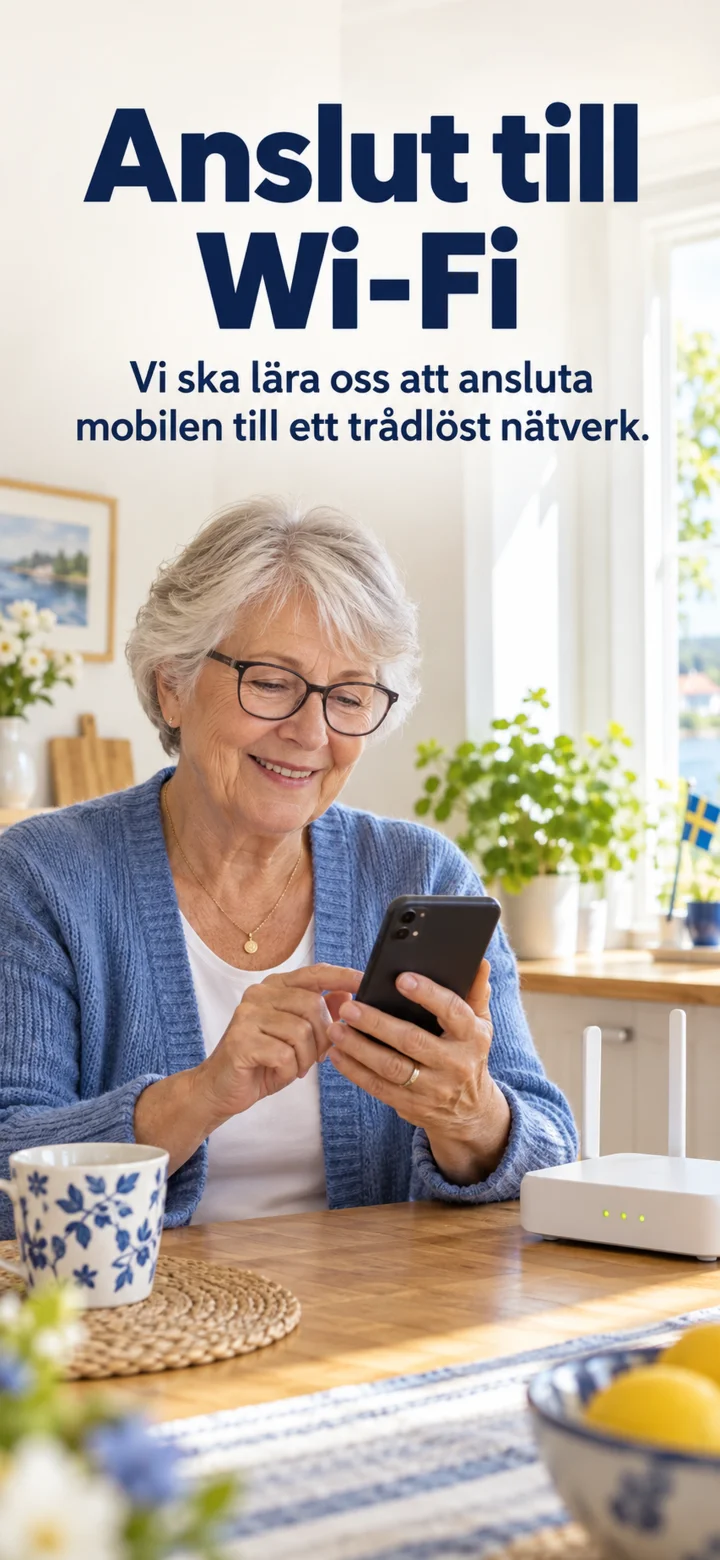 Connect to Wi‑Fi13 steps
 Create a photo album9 steps
 Have text on the screen read aloud13 steps
 NewHow to change the screen brightness8 steps
 NewHow to change the sound for movies and music6 steps
 NewHow to download and install an app12 steps
 How to find pictures on your mobile7 steps
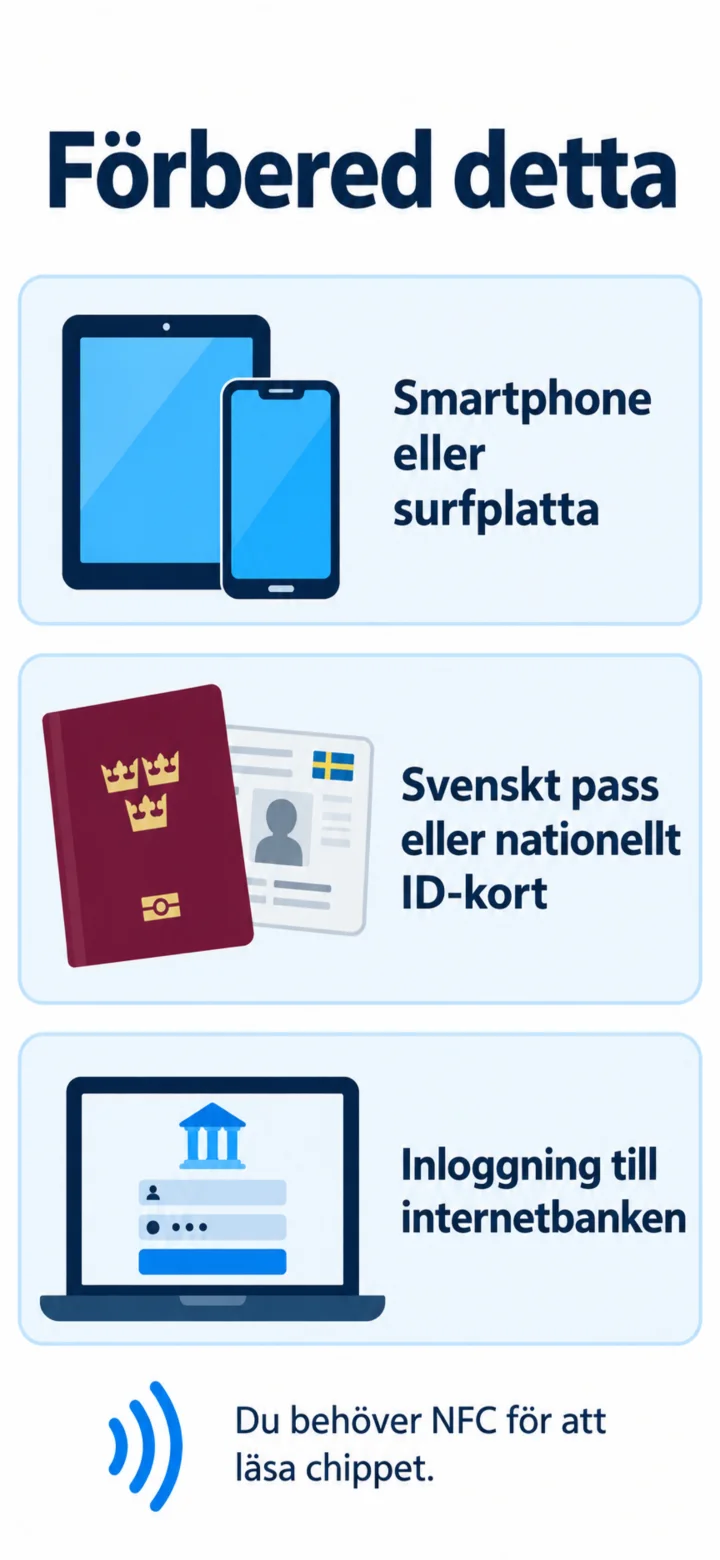 How to get Mobilt BankID14 steps
 How to install your new iPhone11 steps
 NewHow to save a new contact on Samsung7 steps
 NewHow to send an SMS on your Samsung6 steps
 NewHow to use Google Maps14 steps
 NewLearn common symbols12 steps
 Make the text larger on your phone10 steps
 Record a video9 steps
 Scan a QR code7 steps
 Share a picture via SMS9 steps
 Share internet from your mobile12 steps
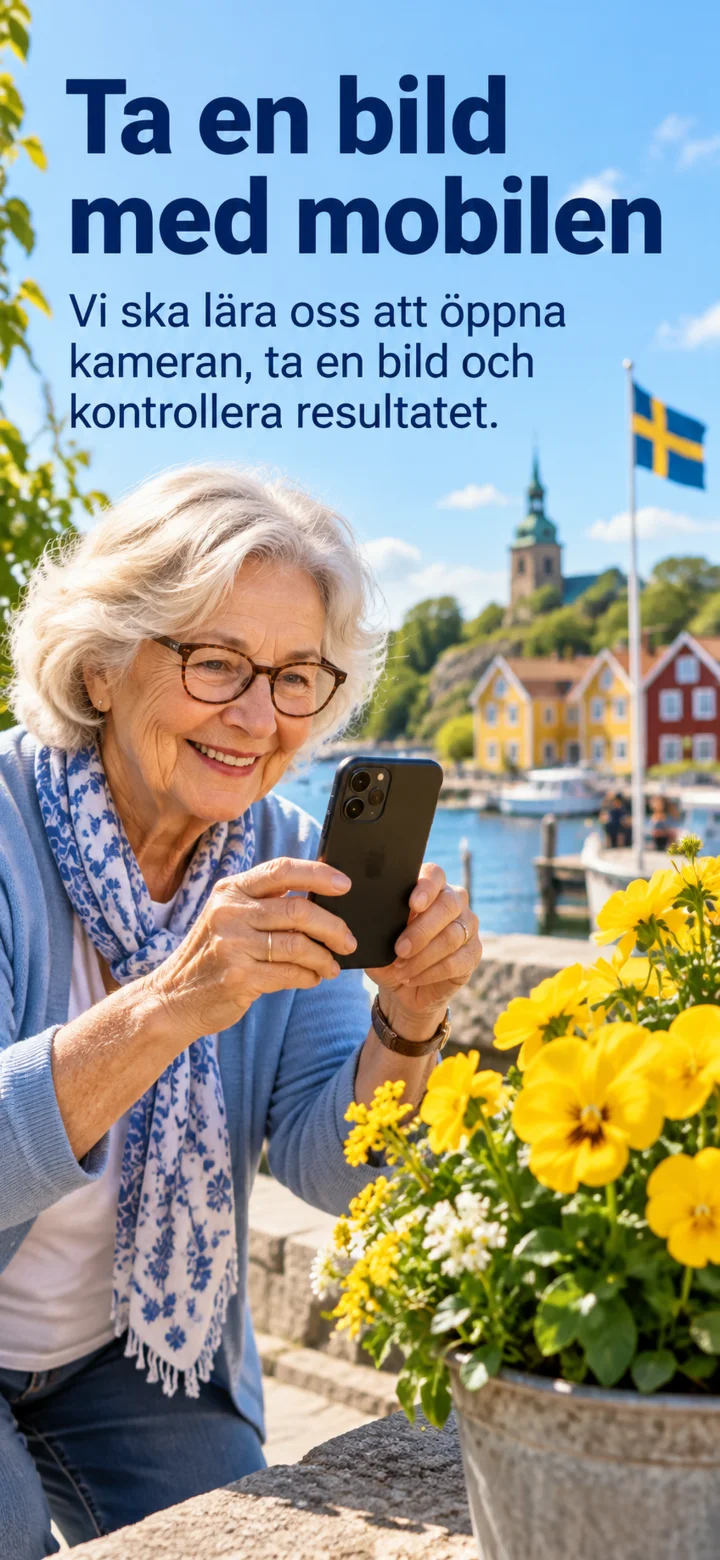 Take a picture with your mobile phone7 steps
 Watch a movie on YouTube8 steps