Print the guide and keep it next to your phone while you do the steps.
Tip: untick “Headers and footers” in the print dialog to leave out the web address.
How to use Swish to send money
Pay and Swish
All phones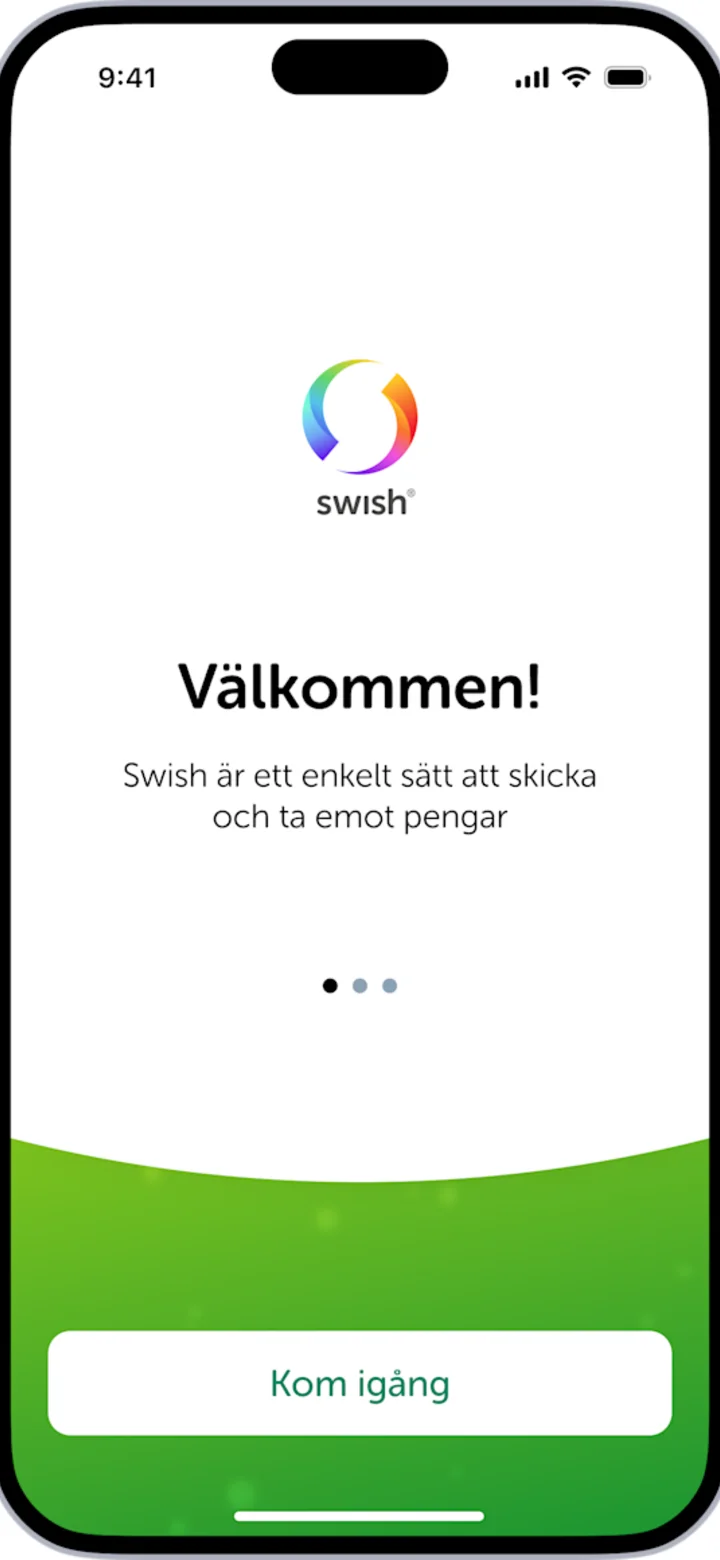 1Step 1 of 7
Hi! Here I'll show you how to send money with Swish. You can pause whenever you like and play again. Let's go! First, we need to get the app, press the blue button that says HÄMTA (GET).
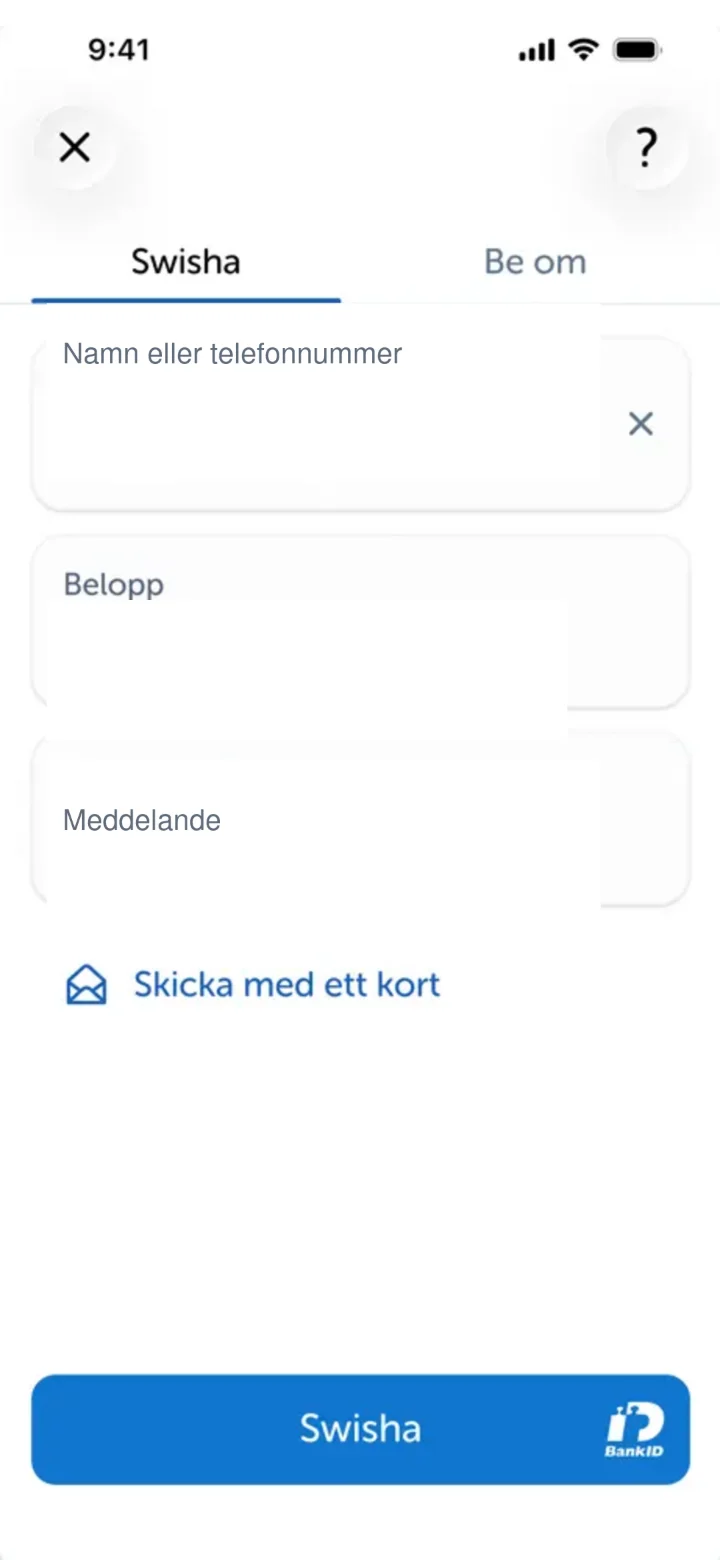 2Step 2 of 7
Now you're in the Swish app. Here you'll fill in who you want to send money to. Tap in the field that says "Namn eller telefonnummer" (Name or phone number).
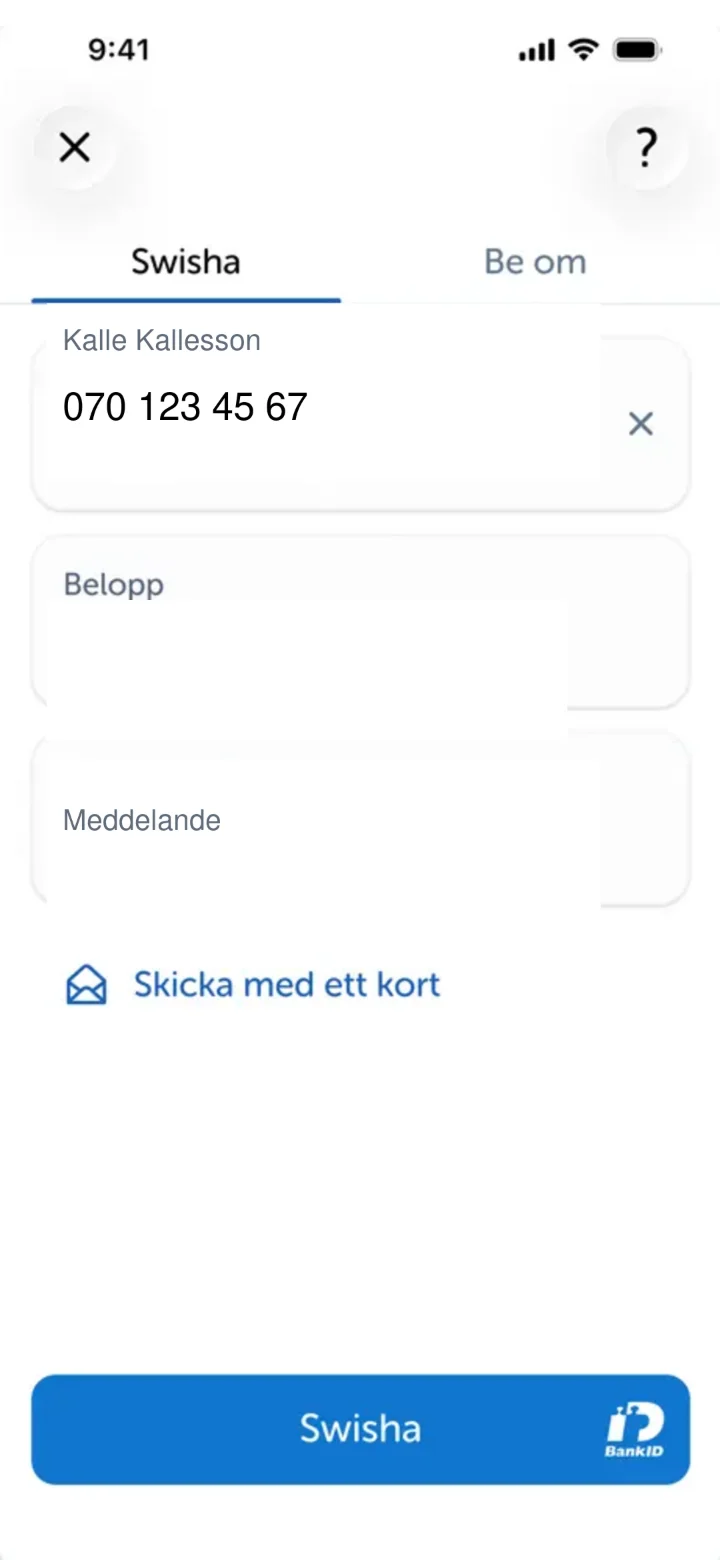 3Step 3 of 7
Now we've filled in the name and phone number of the person you want to send money to. Next, we'll fill in how much money you want to send. Tap in the field that says "Belopp" (Amount).
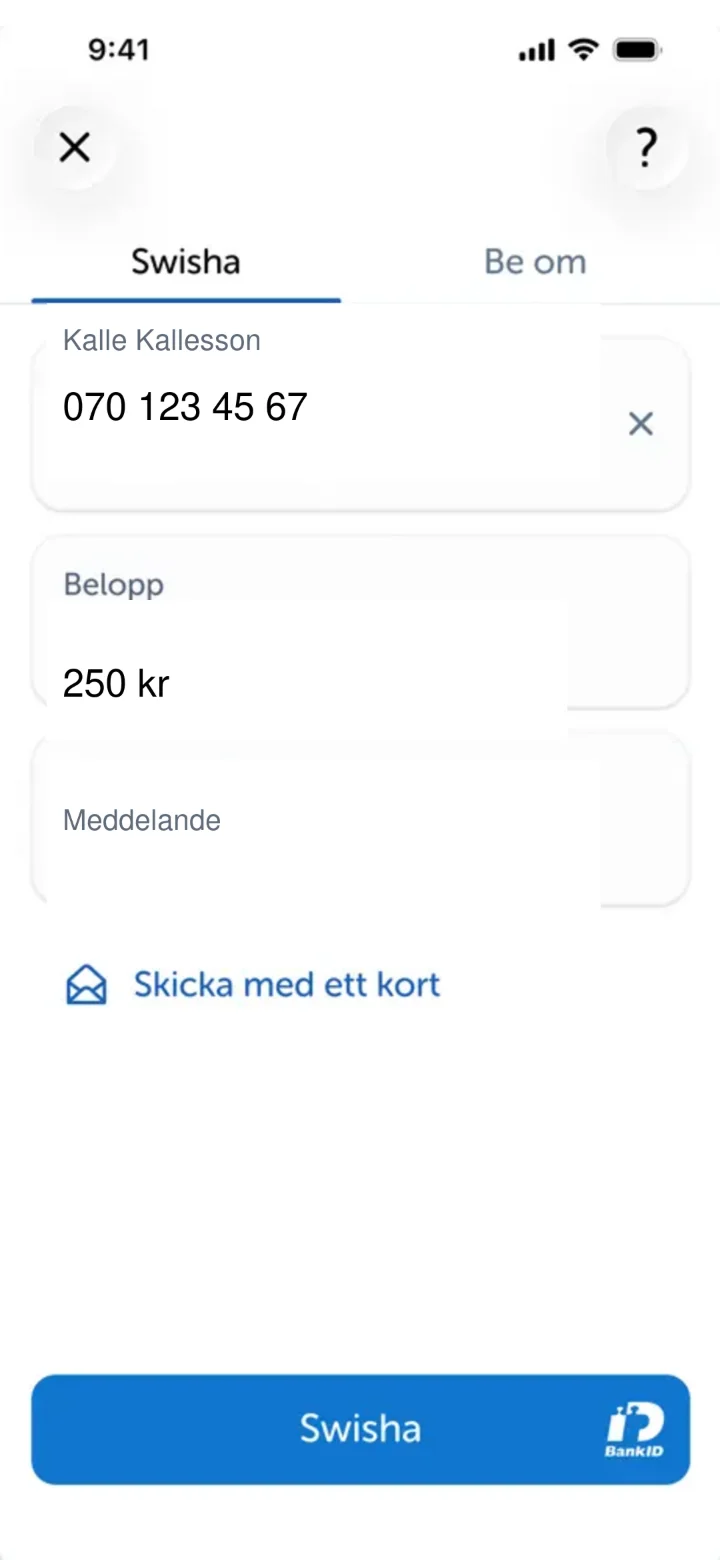 4Step 4 of 7
Now we've filled in the amount. You can now write a message if you like, for example, what the money is for. Tap in the field that says "Meddelande" (Message).
 5Step 5 of 7
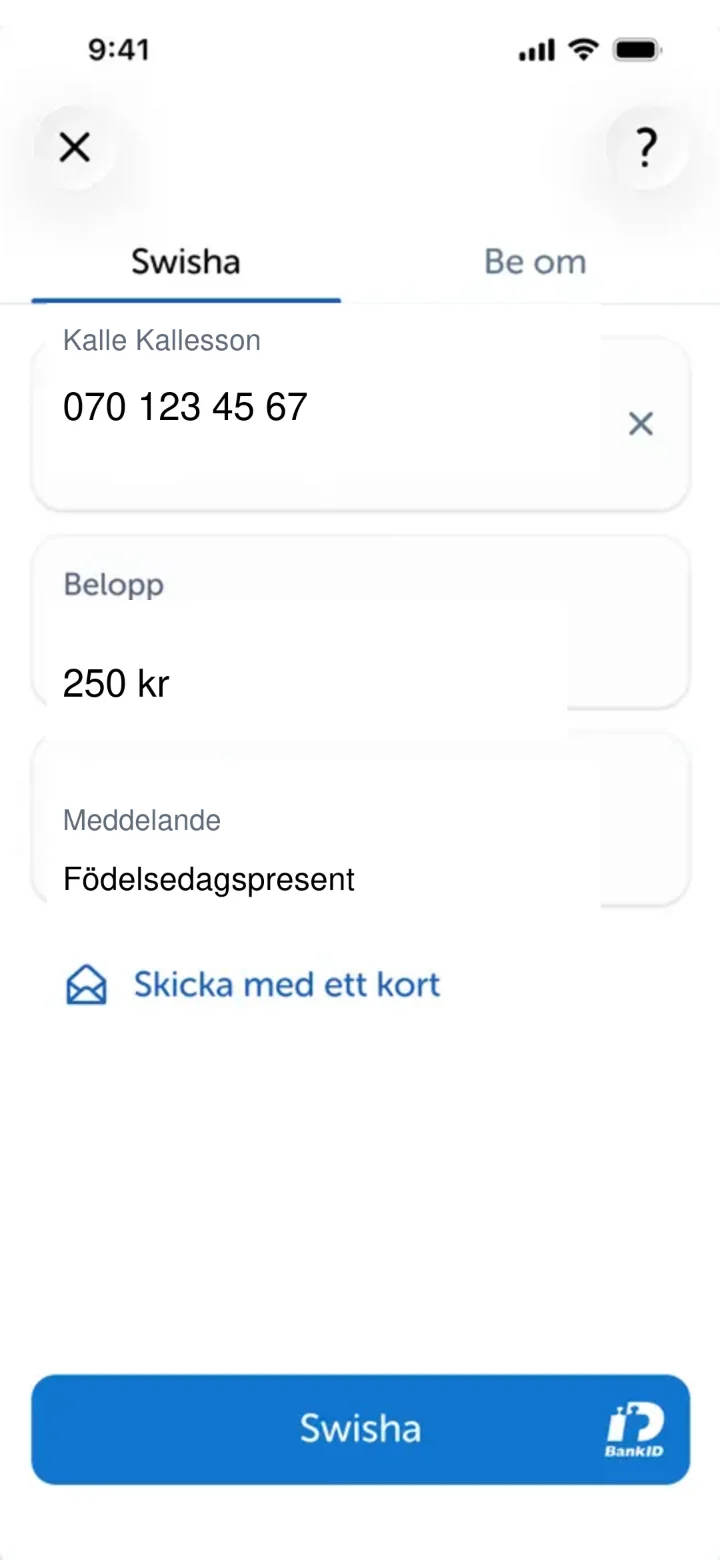
Now we've filled in all the details. Double-check that everything is correct. When you're happy, press the blue button at the bottom that says "Swisha" (Swish it).
 6Step 6 of 7
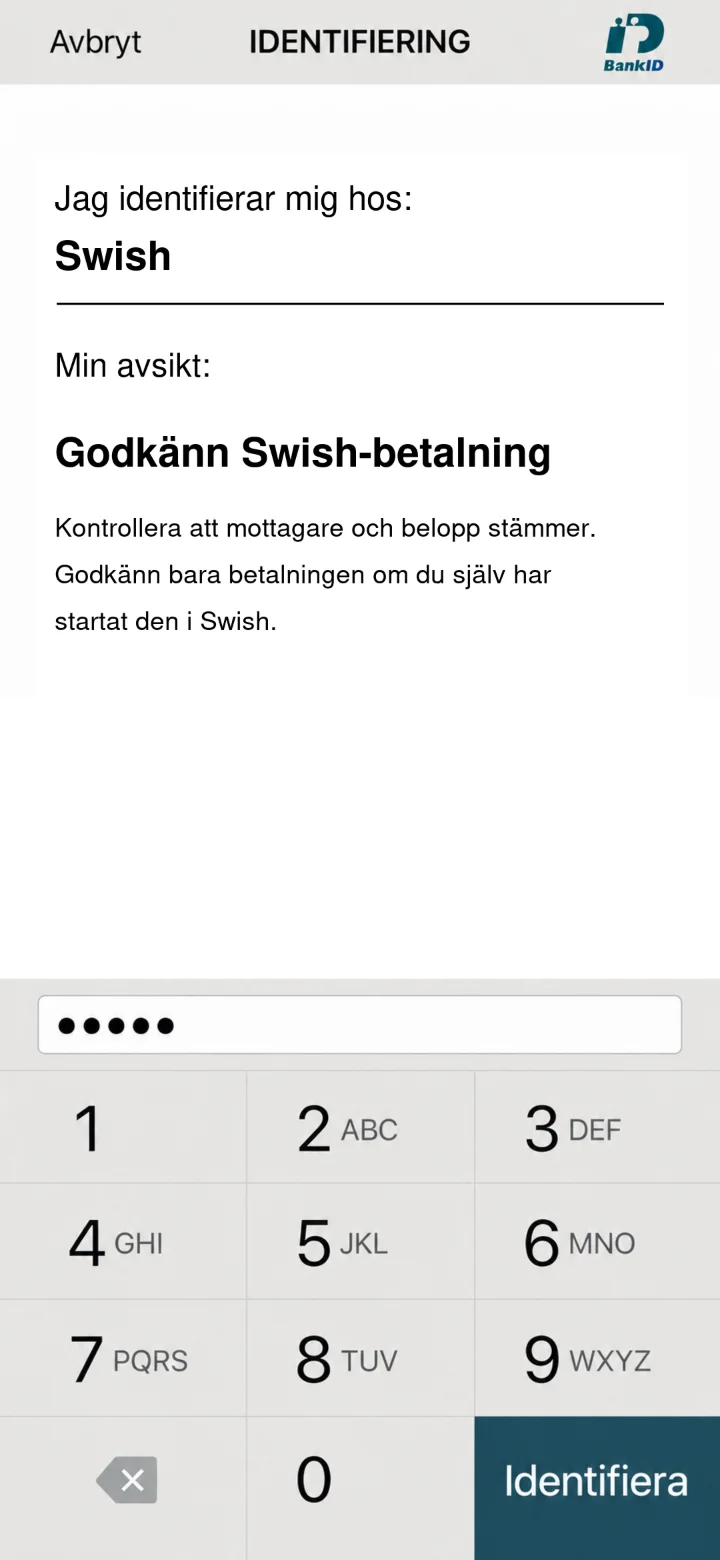
Now BankID will appear for you to approve the payment. Enter your six-digit code in the dotted field. Then press the green button "Identifiera" (Identify).
 7Step 7 of 7
Klart! Nu är din betalning skickad. Du ser en bekräftelse på skärmen att pengarna har gått iväg.