Print the guide and keep it next to your phone while you do the steps.
Tip: untick “Headers and footers” in the print dialog to leave out the web address.
How to recognize a fake email
Scam warnings
All phones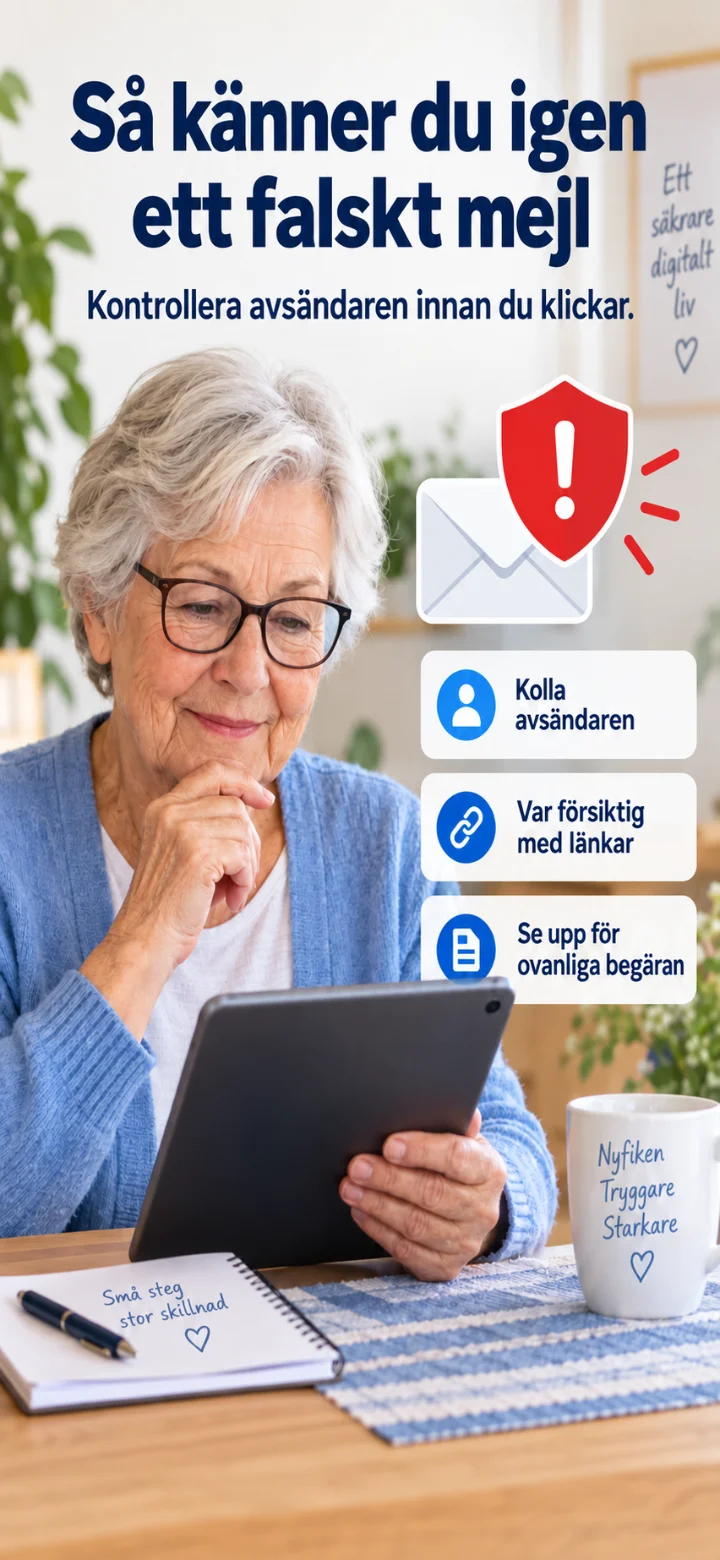 1Step 1 of 9
In this guide, you'll learn to recognize common warning signs in a fake email.
 2Step 2 of 9
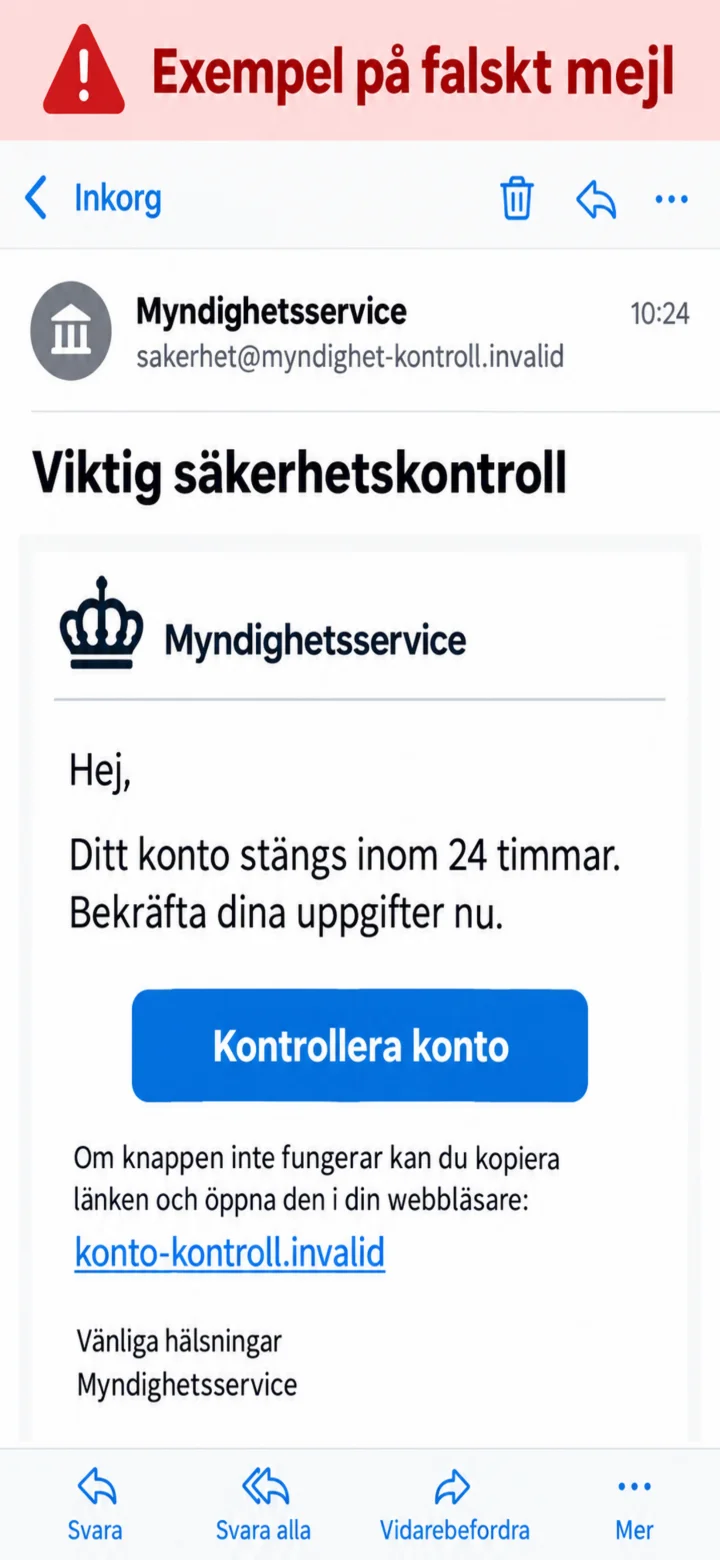
Här är ett exempel på ett falskt mejl. Det hotar att stänga ett konto och vill att du ska klicka på en knapp.
 3Step 3 of 9
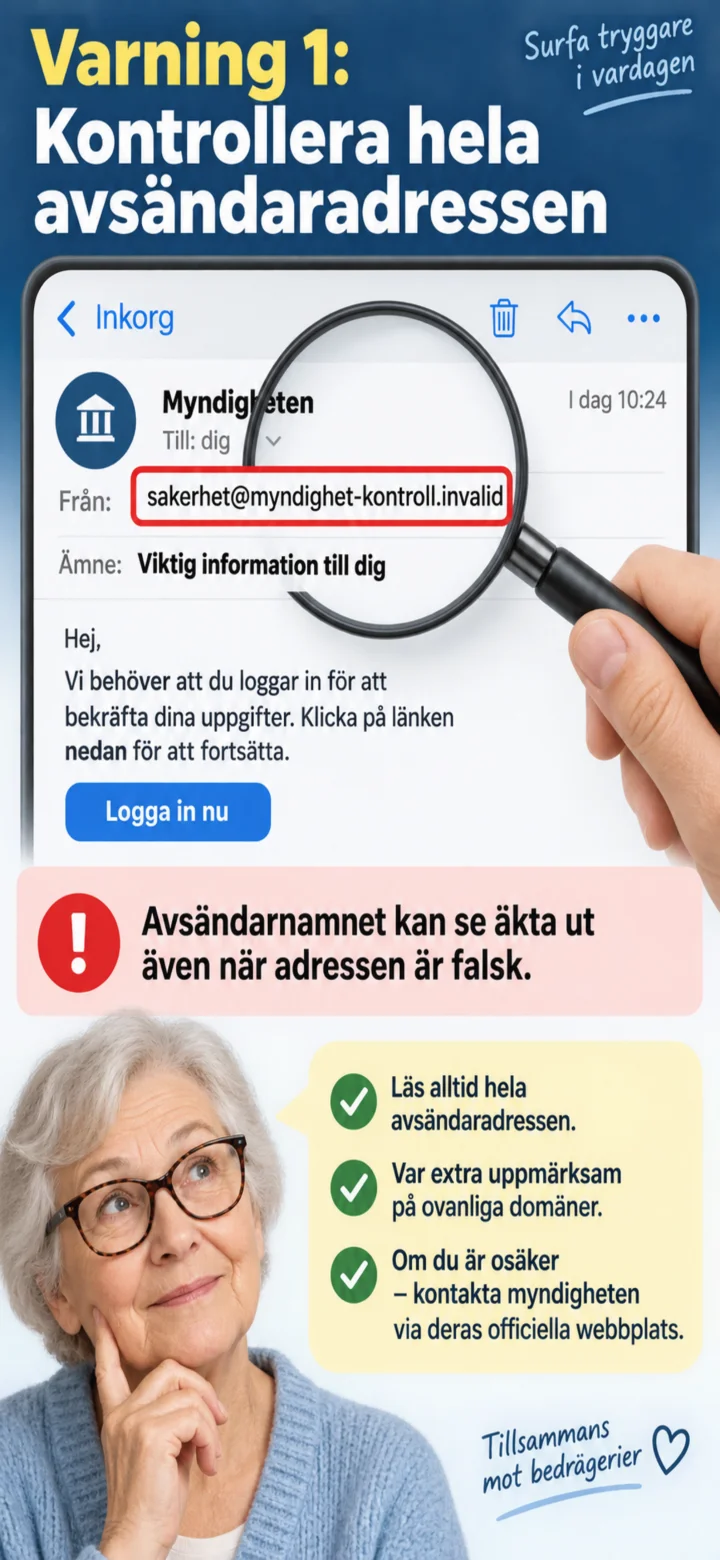
Always check the entire sender's address. The sender's name might look genuine even if the address is fake.
 4Step 4 of 9
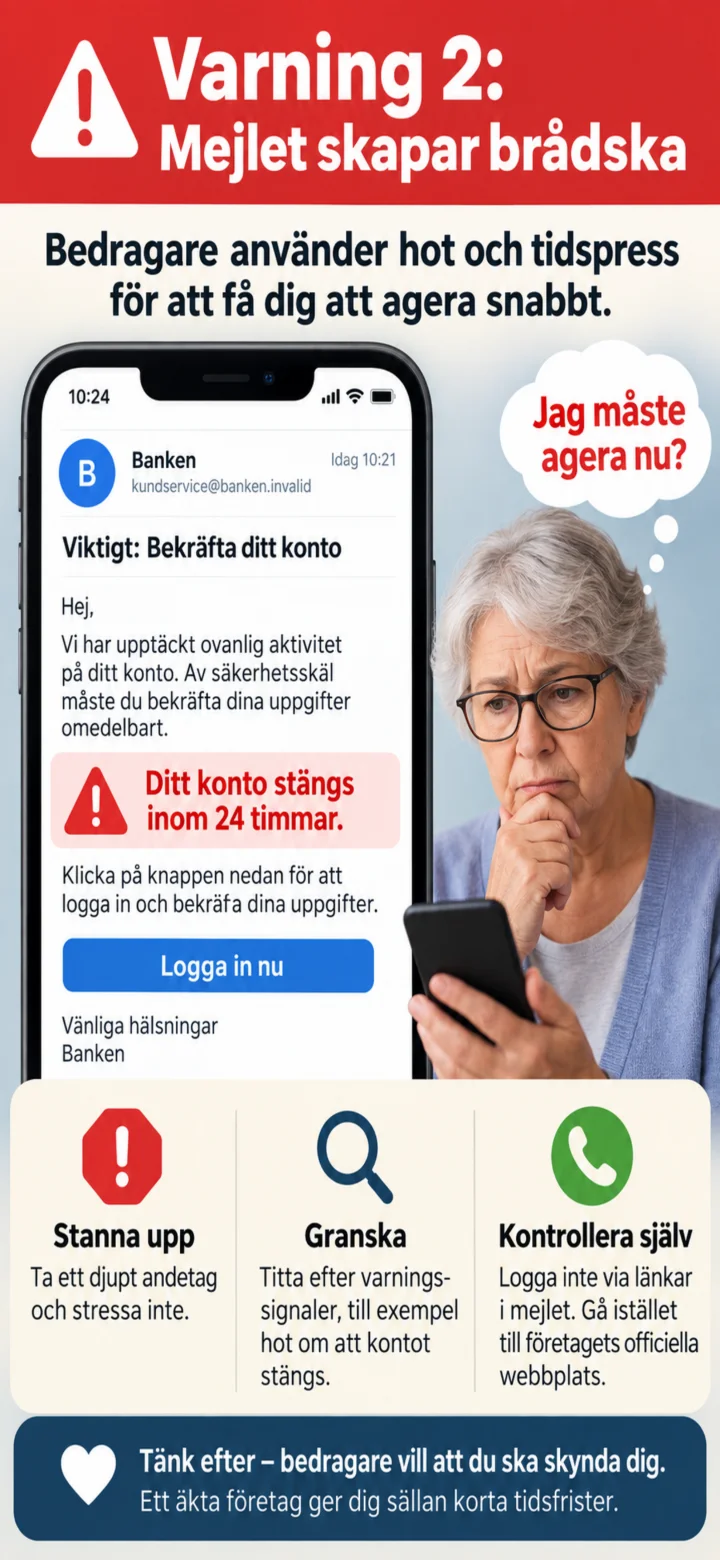
Be careful with threats and time pressure. Scammers want you to act without thinking it through.
 5Step 5 of 9
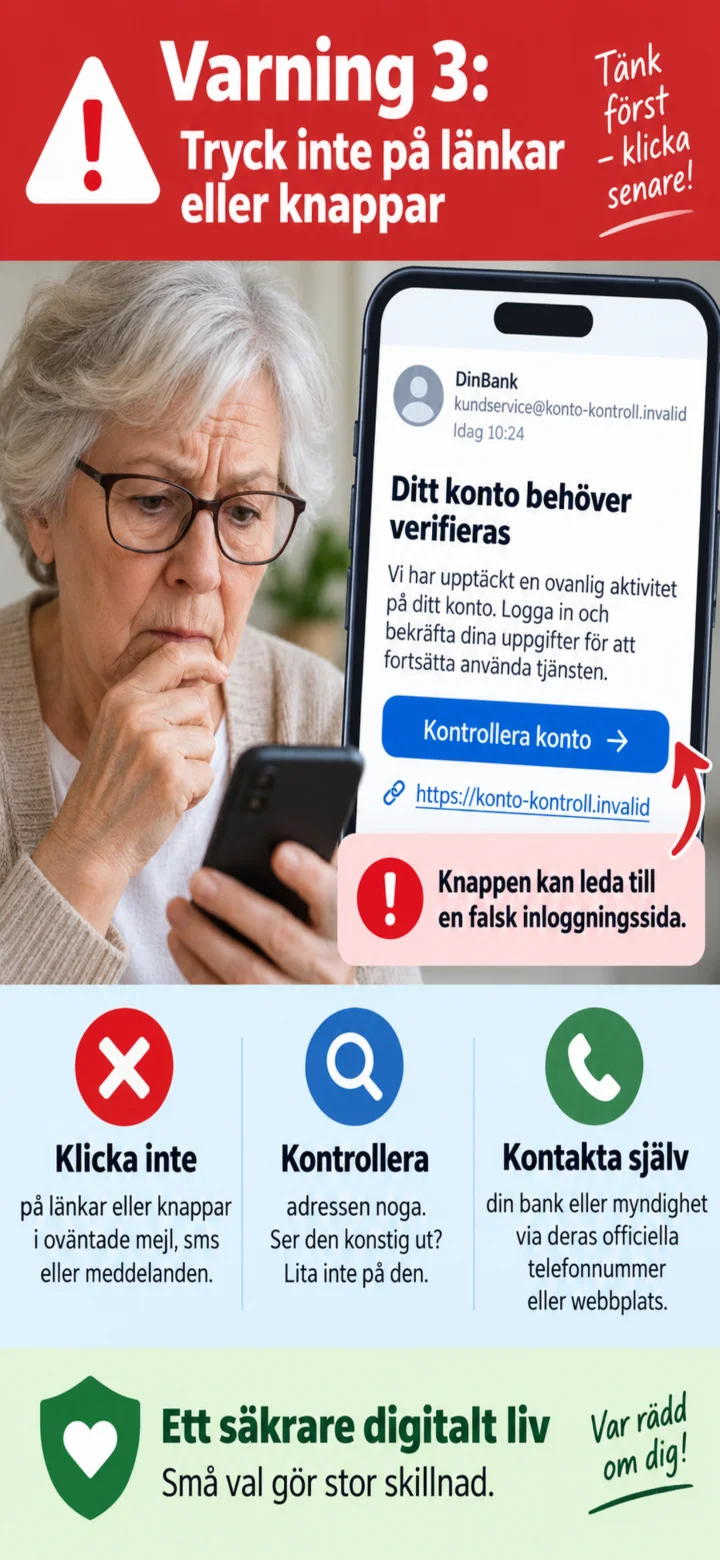
Don't click on any links or buttons in an unexpected email. They can lead to a fake login page.
 6Step 6 of 9
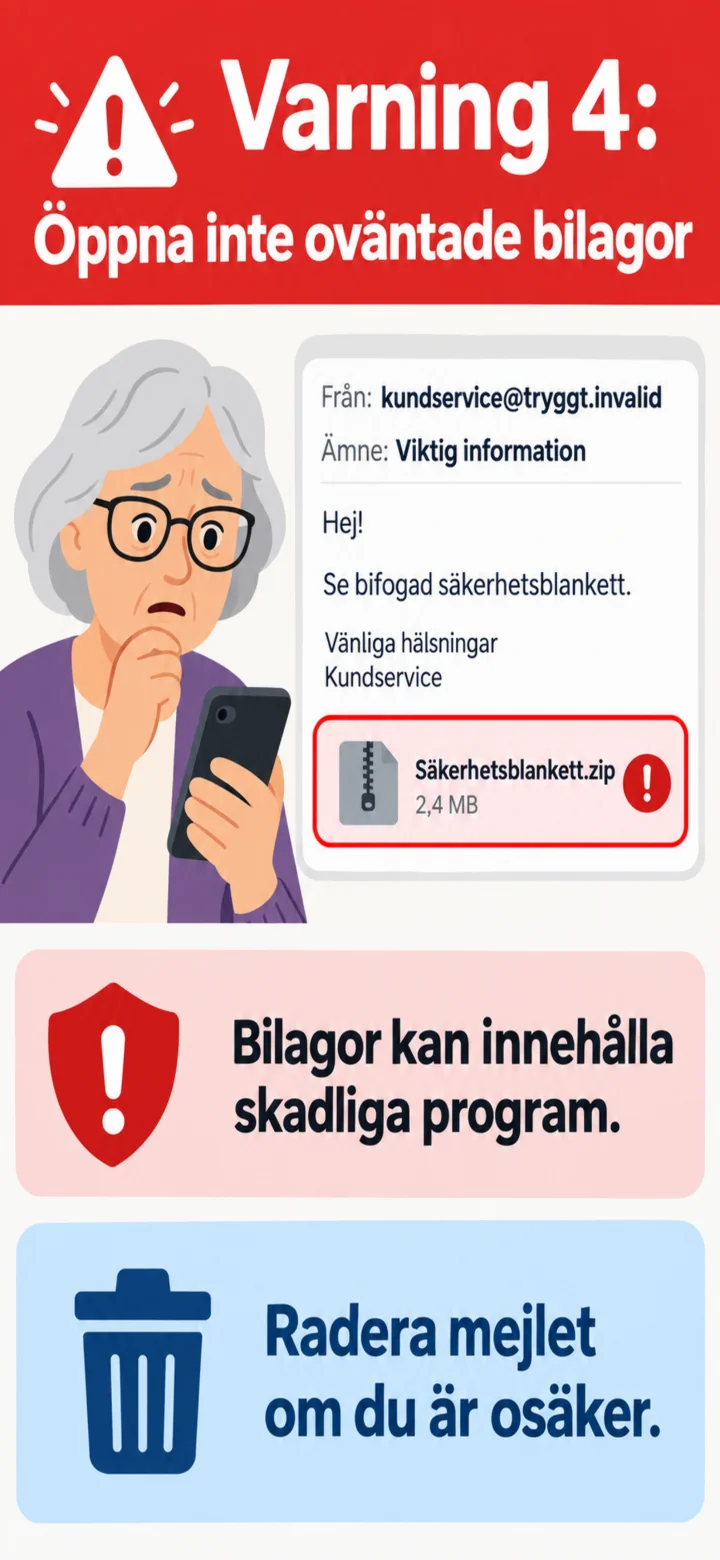
Don't open an unexpected attachment. It might contain harmful software.
 7Step 7 of 9
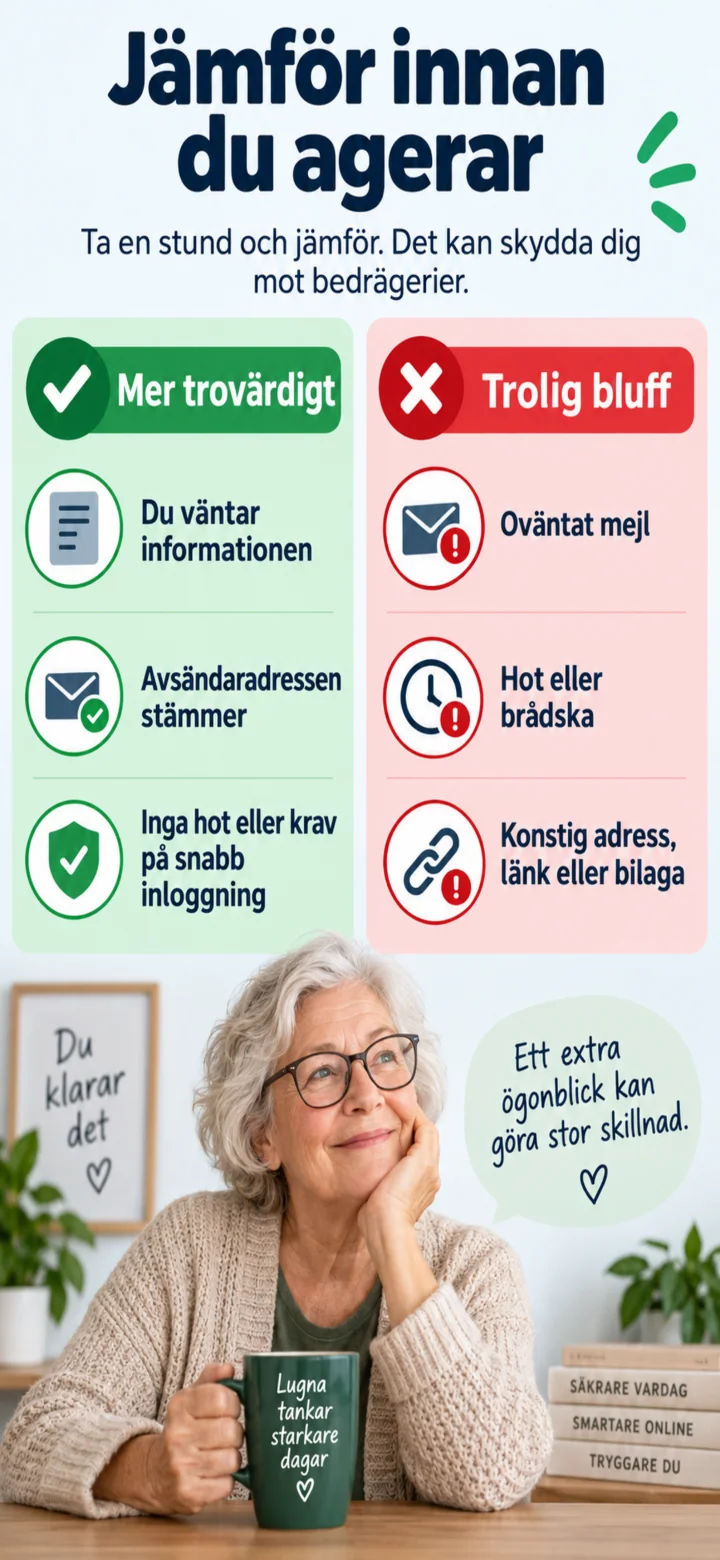
Stop and compare. An unexpected email with threats, a strange address, a link, or an attachment could be a scam.
 8Step 8 of 9
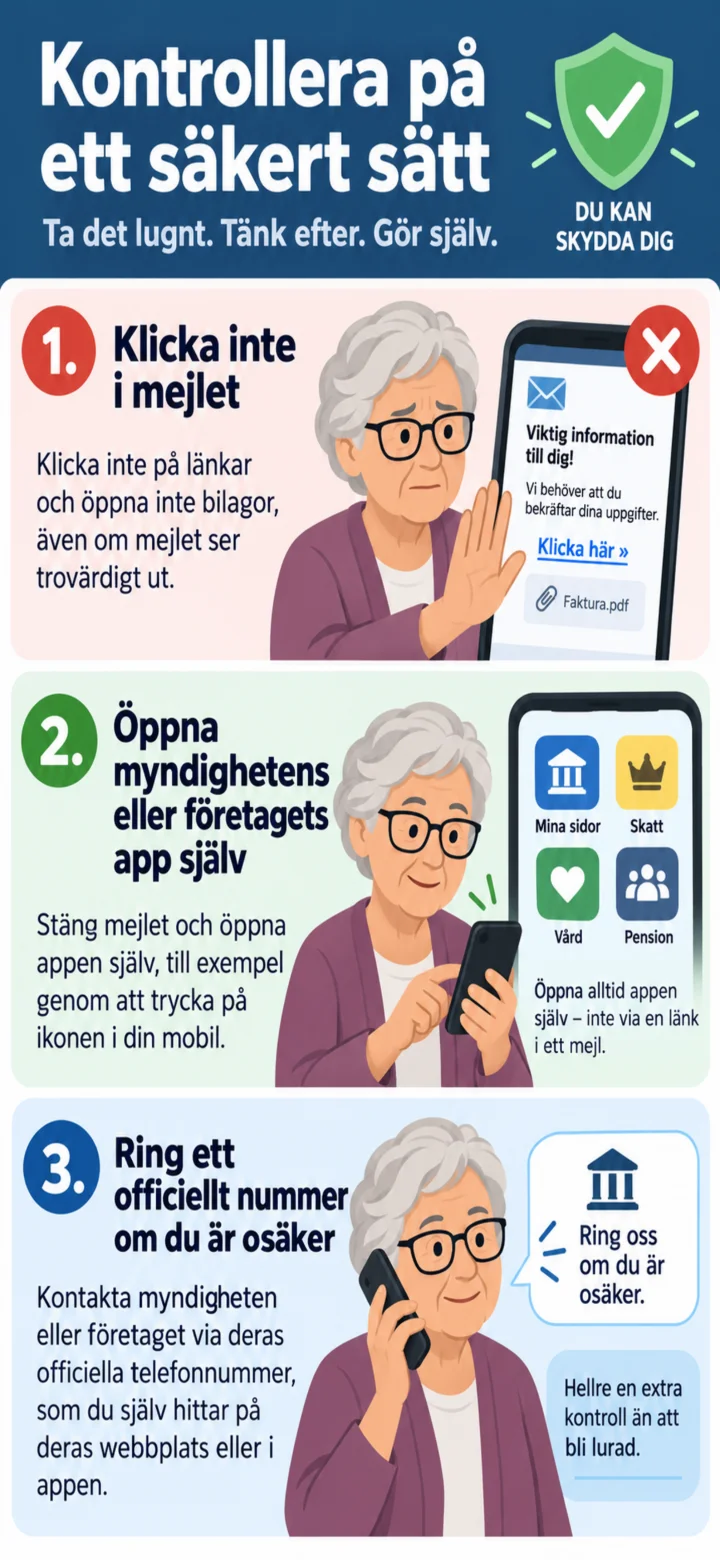
Don't click anything in the email. Instead, open the service's app yourself or contact the company using an official number.
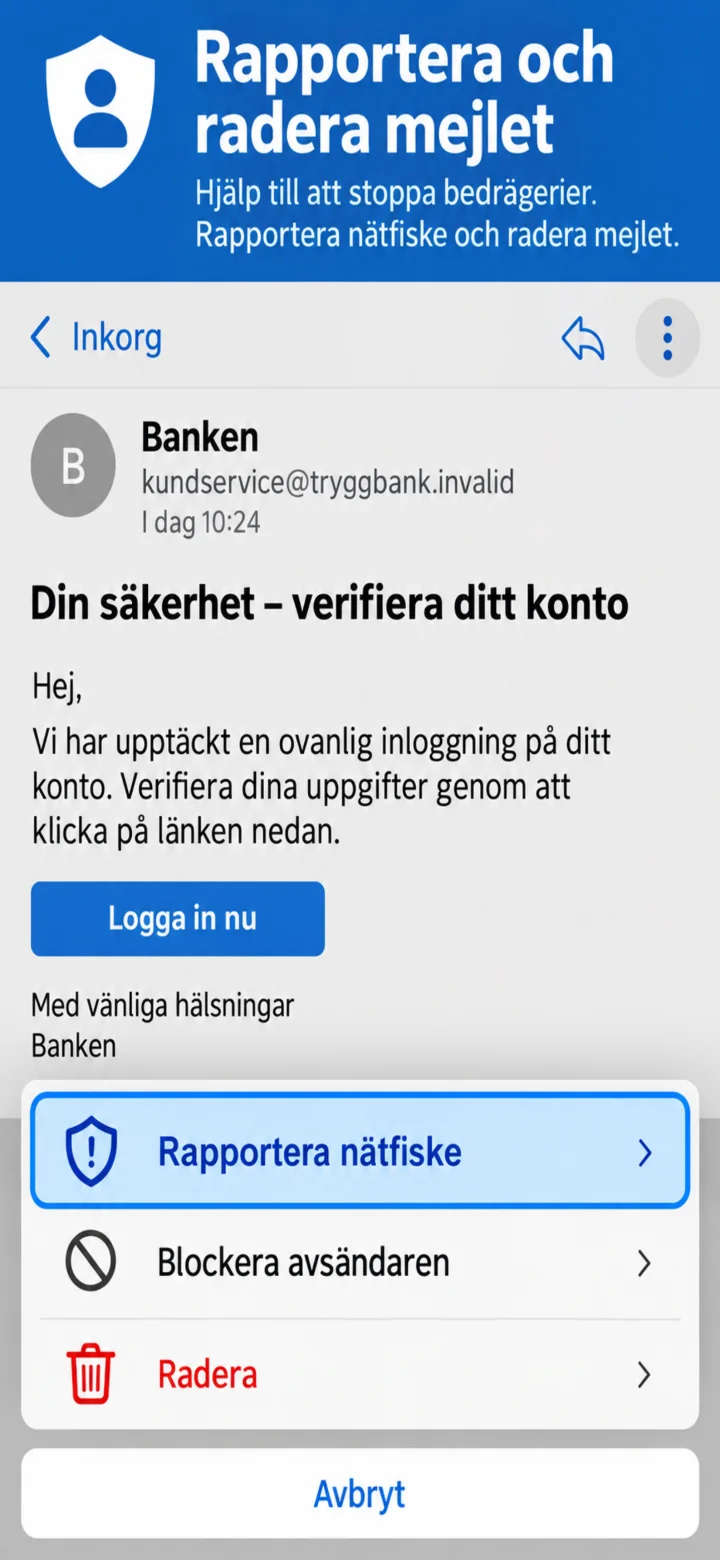 9Step 9 of 9
Open the email's menu, choose ”Rapportera nätfiske” (Report phishing), and then delete the email.