Add an emergency contact to your mobile – a safety net for you and your loved ones
Translated automatically.
Having an emergency contact in your mobile can be crucial in case of an accident or sudden illness. Learn how to easily add one so that emergency personnel can quickly contact your relatives and get important medical information about you.
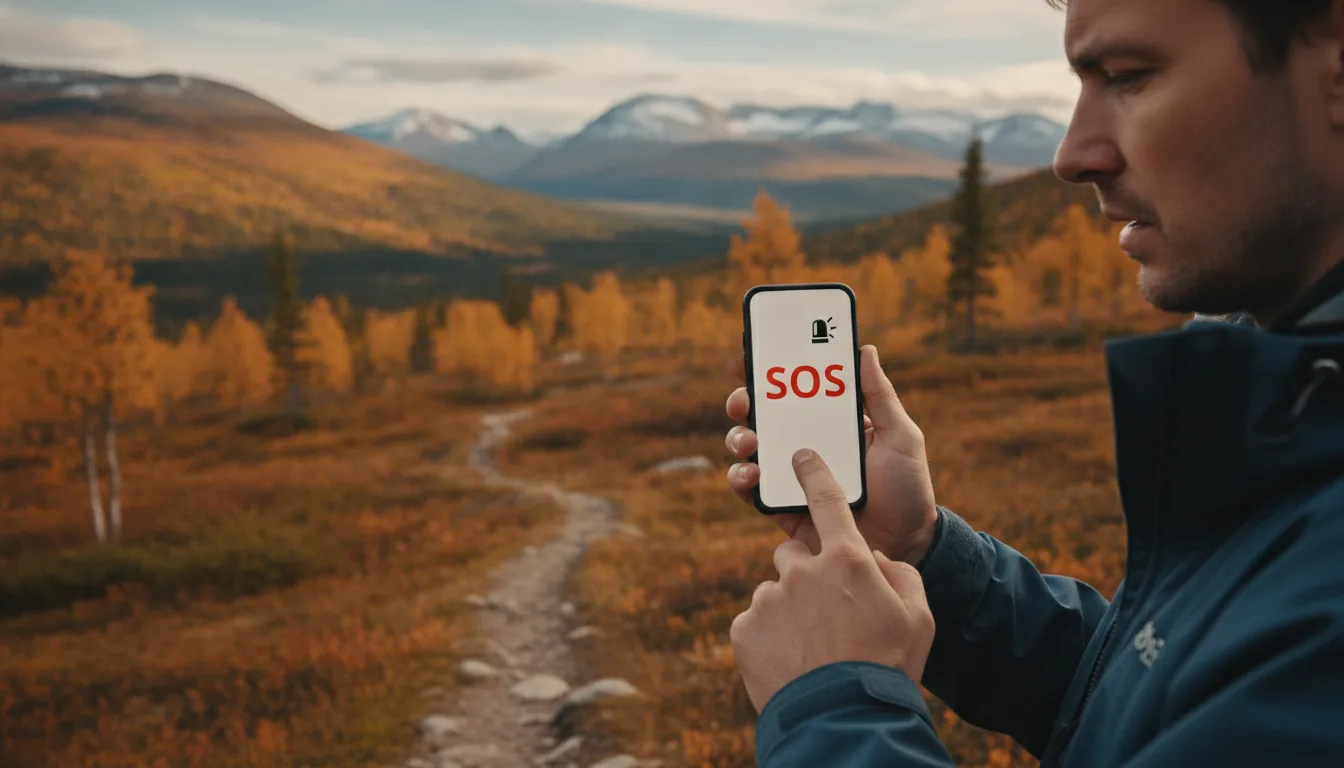
In an unexpected emergency, like an accident or if you suddenly fall ill, it can be difficult to communicate yourself. In such situations, having an emergency contact saved in your mobile phone provides great security. Emergency personnel can quickly see who to contact and get important information about you, even if your phone is locked.
What is an emergency contact (ICE) and why is it important?
An emergency contact is often called an ICE contact, which stands for “In Case of Emergency”. It's an international system that allows emergency personnel to quickly identify and contact your relatives. Without an ICE contact, it can take several hours before your loved ones find out what has happened.
By having an ICE contact and any medical information in your mobile, emergency personnel can learn your blood type, if you have allergies, illnesses, or take medications. This information can be crucial for you to receive the right care in time. SOS Alarm, which handles Sweden's emergency number 112, strongly recommends that you add an ICE contact.
How to add an emergency contact to your mobile
There are slightly different ways to add an emergency contact, depending on the type of mobile phone you have. Here are the most common ways:
Generally for all phones:
- Create a new contact: Go to your phone book and add a new contact.
- Name the contact: Name it “ICE” followed by a number and the person's name and relationship, for example, “ICE1 wife Anna”. You can add several contacts like ICE1, ICE2, and so on.
- Use country code: Make sure to save the phone number with the country code, i.e., +46 for Sweden, even if the person lives in Sweden. This is useful if you happen to be abroad. Also, use English for the relationship, for example, “wife” or “husband”, for the same reason.
- If the contact is deaf/hard of hearing: Write “ICETEXT” if your emergency contact is deaf or has impaired hearing.
For locked phones (iPhone and Android):
- iPhone: Use the app ”Hälsa” (Health) which is pre-installed. There you can create a ”Medicinskt ID” (Medical ID). Here you add your emergency contacts and important medical information. This information becomes visible even when the screen is locked, via ”Nödsituation” (Emergency) > ”Medicinskt ID” (Medical ID) or by asking Siri. iPhone also has a feature called ”Nödanrop SOS” (Emergency SOS) which can send SMS to your emergency contacts after an emergency call.
- Android: On many Android phones, there is a function for ”Ägarinformation” (Owner information) under ”Inställningar” (Settings) > ”Säkerhet” (Security). There you can activate ”Visa ägarinformation vid låst skärm” (Show owner information on locked screen) and fill in your ICE contact. On newer Android phones (version 12 or later), there is the app ”Personlig säkerhet” (Personal Safety) where you can save and share emergency information and emergency contacts that are accessible from the lock screen.
- Simple solution for all locked phones: An easy way is to write down your ICE numbers on a piece of paper, photograph it, and then use the photo as your lock screen wallpaper. This way, the numbers are immediately visible.
If you want a more detailed guide, you can read our guide on how to Add an emergency contact.
Important numbers and the 112-app
In addition to your personal emergency contacts, it's good to know the general emergency numbers:
- 112: Sweden's and the EU's common emergency number for acute emergencies. You can call 112 even if you don't have a SIM card, your subscription is suspended, or you've run out of money on your prepaid card. Calls to 112 are always free and prioritized in the mobile network. During a 112 call, your position is sent to SOS Alarm, which is a great help if you have difficulty explaining where you are.
- 1177: Healthcare advice when it's not an emergency. Here you get to speak with a nurse.
- 113 13: Information number for major accidents and crises in Sweden.
- 114 14: The police's number for non-urgent matters, for example, to provide tips or report crimes that are not ongoing.
SOS Alarm also has its own app, ”112-appen” (the 112-app), which helps you call 112 and get information about events in your local area. Read more about it here: How to install and use the SOS Alarm 112-app.
Keep this in mind for your safety
Do:
- Add ICE contacts: Make sure you have at least one, preferably several, ICE contacts in your mobile phone.
- Include medical information: If your phone supports it, add important medical information such as allergies, illnesses, and medications.
- Use international format: Save phone numbers with country code (+46 for Sweden) and English for the contact's relationship.
- Inform your ICE contacts: Tell the people you have chosen that they are listed as emergency contacts and share relevant medical information with them.
- Ensure access on locked screen: Check that your ICE information is visible even when the phone is locked.
- Prevent ICE display during calls: If you don't want your phone to show “ICE” when your emergency contact calls you, you can add an asterisk (*) directly after the phone number in the ICE contact.
Don't:
- Don't rely solely on your mobile: A mobile phone can break, run out of battery, or lack coverage. It's good to have a backup plan for emergencies.
- Don't call 112 unnecessarily: Use 112 only in acute emergencies where there is danger to life, property, or the environment. For other matters, there are 114 14 (police), 1177 (healthcare advice), and 113 13 (crisis information).
Remember that your bank, BankID, and authorities will never ask you for your codes over the phone, via SMS, or email. Always be careful about who you share information with. Having an emergency contact in your mobile is a simple measure that can make a big difference for your safety and security. If you have questions or need help adding an emergency contact, don't hesitate to ask a relative or contact your mobile phone manufacturer for specific support.