QR Codes: What They Are and How to Scan Them Safely
Translated automatically.
QR codes are everywhere, from restaurants to BankID. Learn what they are, how to easily scan them with your mobile camera, and most importantly – how to protect yourself from scams when using them.
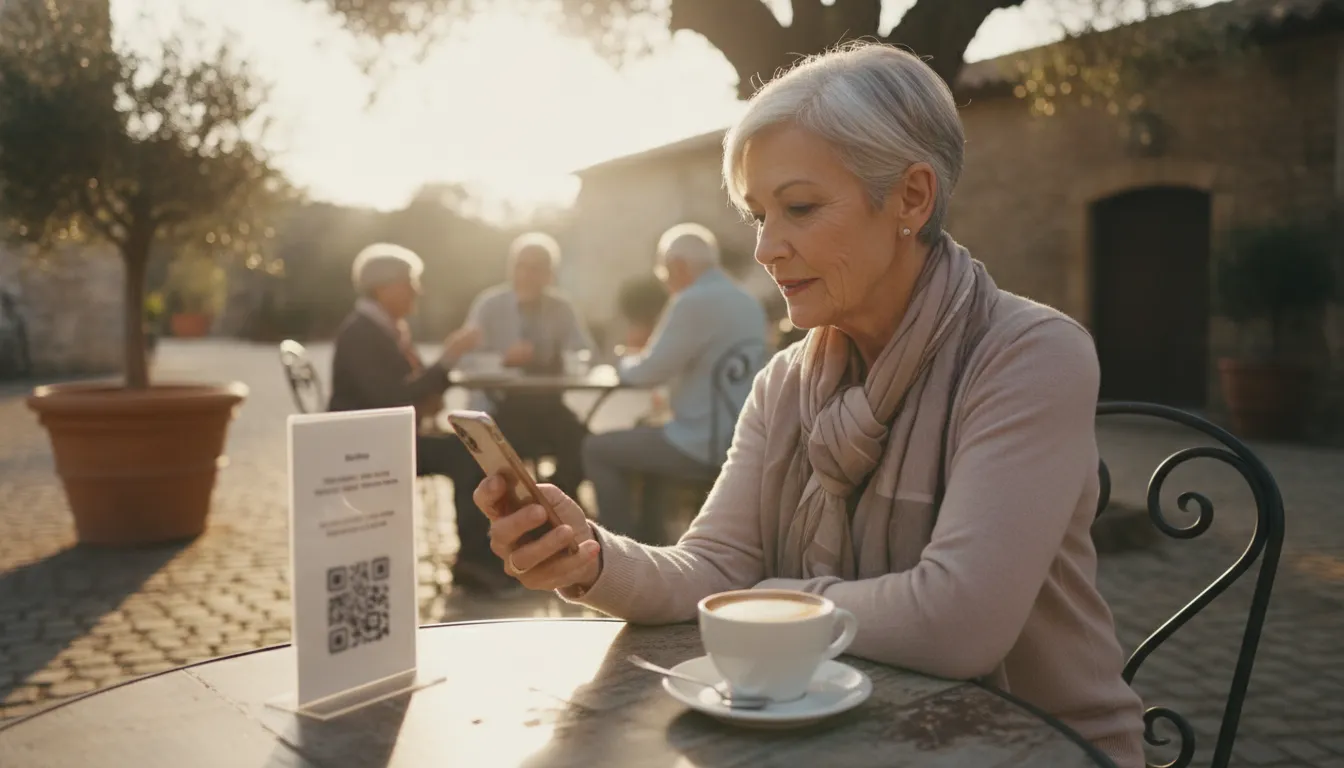
QR codes have become a common sight in our daily lives. Perhaps you've seen them on a restaurant menu, on a poster, or when you log in to BankID. They might look a bit complicated with their grid pattern, but they are actually a smart and fast way to get information. Here, we'll go through what a QR code is and how to use it safely.
What is a QR Code?
A QR code is like a modern barcode, but it can contain much more information. The letters QR stand for "Quick Response." It looks like a square image with a pattern of black and white squares. These squares store information that your mobile phone can read in an instant.
QR codes can contain many different things. Most often, it's a link to a website, but it can also be a phone number, contact details, information to download an app, or even payment information. They were developed back in 1994 in Japan to keep track of car parts, but have become popular in Sweden in recent years, especially during the pandemic.
How to Scan a QR Code with Your Mobile Phone
Scanning a QR code is usually very simple. Most modern mobile phones and tablets have a built-in QR code reader in their camera. So, you don't need an extra app to scan most codes.
Here's how to do it step-by-step:
- Open the camera app: Unlock your mobile phone and open the regular camera app, just as if you were going to take a photo.
- Hold up your phone: Point your mobile camera at the QR code so that the entire code is visible on the screen.
- Tap the link: Your phone will automatically recognize the QR code. Often, a small box or text will appear on the screen with the information contained in the code, such as a web address. Tap on it to open the content.
If you need to log in with BankID on a computer, you use the BankID app to scan the code. This is an extra security measure. Some Android phones can also use Google Lens to scan codes if the built-in camera doesn't work directly.
Be Extra Careful with QR Codes (Security)
Because QR codes are so convenient, unfortunately, scammers have started using them to trick people. This is sometimes called "quishing," which is a blend of QR and "phishing" (when someone tries to trick you into giving out sensitive information). It's important to be vigilant.
Here's how to stay safe:
- Be skeptical: Always consider who has put up the QR code, especially if it appears unexpectedly in an email or SMS. Is it someone you trust?
- Check physical codes: If you see a QR code in a public place, such as on a parking meter or a restaurant, look closely. Has someone pasted a fake code over the real one? Scammers can put up their own codes to trick you.
- Use trusted apps: Trust QR codes that require an official app you already have and trust, such as the BankID app. Read more about Använd BankID tryggt – legitimera dig och skriva under (Use BankID safely – identify yourself and sign).
- Keep software updated: Make sure your mobile phone always has the latest updates. This gives you the best security features.
Avoid doing this:
- Scan unexpected codes: Never scan QR codes that you receive unexpectedly in emails, SMS, or on social media, especially if they ask you to act quickly or without explanation. Learn more about Så känner du igen ett bluff-SMS (How to recognize a scam SMS).
- Give out sensitive information: Never give out personal information, login details, or bank details via a QR code unless you are absolutely sure of the source. If you are unsure, it's better to manually type important web addresses into your browser.
- Don't blindly trust the appearance: It's almost impossible to tell the difference between a real and a fake QR code with the naked eye.
Remember: Your bank, BankID, and authorities will never ask you for your codes or personal information over the phone, SMS, or email.
QR Codes in Your Daily Life
In Sweden, QR codes are often used to make things simpler and safer:
- BankID: When you log in with BankID on a computer, you scan a QR code with your BankID app on your mobile phone. This makes logging in more secure because your mobile phone must be physically close to the computer. BankID uses dynamic QR codes that change constantly for extra security.
- 1177 Vårdguiden: To log in to 1177.se with BankID on your computer, you also use a QR code. In some regions, you can also scan a QR code to check in digitally for a healthcare visit. Here you can read more about Så loggar du in på 1177 (How to log in to 1177).
- Swish: Although Swish is usually used directly in the app, QR codes can sometimes appear to quickly fill in payment details. For example, at flea markets or for collections.
QR codes can be a fantastic tool in everyday life, but it's important to always be attentive and think before you scan an unknown code. If you suspect you have been scammed by a QR code, immediately block your cards and accounts, change your passwords, and report the incident to 114 14. Also contact your bank for advice and help.