How to log in to 1177
Print the guideTranslated automatically.
Step 1 of 8
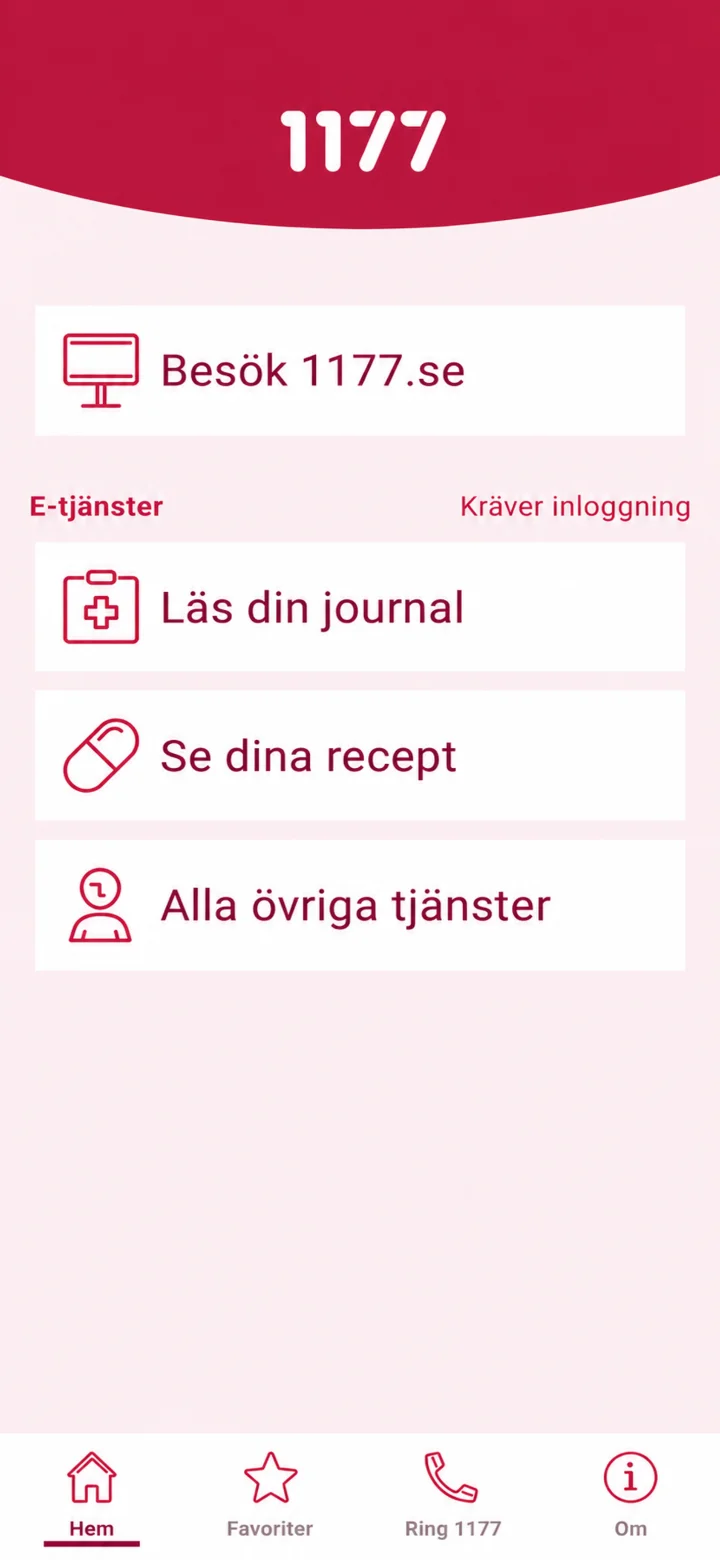
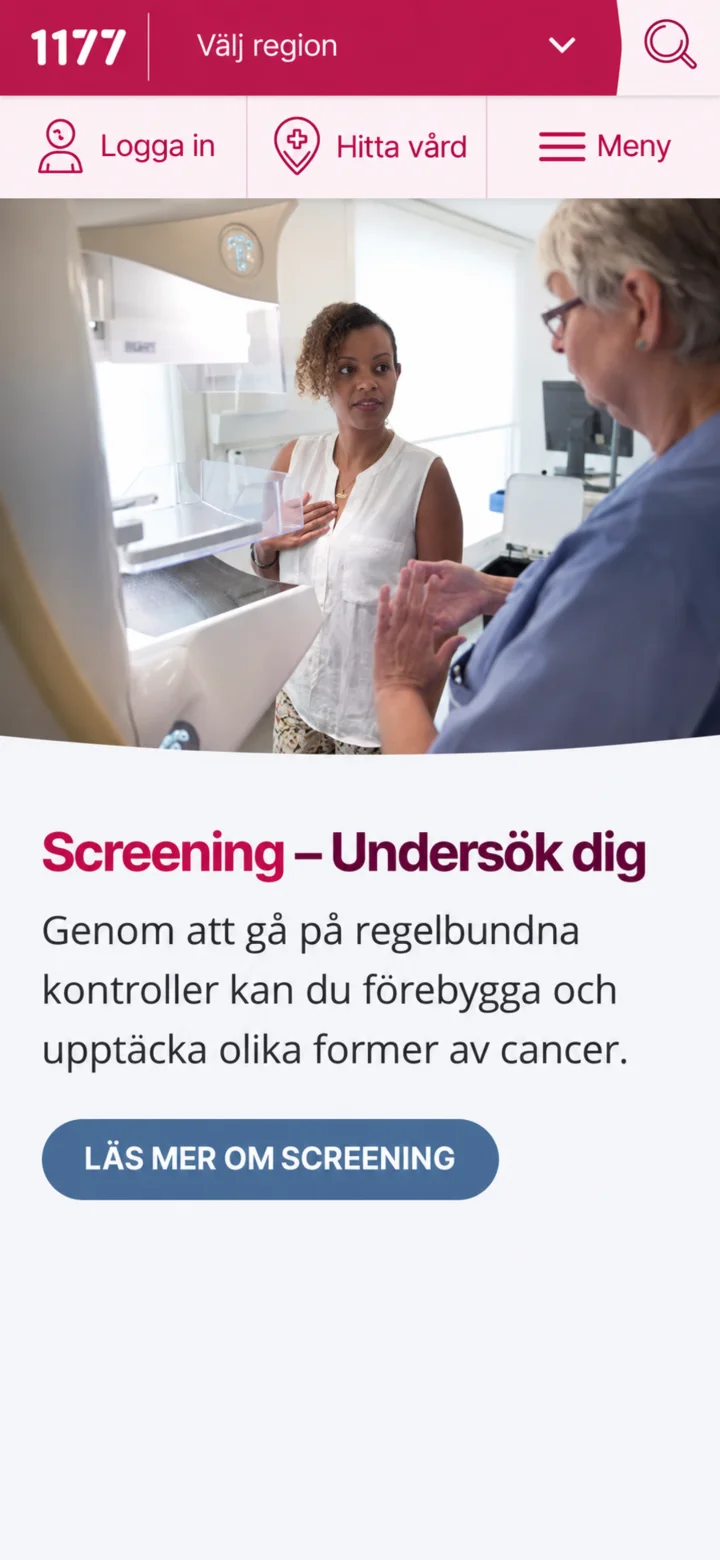
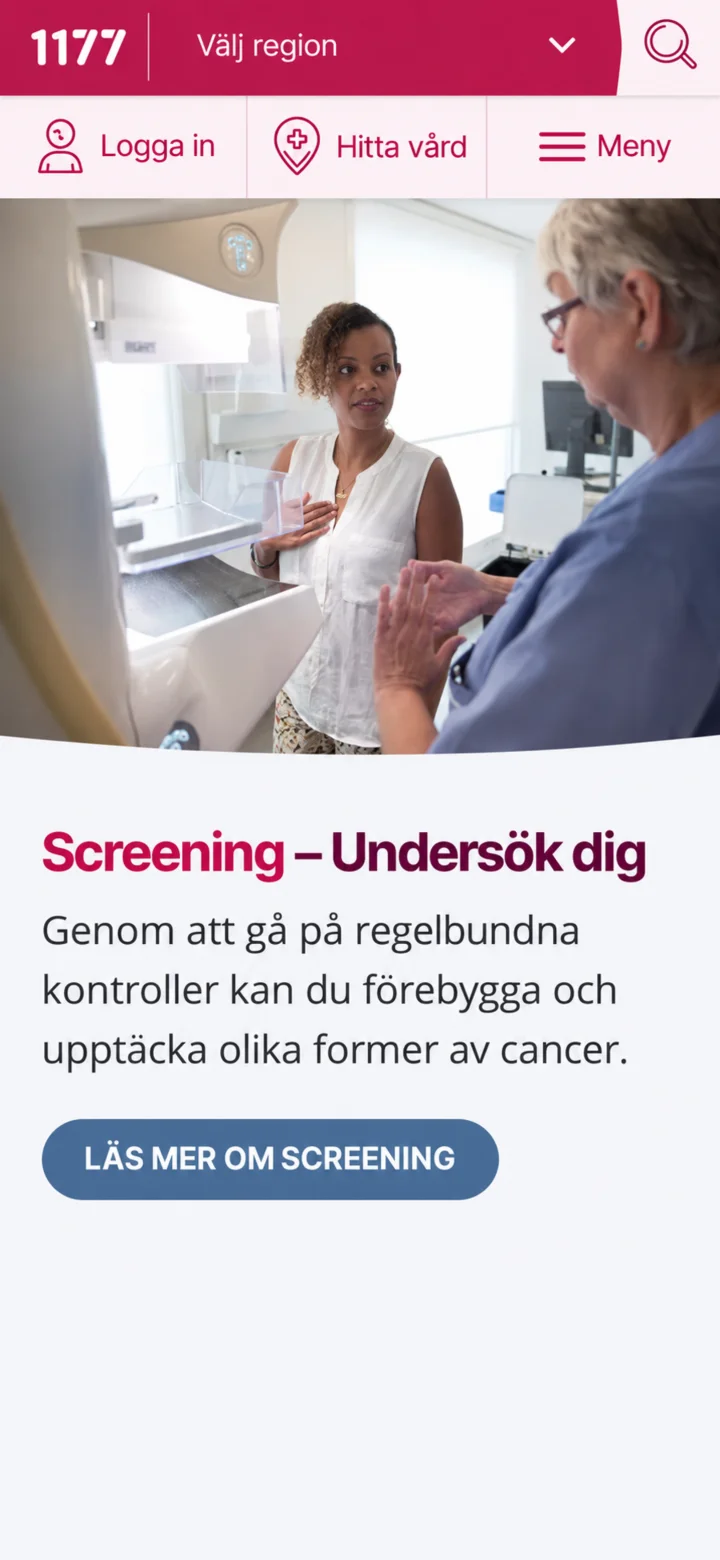
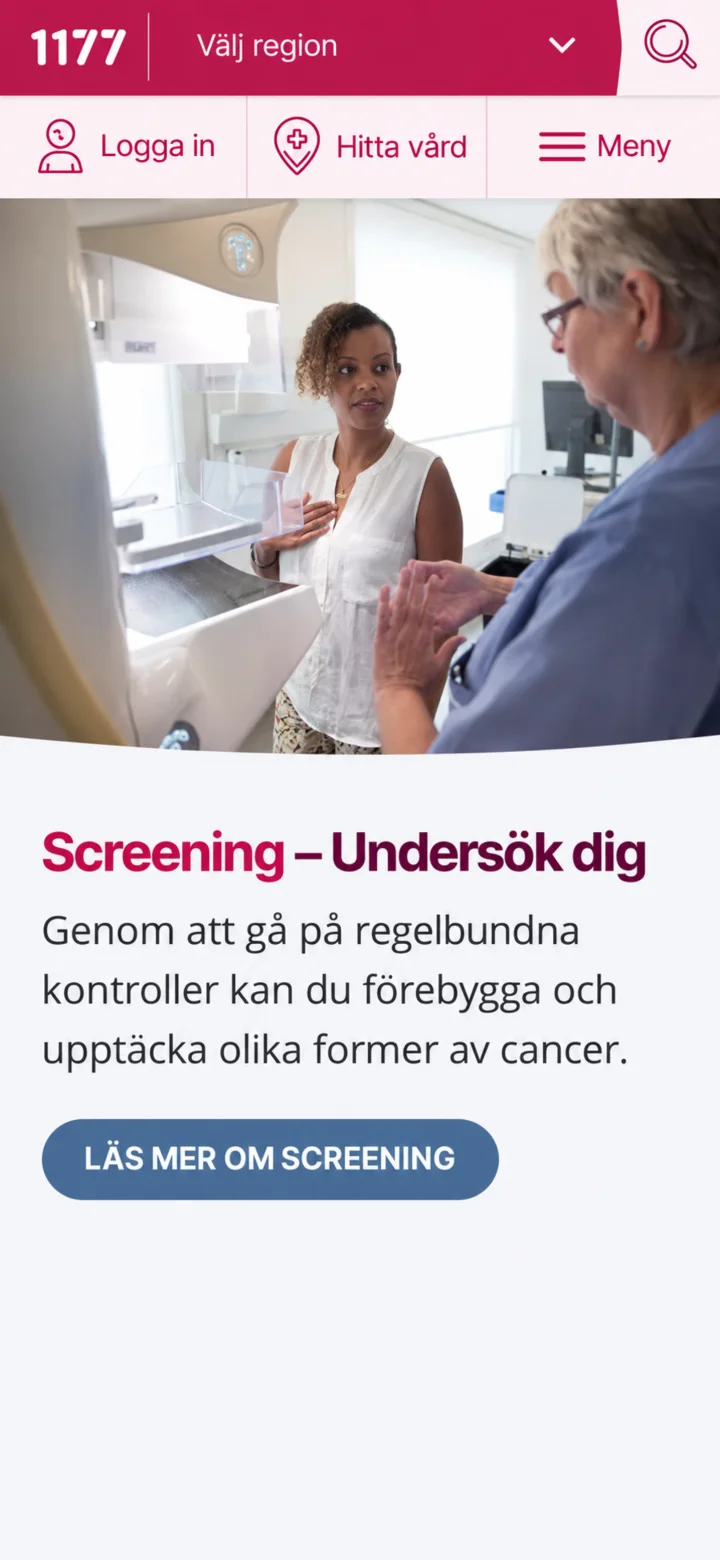
Hello! Here I'll show you how to log in to 1177 Vårdguiden. You can pause whenever you like and play again. Let's go! First, tap the button ”Logga in” (Log in) at the top left of the screen.
The marking on the picture shows where to tap.
Show all steps as text
- Hello! Here I'll show you how to log in to 1177 Vårdguiden. You can pause whenever you like and play again. Let's go! First, tap the button ”Logga in” (Log in) at the top left of the screen.
- Now you'll choose how you want to log in. Tap the BankID button, which is the most common way to log in.
- To continue, you need to open your BankID app. Tap the blue button ”Öppna BankID” (Open BankID) in the middle of the screen.
- Now you are in the BankID app. To identify yourself, tap the dark blue button ”Identifiera med säkerhetskod” (Identify with security code) at the bottom of the screen.
- Now you need to enter your personal security code for BankID. Tap the numbers on the screen to fill in your code, and remember not to show the code to anyone.
- Once you have entered your security code, tap the dark blue button ”Identifiera” (Identify) at the bottom right of the screen.
- Now you are being logged in to 1177. This might take a moment, so please be patient while the system works.
- Congratulations! You are now logged in to 1177 Vårdguiden. Here you can see your inbox and booked appointments. Done! You are now logged in and can use the services. Great job!