How to renew your prescription on 1177
Print the guideTranslated automatically.
Step 1 of 10
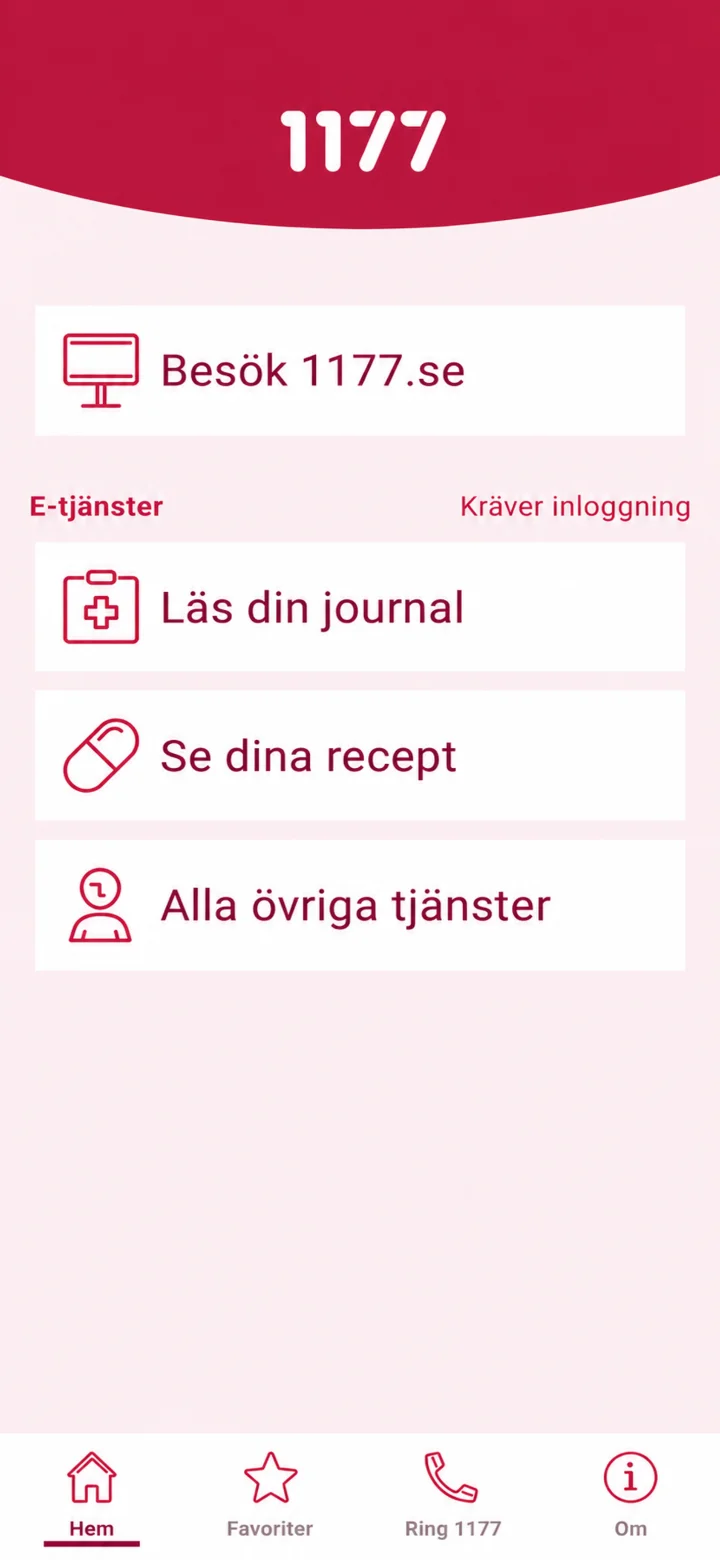
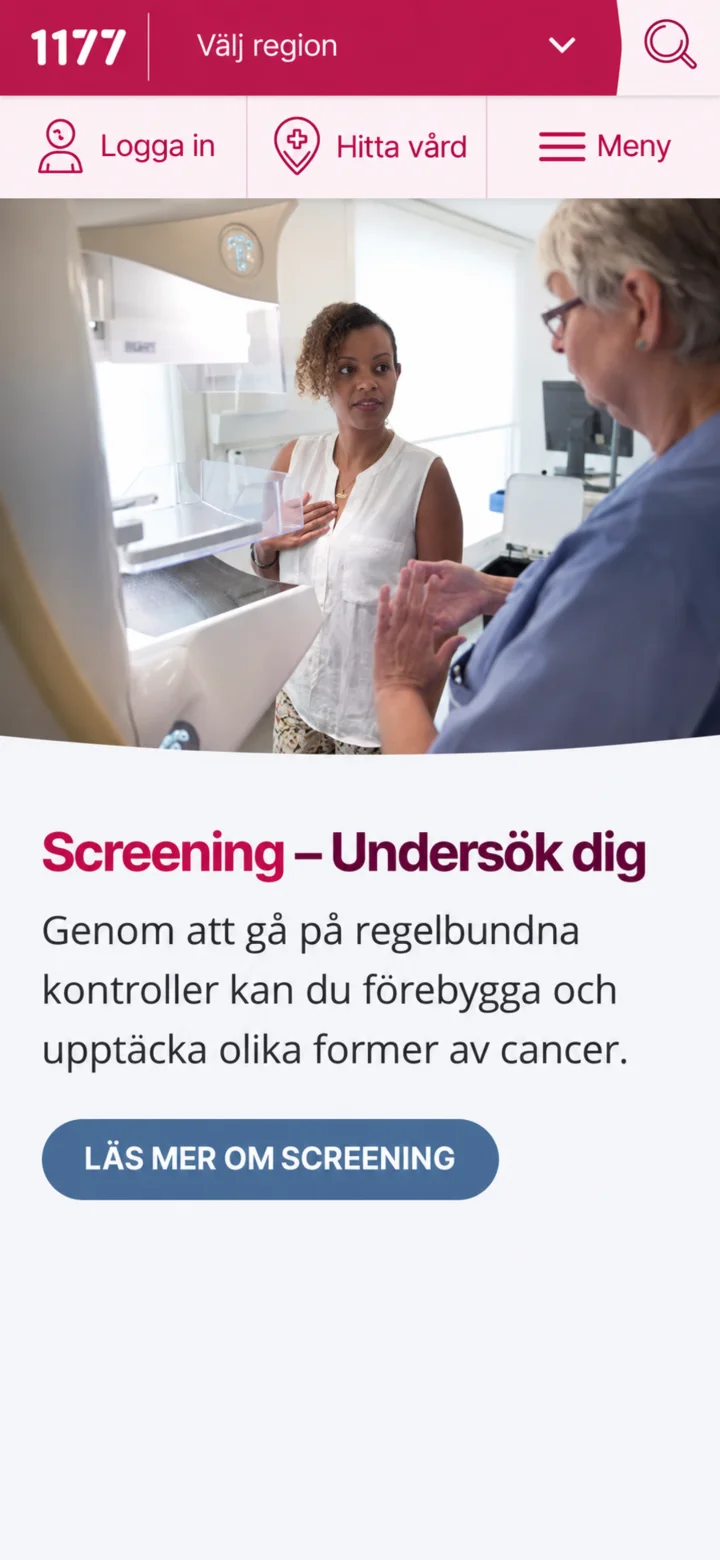
Open 1177 and tap ”Logga in” (Log in).
The marking on the picture shows where to tap.
Show all steps as text
- Open 1177 and tap ”Logga in” (Log in).
- Choose BankID as your login method.
- Check that the identification is for 1177.
- Enter your security code and tap ”Identifiera” (Identify).
- Once you are logged in, choose ”Mottagningar” (Care units) or ”Recept och läkemedel” (Prescriptions and medicines).
- Open your care unit and tap ”Förnya recept” (Renew prescription).
- Choose the medicine your prescription is for and tap ”Fortsätt” (Continue).
- Check the dosage and reason. Mark that the information is correct and tap ”Nästa” (Next).
- Check the care unit, patient, medicine, and reason. Then tap ”Skicka förfrågan” (Send request).
- Your request has been sent. Please note that this does not mean the prescription has already been renewed.