How to reply to a message in the 1177 app
Print the guideTranslated automatically.
Step 1 of 10
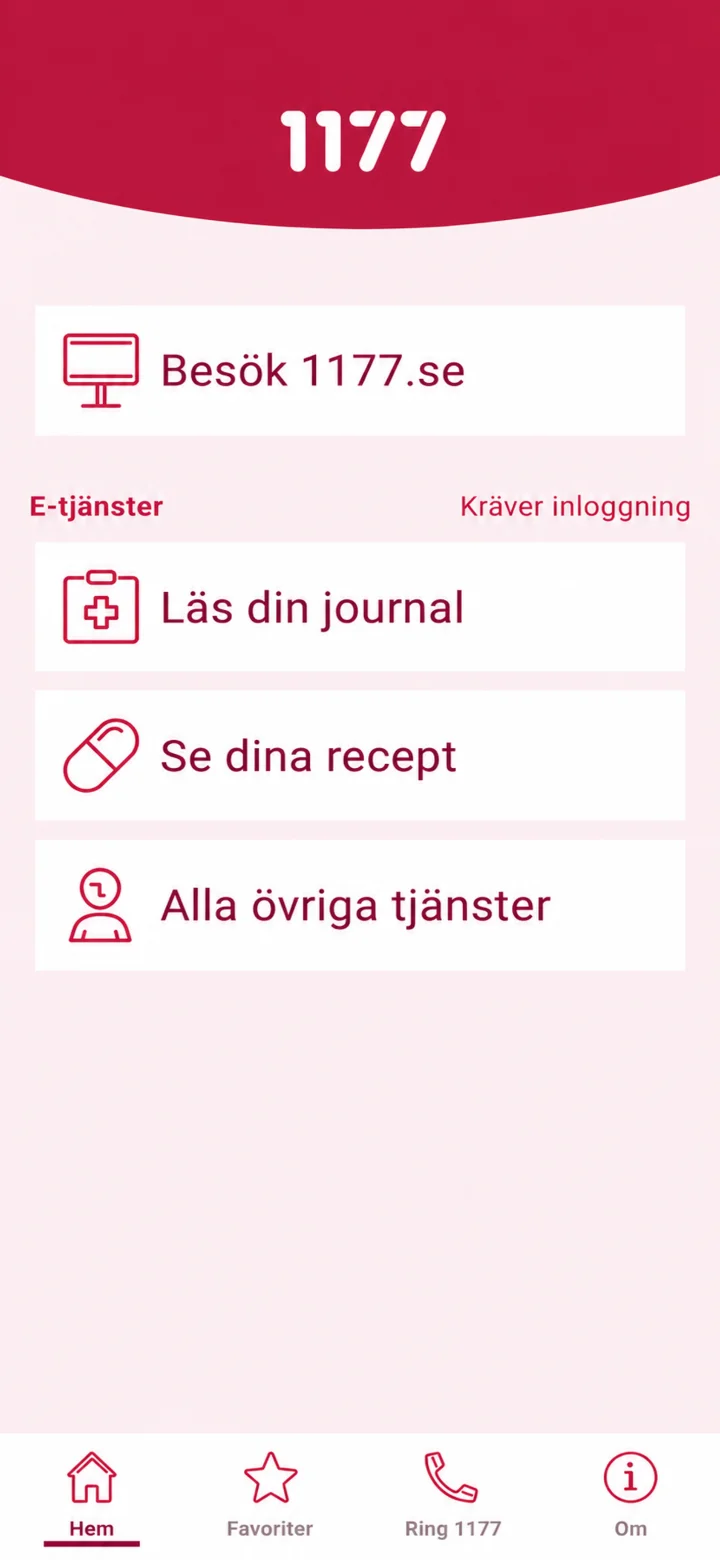
Open 1177 and tap "Logga in" (Log in).
The marking on the picture shows where to tap.
Show all steps as text
- Open 1177 and tap "Logga in" (Log in).
- Choose BankID as your login method.
- Check that the identification is for 1177.
- Enter your security code and tap "Identifiera" (Identify).
- Once you are logged in, tap "Meddelanden" (Messages).
- In your inbox, tap the unread message from the clinic.
- Read the entire message and then tap "Svara" (Reply).
- Write your reply and tap "Granska och skicka" (Review and send).
- Check the recipient and your text. Tap "Skicka meddelande" (Send message).
- Your message has been sent and the clinic has received it.