Order a prescription medicine
Print the guideThis text is not available in your language yet, so it is shown in Swedish.
Step 1 of 7
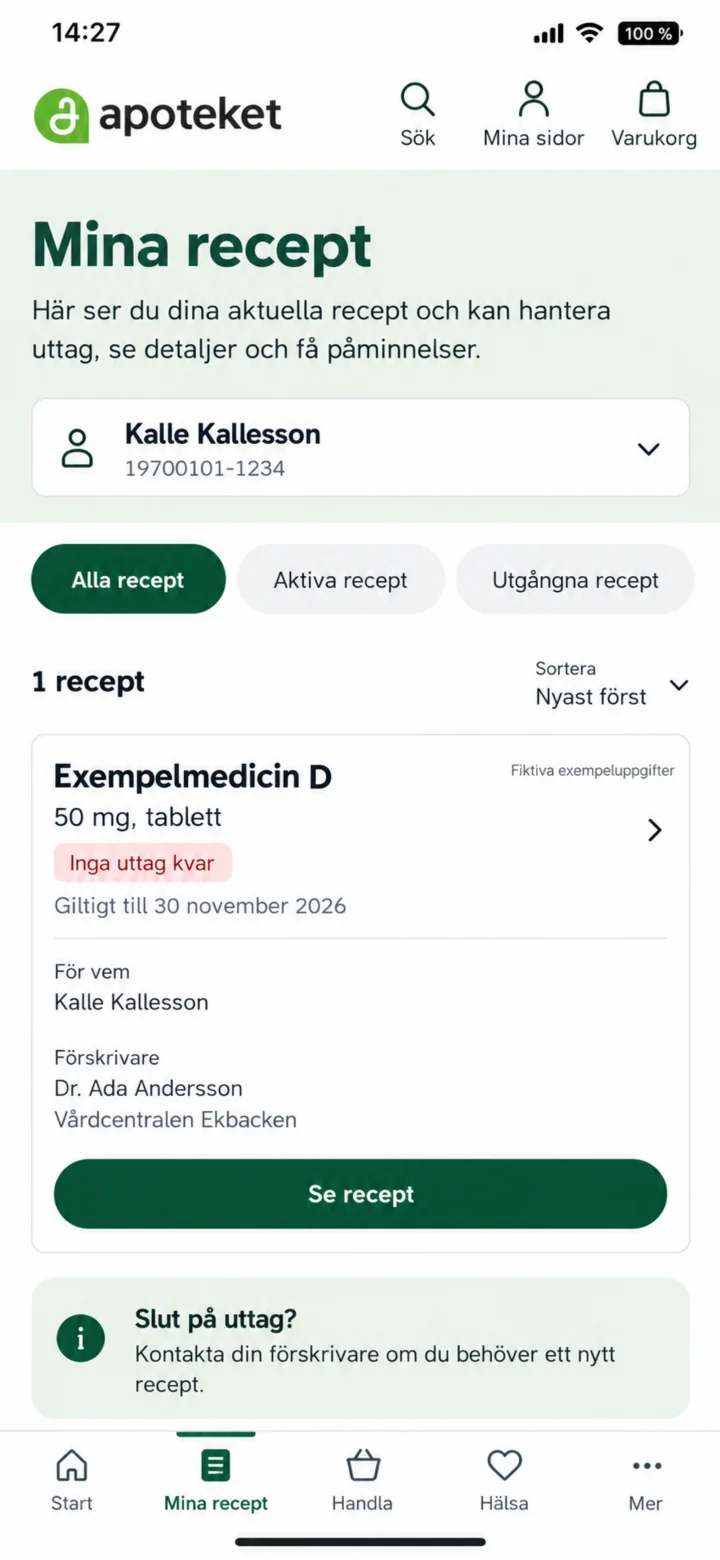
Log in to the Apoteket app and open ”Mina recept” (My prescriptions).
The marking on the picture shows where to tap.
Show all steps as text
- Log in to the Apoteket app and open ”Mina recept” (My prescriptions).
- Check the name of the medicine and choose the prescription you want to use.
- Check the number of withdrawals, number of packages, and estimated price. Then, tap ”Lägg i varukorgen” (Add to cart).
- Check the medicine, quantity, and estimated total amount. Then, choose ”leverans” (delivery).
- Välj hur du vill få beställningen. I exemplet hämtas den på ett fiktivt apotek.
- Check your customer details, item, delivery, payment, and total sum before you complete the order.
- The confirmation shows that your order has been received. No actual order has been placed in this guide.