Install Apoteket's app and log in with BankID
Print the guideThis text is not available in your language yet, so it is shown in Swedish.
Which of these is on your phone?
Look at your phone’s screen and tap the one that looks the same. Then we only show the steps for your phone.
Can’t find either of them? An iPhone has an Apple symbol on the back. If the phone says Samsung, Google, Motorola or OnePlus, it is an Android.
Show all steps as text
- iPhone: Öppna App Store. Sök efter Apoteket och tryck på Hämta.
- Android: Open Google Play. Search for Apoteket and tap ”Installera” (Install).
- Open Apoteket's app and choose ”Logga in med BankID” (Log in with BankID).
- Check that BankID shows Apoteket AB. Then, identify yourself in the usual way.
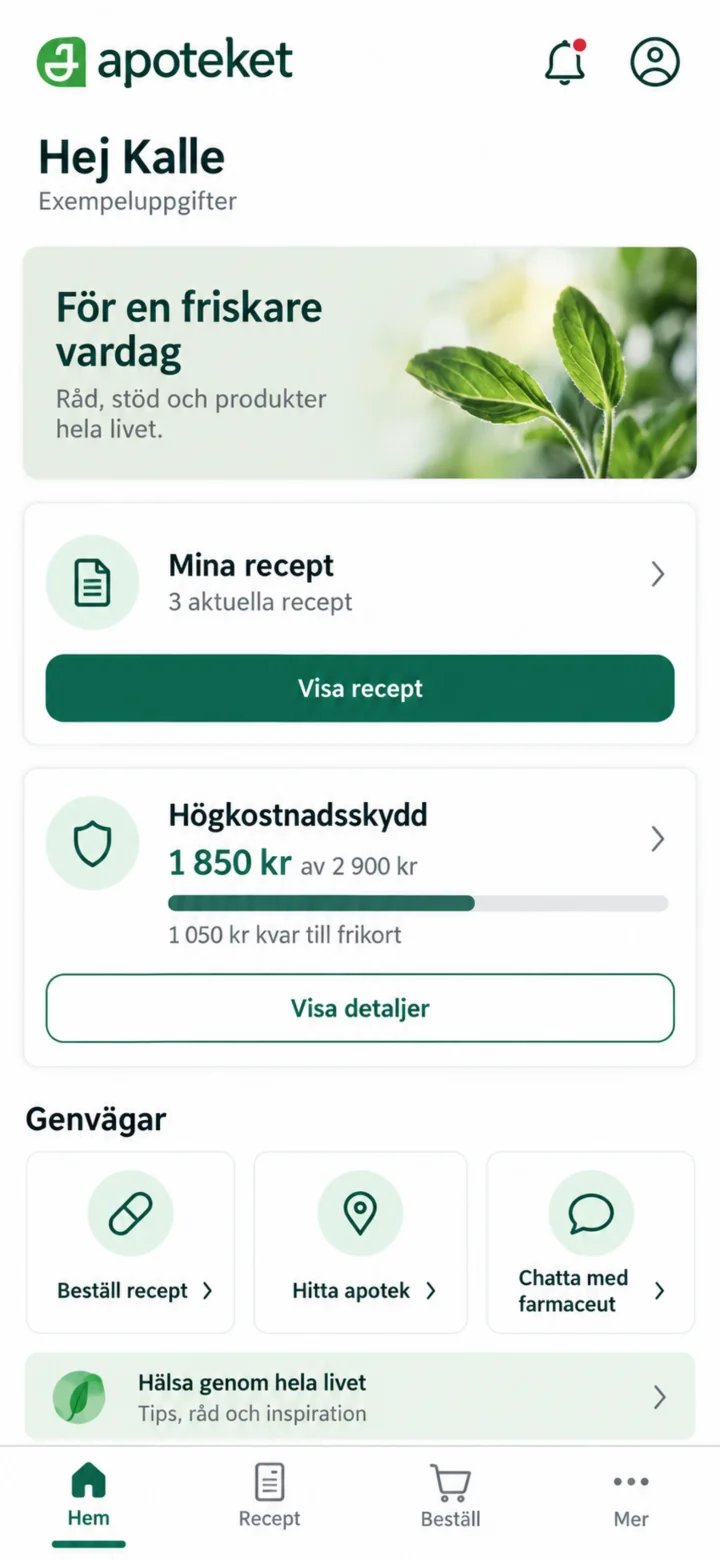
- When the home page shows your name, you are logged in. The information in this guide is made up.