Install WhatsApp and make a video call
Print the guideThis text is not available in your language yet, so it is shown in Swedish.
Which of these is on your phone?
Look at your phone’s screen and tap the one that looks the same. Then we only show the steps for your phone.
Can’t find either of them? An iPhone has an Apple symbol on the back. If the phone says Samsung, Google, Motorola or OnePlus, it is an Android.
Show all steps as text
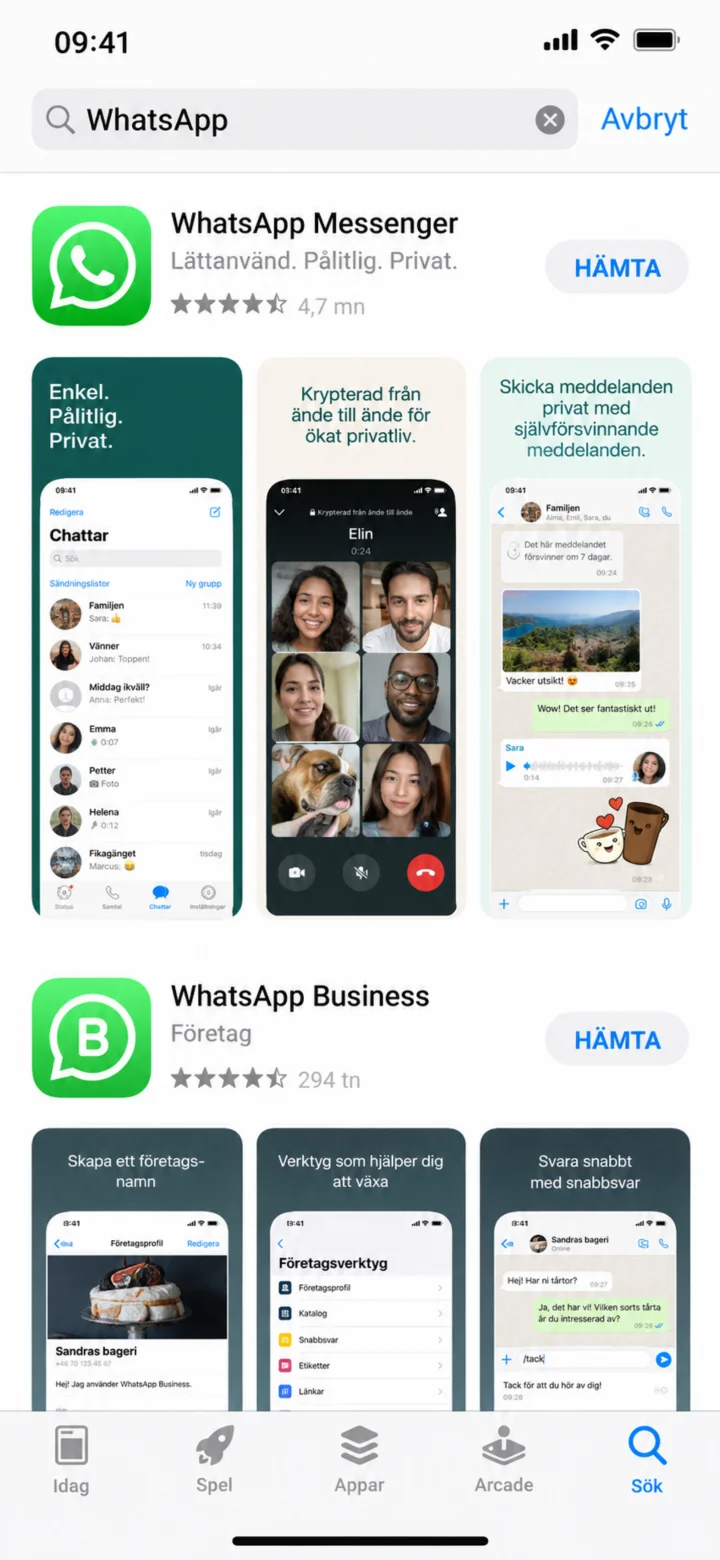
- iPhone: Open the App Store and search for WhatsApp. Make sure the app is called WhatsApp Messenger.
- iPhone: Tap ”Hämta” (Get) to install WhatsApp.
- iPhone: När installationen är klar, tryck på Öppna.
- Android: Open Google Play and search for WhatsApp. Make sure the app is called WhatsApp Messenger.
- Android: Tryck på Installera för att installera WhatsApp.
- Android: Once the installation is complete, tap ”Öppna” (Open).
- Read the information and then tap ”Godkänn och fortsätt” (Agree and continue).
- Choose Sverige (Sweden) and enter your mobile number. Then tap ”Nästa” (Next).
- Enter the six-digit code you receive in an SMS. Never share the code with anyone else.
- iPhone: On iPhone, tap ”Tillåt” (Allow) so WhatsApp can find your contacts.
- Android: On Android, tap ”Tillåt” (Allow) so WhatsApp can find your contacts.
- In the chat list, tap the person you want to call. In the example, we choose Anna Andersson.
- Tap the small video symbol in the top right corner.
- The video call has started. Tap the red button when you want to end the call.
- The call has ended. You are now back in the chat.