Print the guide and keep it next to your phone while you do the steps.
Tip: untick “Headers and footers” in the print dialog to leave out the web address.
How to create and manage strong passwords
Scam warnings
All phones 1Step 1 of 9
In this guide, you'll learn how to create and manage strong passwords.
 2Step 2 of 9
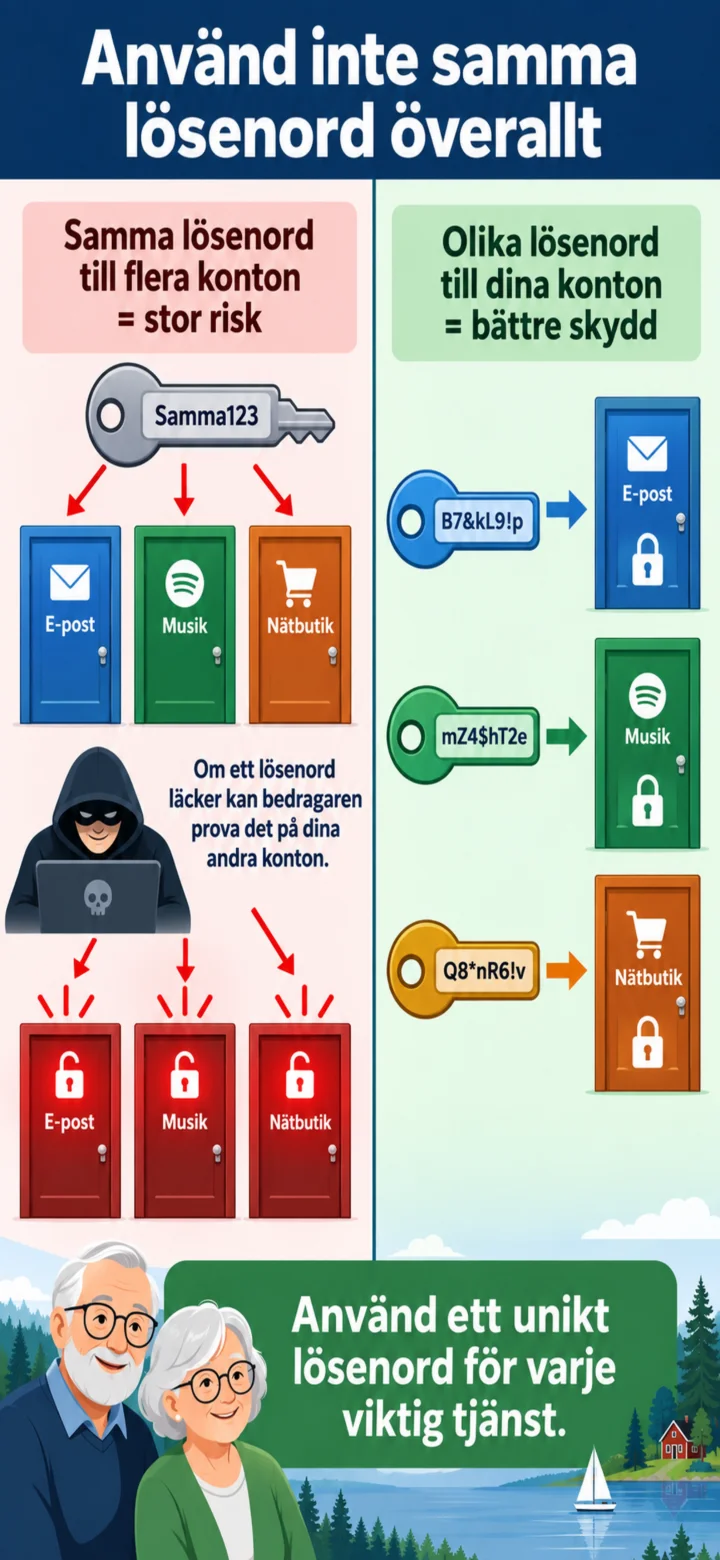
Please don't use the same password everywhere. If one password leaks, your other accounts could also be at risk.
 3Step 3 of 9
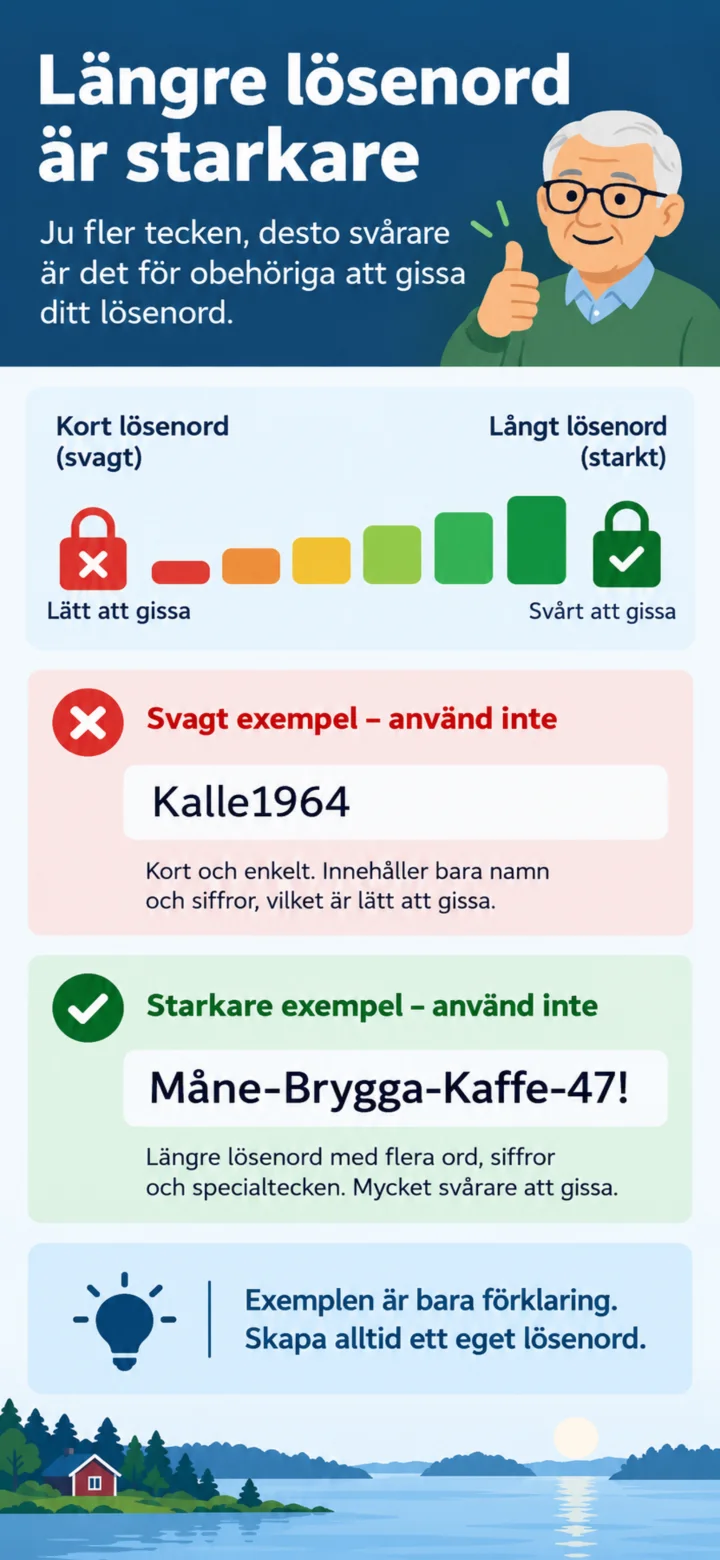
Long passwords are harder to guess. The examples in the picture should not be used as actual passwords.
 4Step 4 of 9
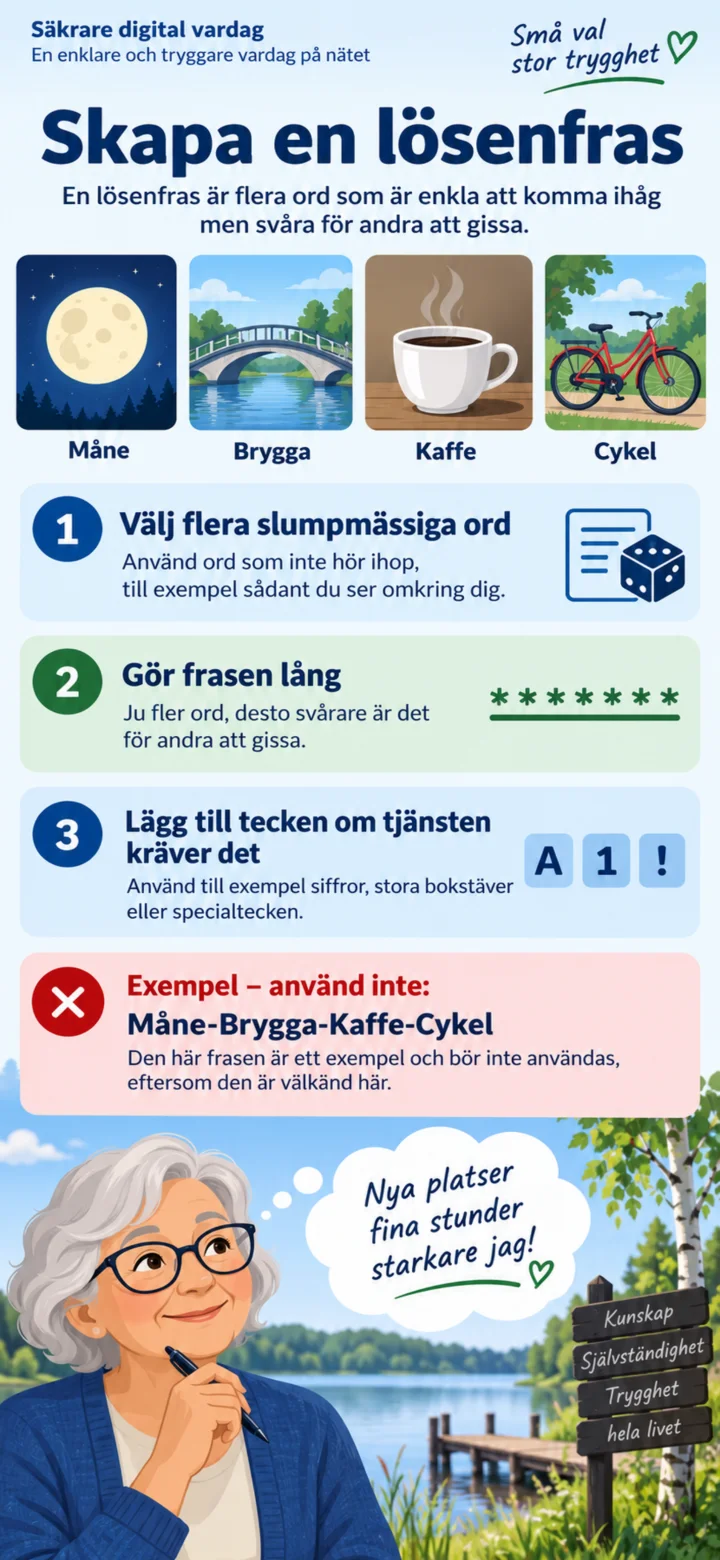
A passphrase consists of several random words. Make the phrase long and always create your own unique one.
 5Step 5 of 9
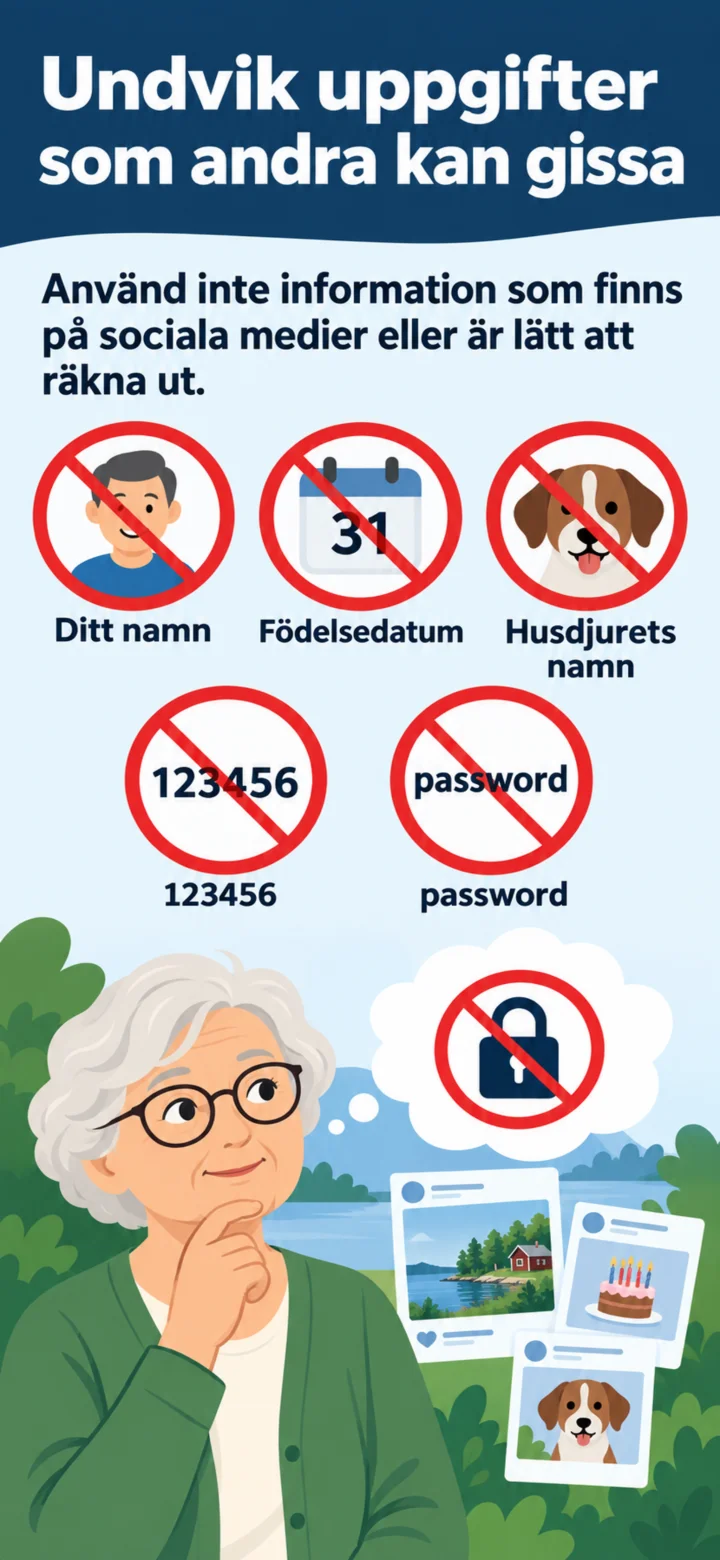
Please avoid names, birth dates, pet names, and common passwords that are easy to guess.
 6Step 6 of 9
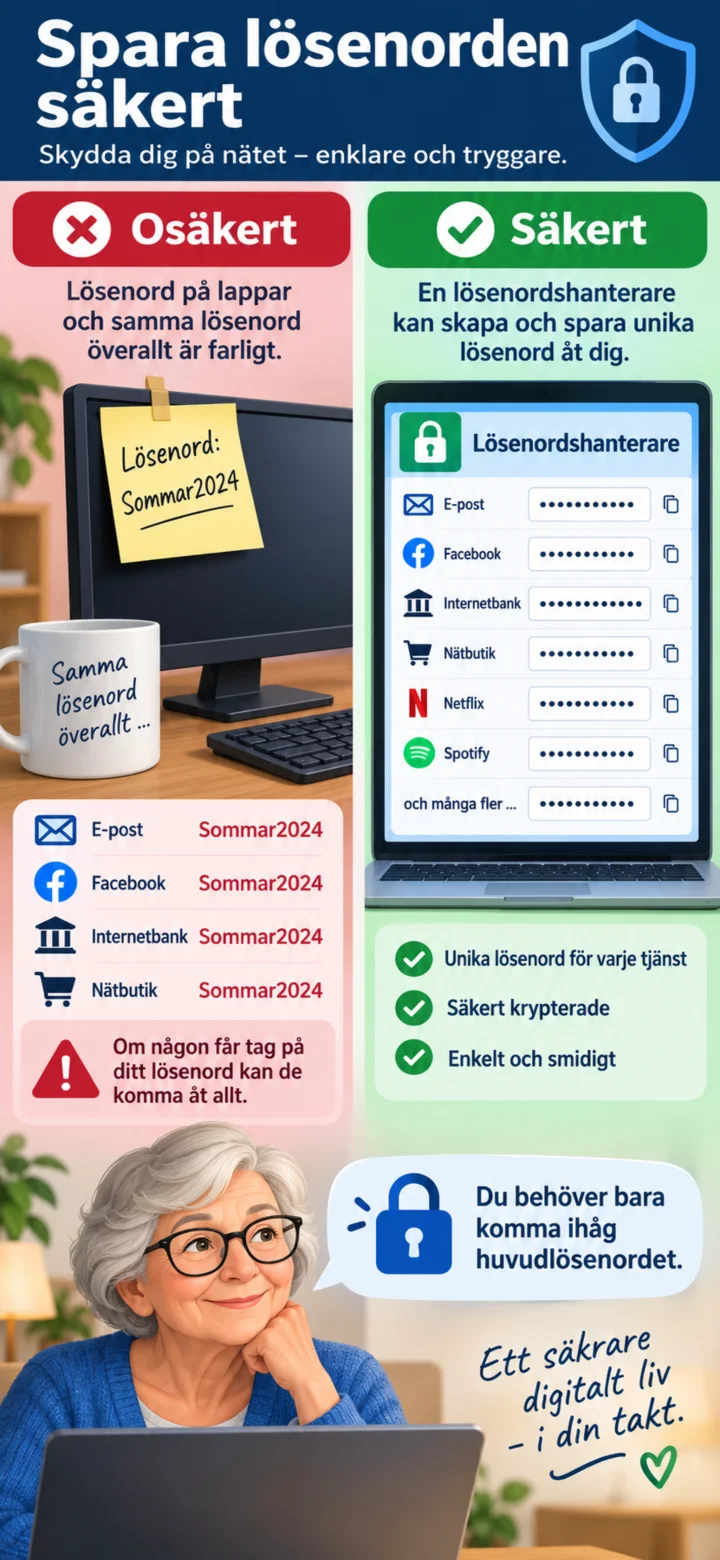
Don't save passwords on a note next to your computer. A password manager can create and save unique passwords for you.
 7Step 7 of 9
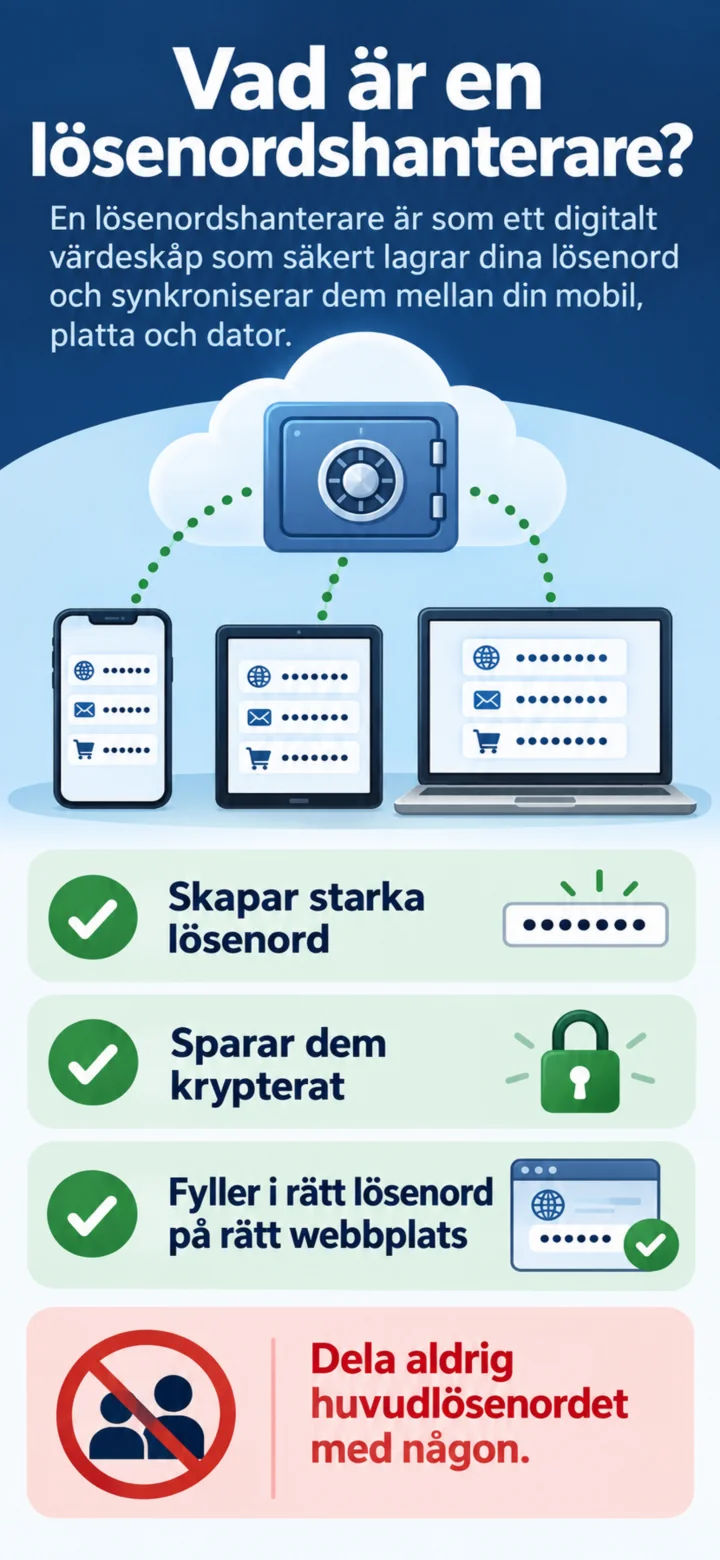
A password manager saves your passwords encrypted and fills in the correct password on the right website.
 8Step 8 of 9
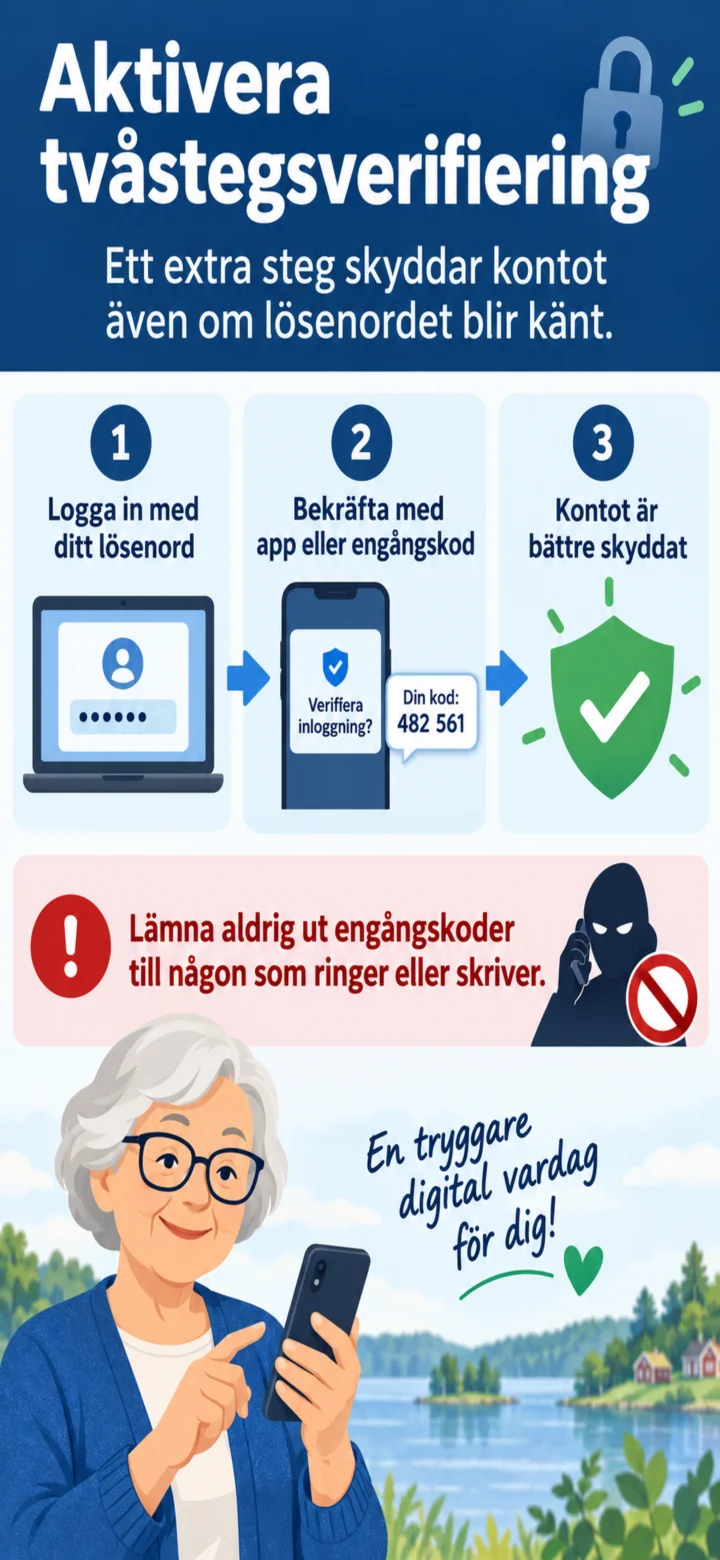
Aktivera tvåstegsverifiering. Lämna aldrig ut engångskoder till någon som ringer eller skriver.
 9Step 9 of 9
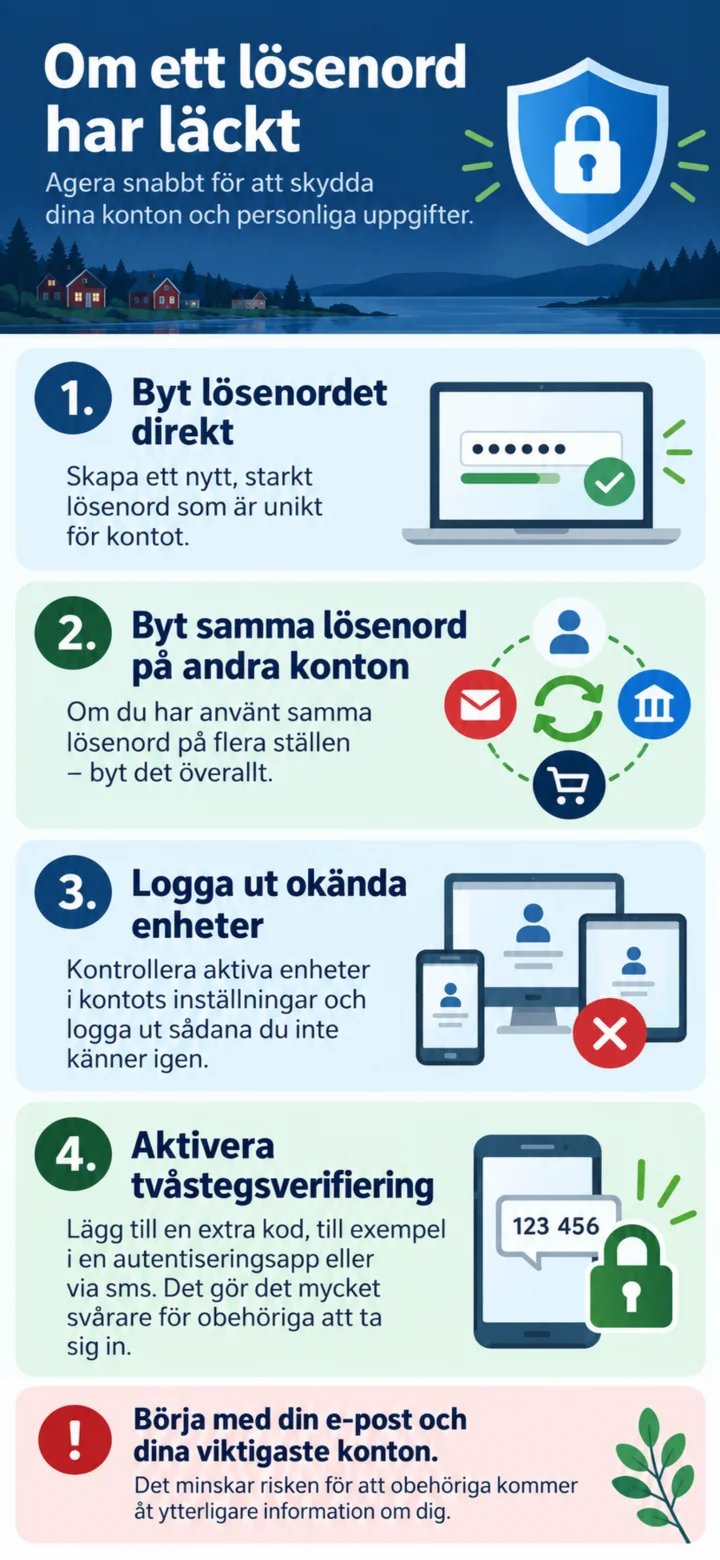
If a password has leaked, you should change it immediately, change the same password on other accounts, log out unknown devices, and activate two-step verification.