Order a Pensioner's Certificate
Print the guideThis text is not available in your language yet, so it is shown in Swedish.
Step 1 of 6
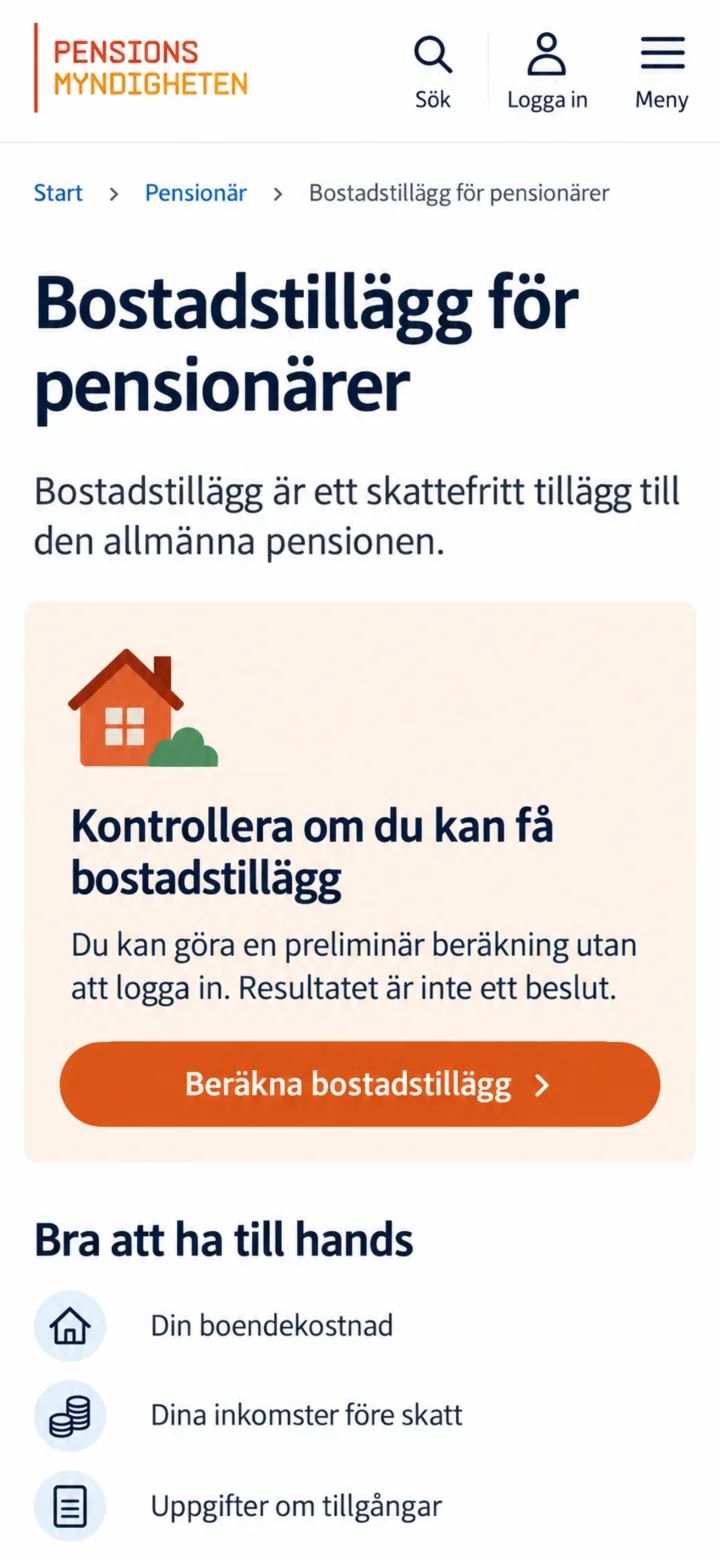
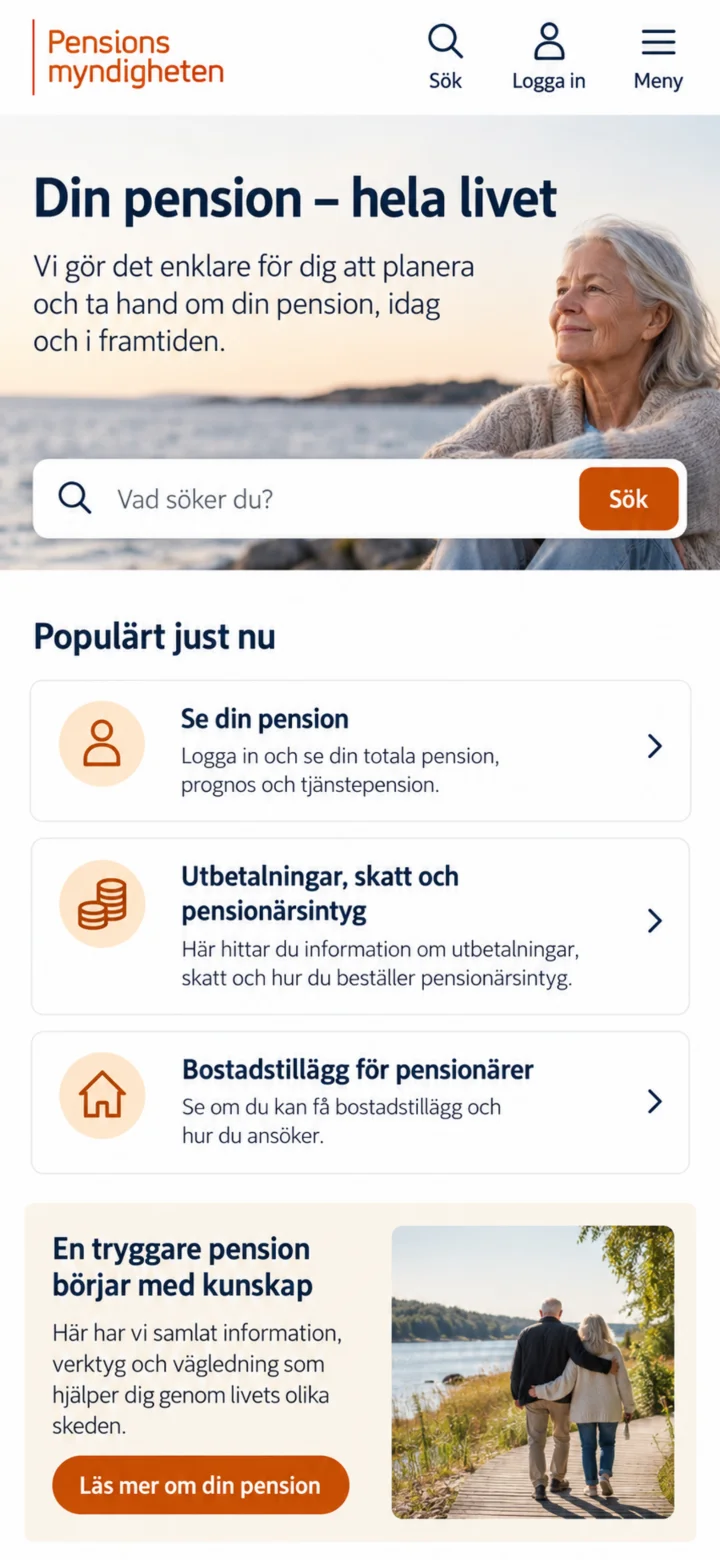
Open Pensionsmyndigheten's website and tap ”Logga in” (Log in).
The marking on the picture shows where to tap.
Show all steps as text
- Open Pensionsmyndigheten's website and tap ”Logga in” (Log in).
- Choose Mobilt BankID. Only log in when you have personally navigated to Pensionsmyndigheten's website.
- Check that it says Pensionsmyndigheten in BankID. Then tap ”Identifiera” (Identify).
- On ”Mina sidor” (My pages), go to ”Mina tjänster” (My services) and tap ”Pensionärsintyg” (Pensioner's Certificate).
- Välj Svenska och tryck på Skapa pensionärsintyg. Intyget skapas som en PDF-fil.
- Once the certificate is ready, tap ”Hämta PDF” (Download PDF). After that, you can open, save, or print the file from your phone.