Get Min myndighetspost and read government mail
Print the guideTranslated automatically.
Step 1 of 7
Open minmyndighetspost.se and tap on ”Skaffa brevlåda” (Get mailbox).
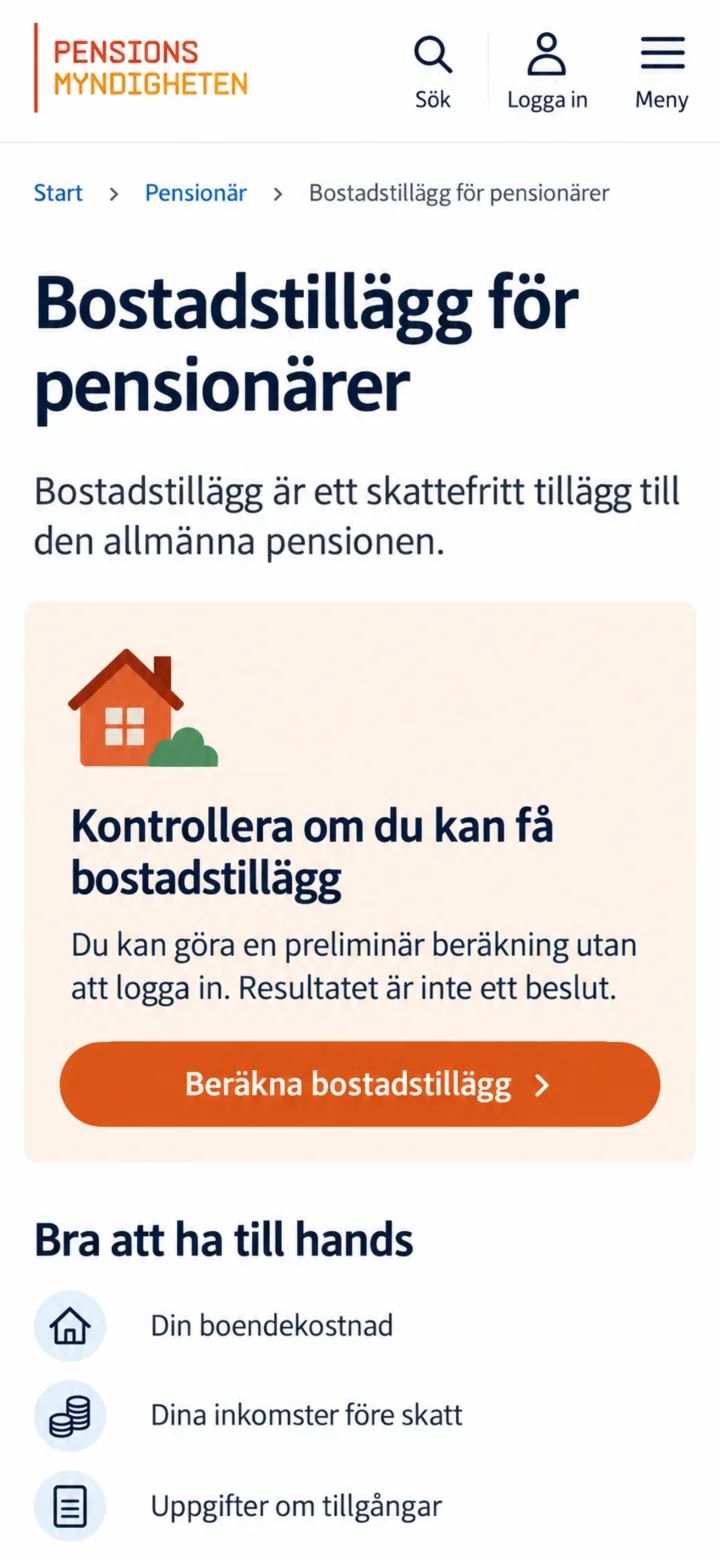
The marking on the picture shows where to tap.
Show all steps as text
- Open minmyndighetspost.se and tap on ”Skaffa brevlåda” (Get mailbox).
- You will need a Swedish e-identification, an email address, and a mobile number. Tap on ”Fortsätt med e-legitimation” (Continue with e-identification).
- Choose Mobilt BankID. First, make sure you are on minmyndighetspost.se.
- Check that it says Min myndighetspost in BankID. Then tap on ”Identifiera” (Identify).
- Fill in your email address and mobile number. Choose if you want to receive notifications via email and SMS, accept the terms and conditions, and tap on ”Skapa brevlåda” (Create mailbox).
- Once your mailbox is ready, your inbox will be displayed. New letters are marked as unread. Tap on the letter you want to read.
- Check the sender and read the letter. If there is an attachment, you can tap on ”Öppna bilaga” (Open attachment). For government matters, you must go to the authority's website yourself.