See your pension and next payment
Print the guideTranslated automatically.
Step 1 of 6
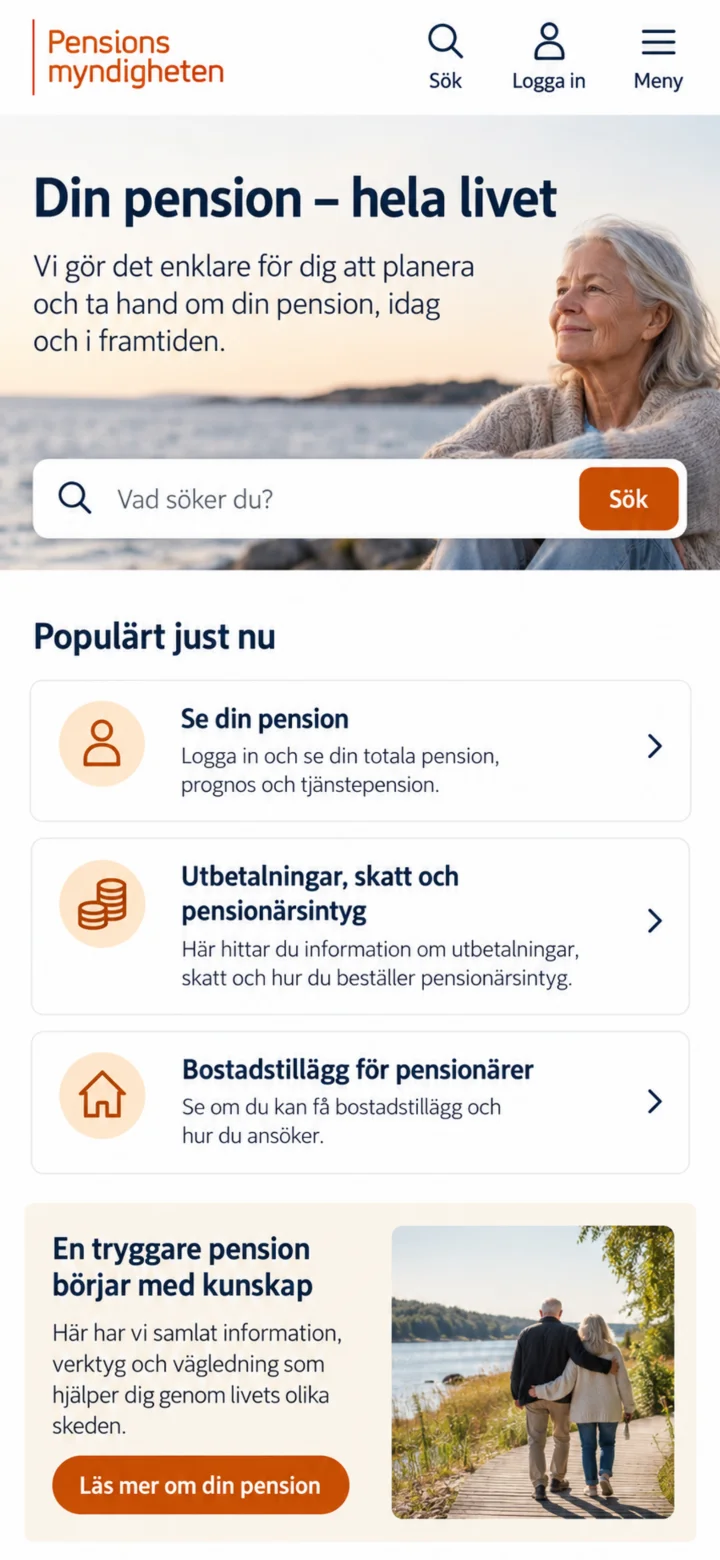
Open the Pensionsmyndigheten (Swedish Pensions Agency) website. Then, tap on ”Logga in” (Log in) at the top of the page.
The marking on the picture shows where to tap.
Show all steps as text
- Open the Pensionsmyndigheten (Swedish Pensions Agency) website. Then, tap on ”Logga in” (Log in) at the top of the page.
- Choose Mobilt BankID. Only log in when you have navigated to the Pensionsmyndigheten website yourself.
- Check that it says Pensionsmyndigheten in BankID. Then, tap on ”Identifiera och legitimera dig” (Identify and authenticate yourself) in the usual way.
- When ”Mina sidor” (My pages) opens, you will see an overview. Tap on ”Se din pension” (See your pension) to view your pension amount and its different parts.
- Here you will see your general pension and how the amount is divided. The amounts in this guide are just examples. Tap on ”Se kommande utbetalningar” (See upcoming payments) if you wish to continue.
- Here you will see the next payment date, pension before tax, preliminary tax, and the amount to be paid out. You can also check which bank account is registered.