Pay with a QR code in Swish
Print the guideTranslated automatically.
Step 1 of 4
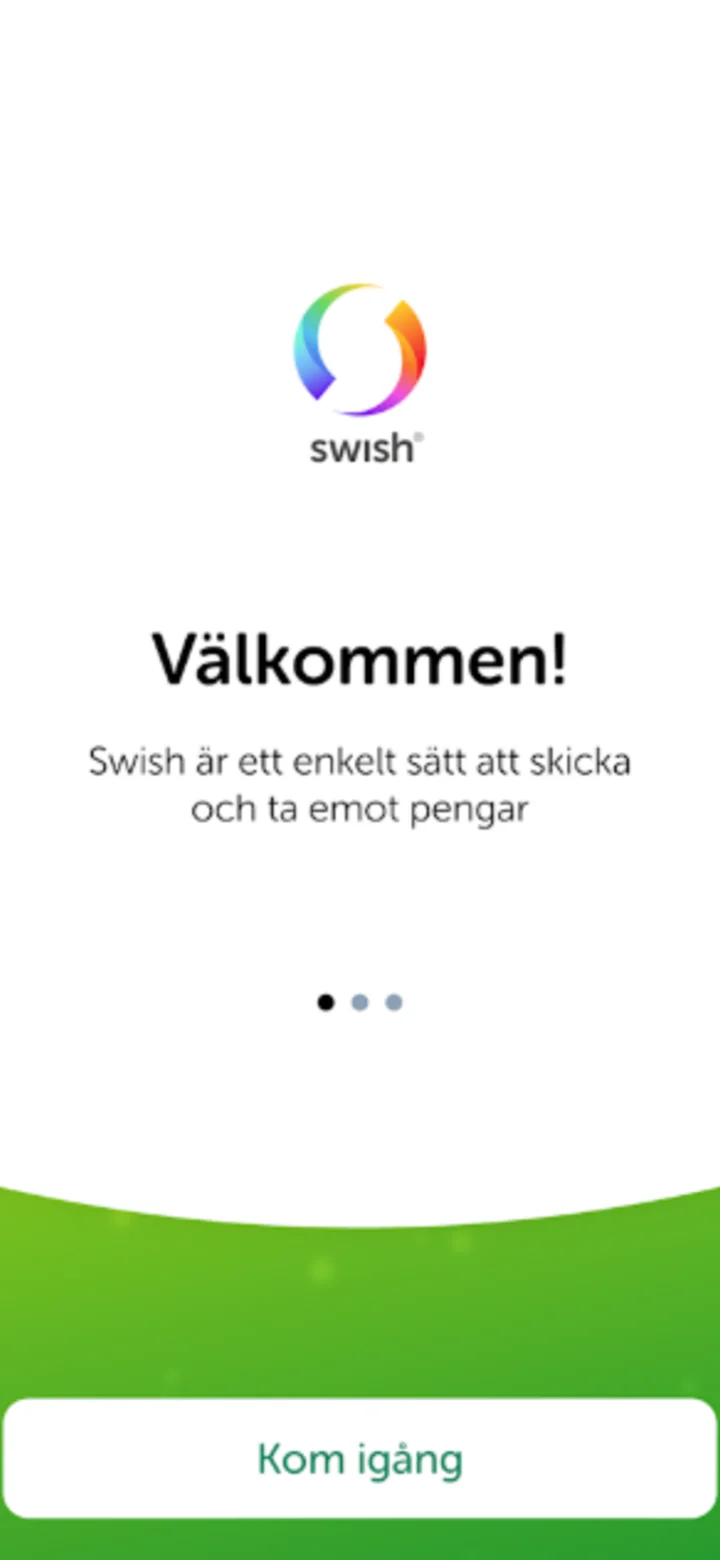
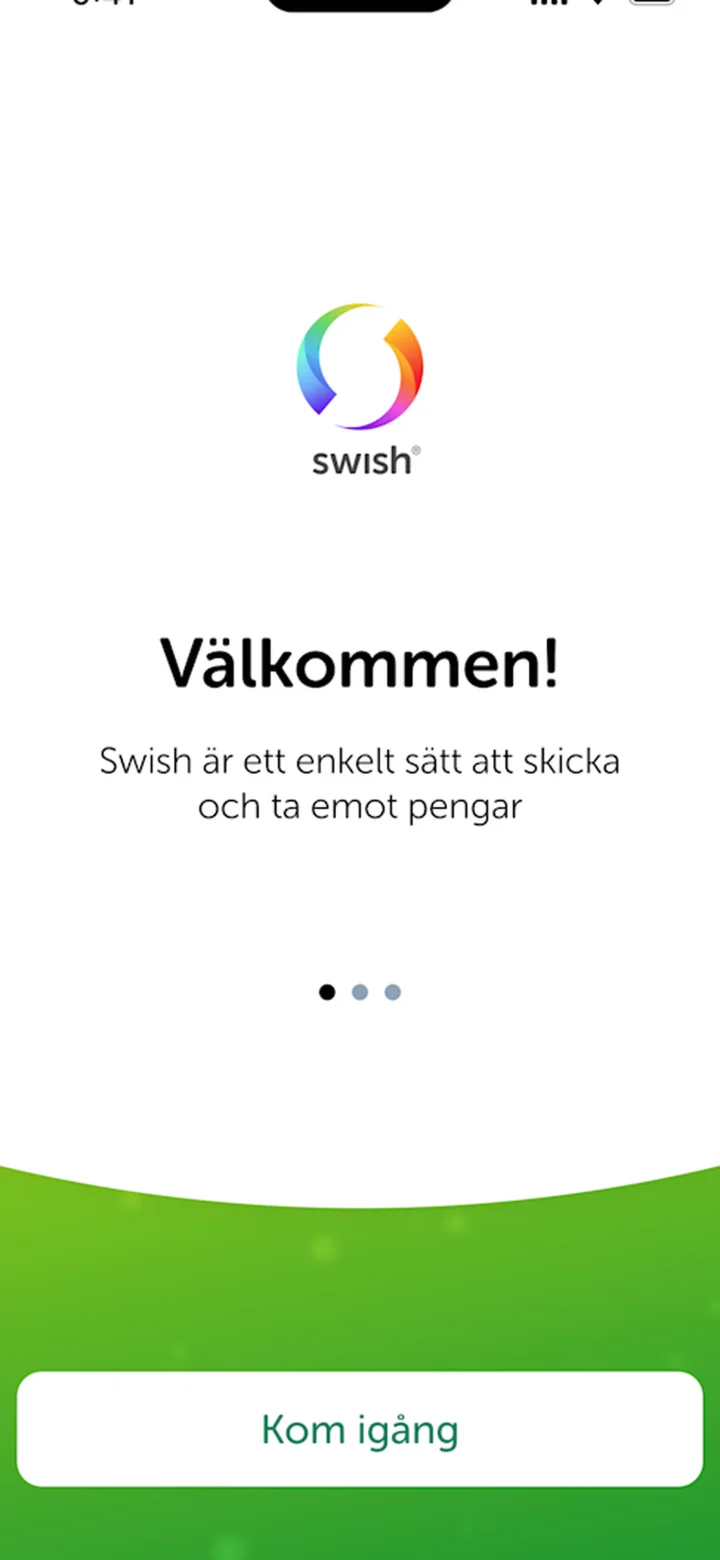
With a QR code, you don't have to type in the recipient's Swish number. You scan the code with your phone, and the number is filled in automatically. Tap ”Skanna” (Scan) on the Swish app's home screen to begin.
The marking on the picture shows where to tap.
Show all steps as text
- With a QR code, you don't have to type in the recipient's Swish number. You scan the code with your phone, and the number is filled in automatically. Tap ”Skanna” (Scan) on the Swish app's home screen to begin.
- When you tap “Skanna” (Scan) on the home screen, your scanner will open. You use this to scan QR codes. Point your phone towards the QR code.
- When you scan a QR code, the recipient's mobile or Swish number is filled in automatically. All that remains is to enter the amount you want to send and approve the payment as usual with Mobilt BankID.
- Swished and done Using a QR code makes it easy to send money – you don't have to type in the number. You also have your own QR code in the Swish app. Show it to the person who is going to pay you, and they can scan it and enter the amount.