How to install Swish
Print the guideTranslated automatically.
Which of these is on your phone?
Look at your phone’s screen and tap the one that looks the same. Then we only show the steps for your phone.
Can’t find either of them? An iPhone has an Apple symbol on the back. If the phone says Samsung, Google, Motorola or OnePlus, it is an Android.
Show all steps as text
- To start using Swish, you need to connect your phone number to your bank account. You must do this through your online bank or by visiting your bank branch.
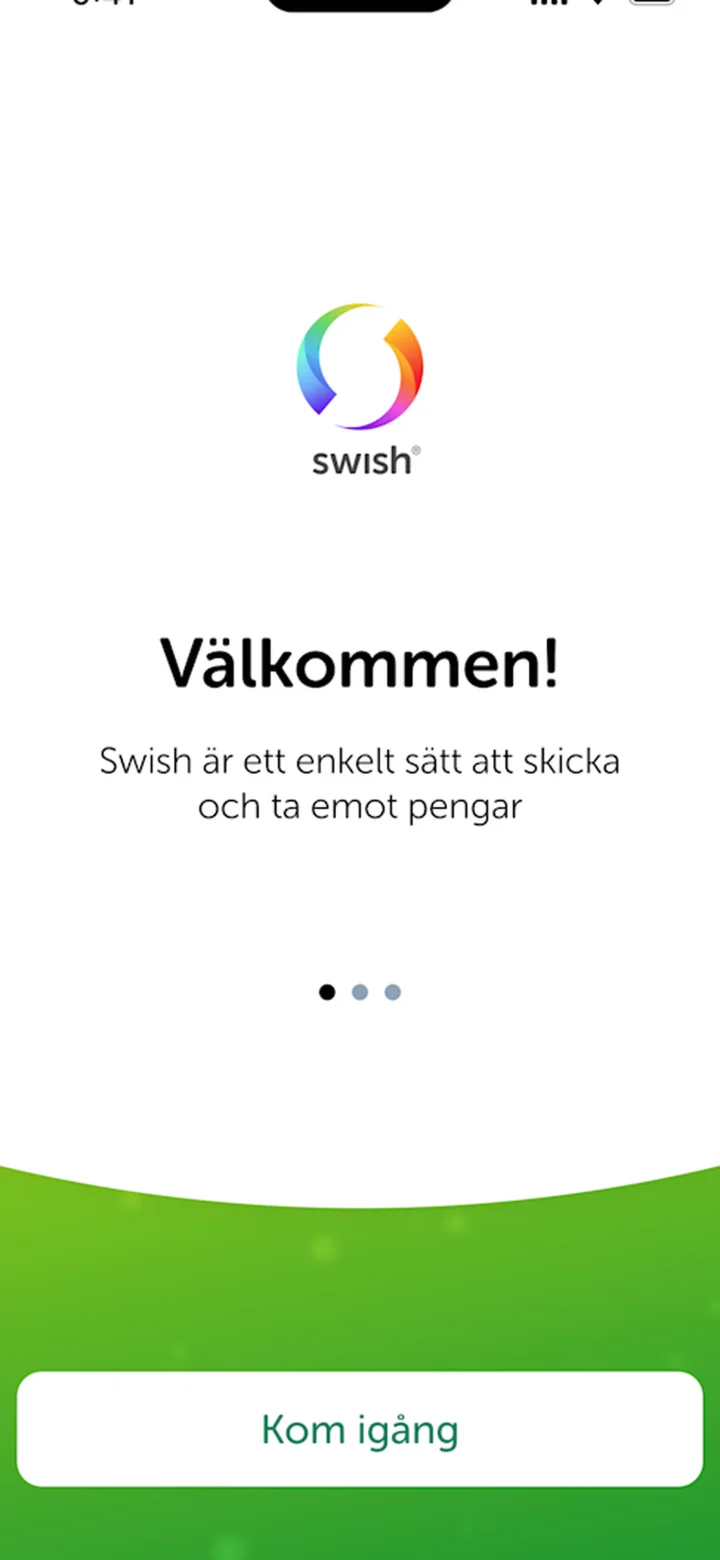
- Android: We will start by downloading the Swish app. Tap on Google Play butiken (the store for apps on your phone).
- iPhone: We will start by downloading the Swish app. Tap on Appstore (the store for apps on your phone).
- Search for Swish in the search bar. Once you have found the app, tap the button "Hämta" (Get).
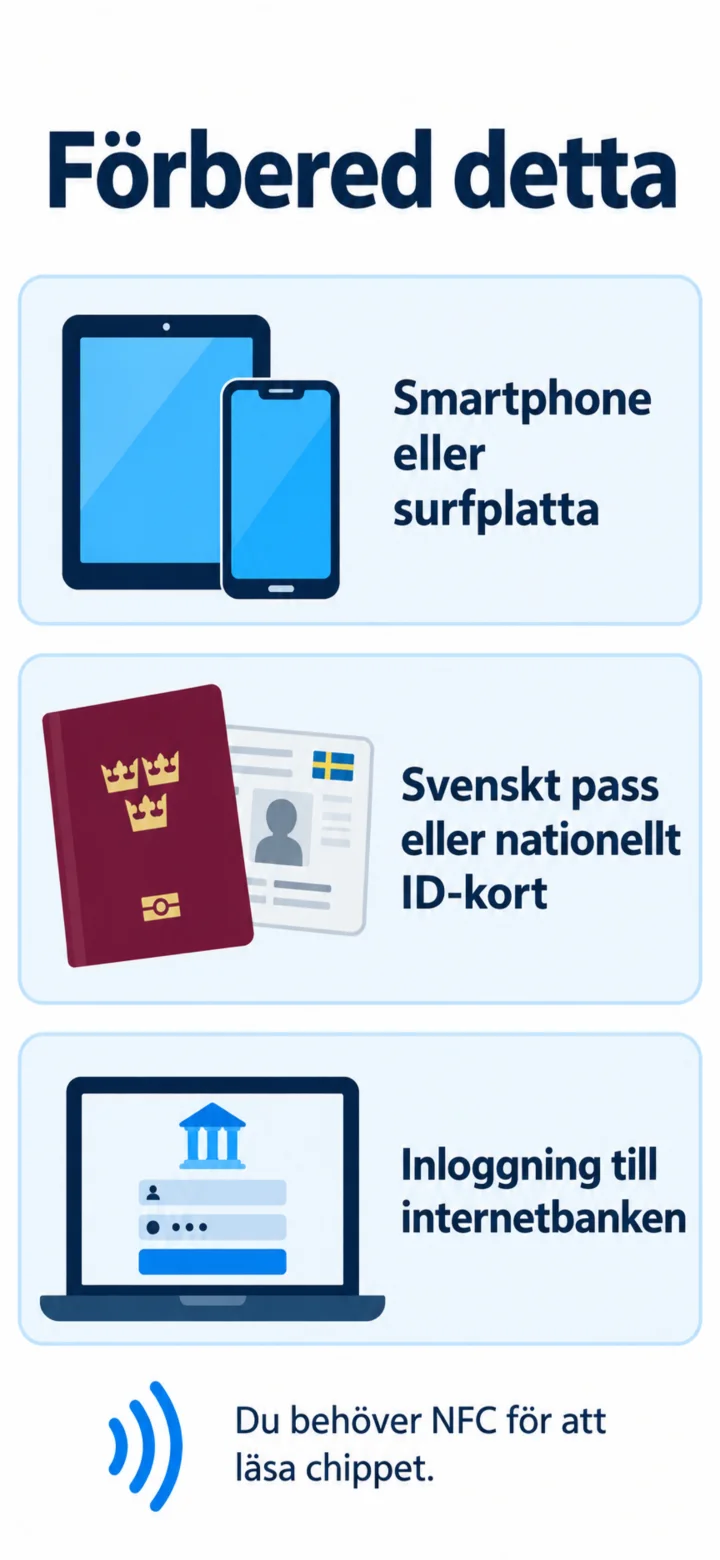
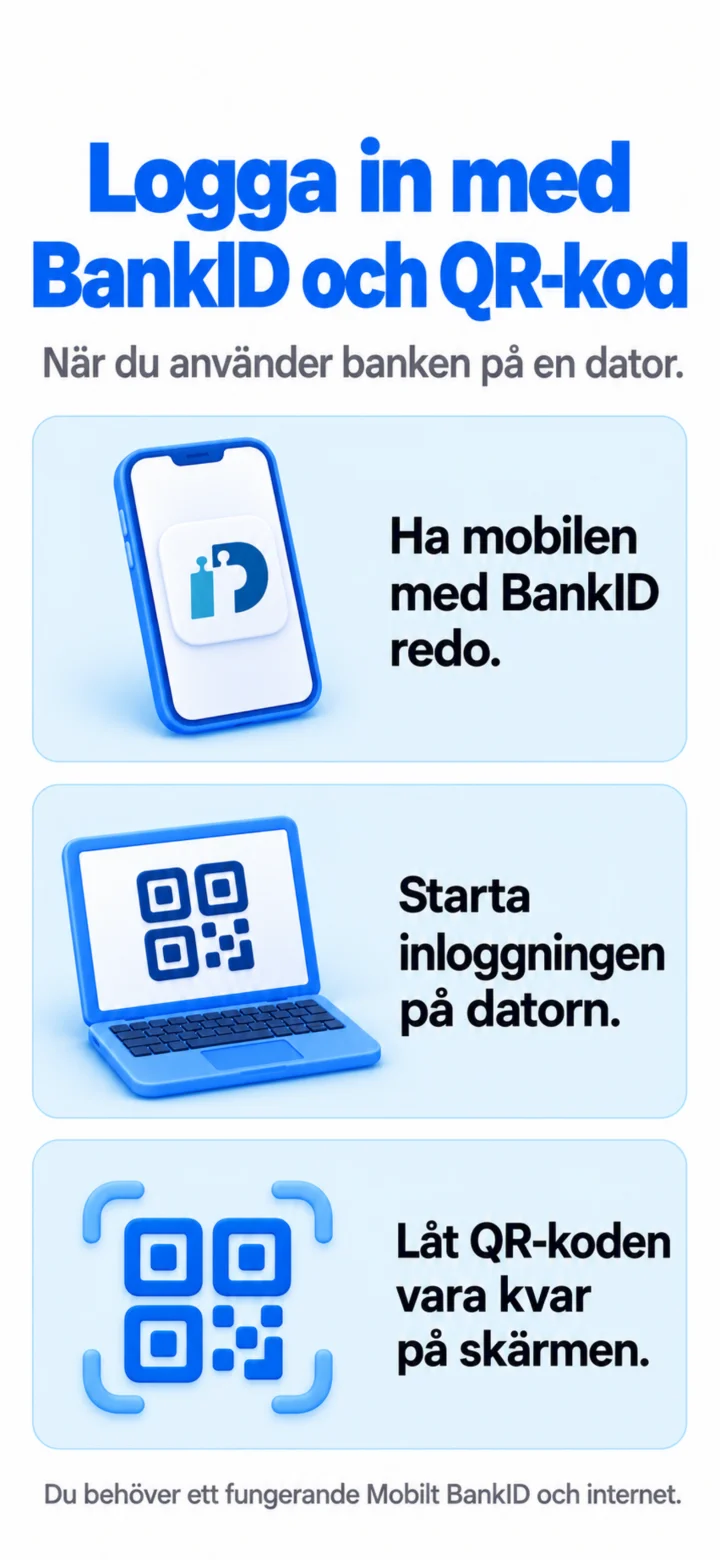
- To start using Swish, you must connect the service through your bank. If you feel unsure, please contact your bank. After you have downloaded the Swish app, log in to your online bank and connect your mobile number to one of your bank accounts. Mobilt BankID is needed to verify your identity, so please download that app as well.
- Start by entering the phone number you have chosen to connect to Swish. After that, all that remains is to verify your identity using Mobilt BankID. Activated and ready!
- Well done. Now you are ready to start using Swish!