Send money with Swish
Print the guideTranslated automatically.
Step 1 of 7
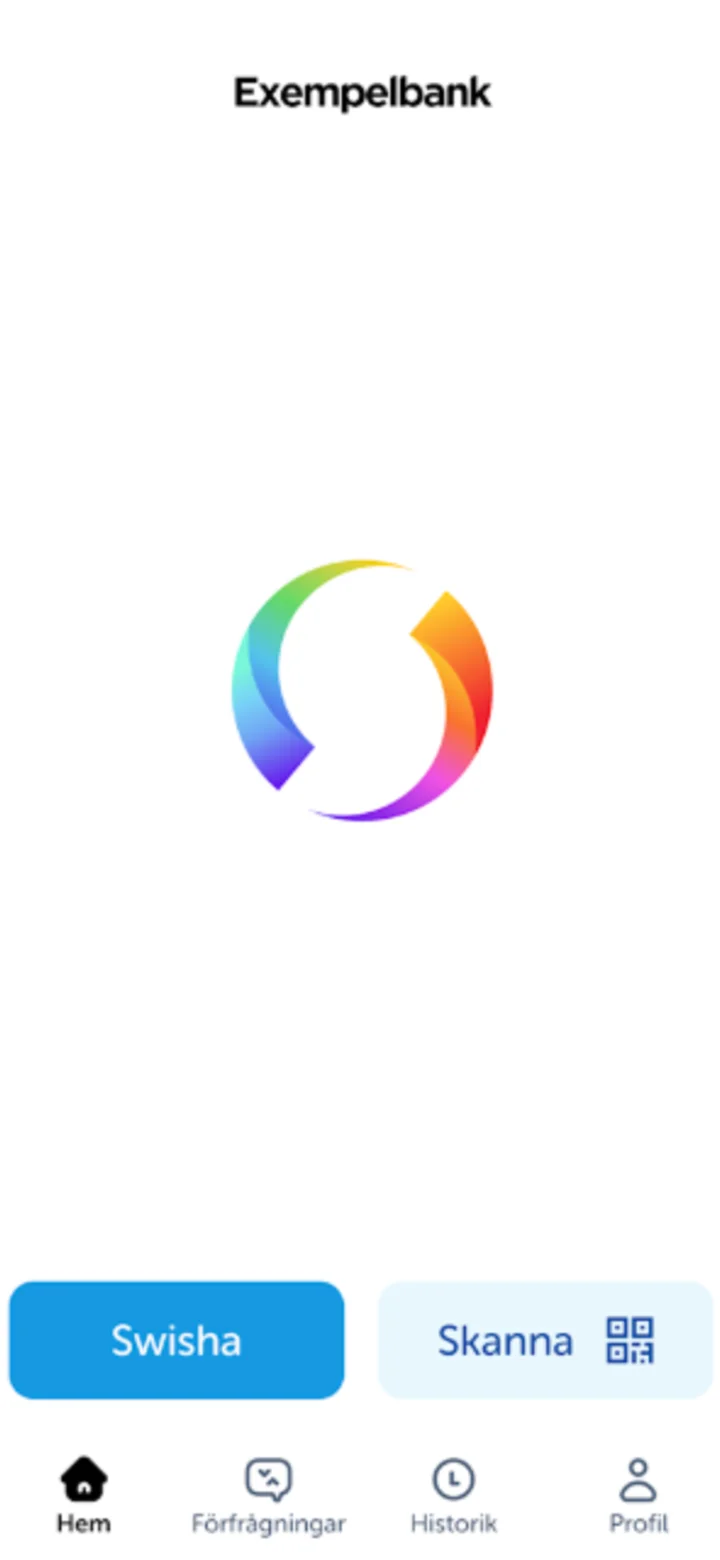
This guide shows you how to make a payment using Swish. You need to have Swish and BankID already installed on your phone.
Show all steps as text
- This guide shows you how to make a payment using Swish. You need to have Swish and BankID already installed on your phone.
- Tap the button ”Swisha” (the button to initiate a payment).
- Now you are inside the Swish app. To send money, you need to fill in who you are sending it to. Tap ”Kontakter” (Contacts) and choose a name from your contacts.
- Now that we have filled in the recipient's name and phone number, the next step is to enter how much money you want to send. Tap the field that says ”Belopp” (Amount).
- We have now entered the amount of 350 kr. You can also add a message, but that is optional. We have filled in the message 'Present'. Now it is time to send the money. Tap the blue button at the bottom that says ”Swisha” (the button to confirm and send the payment).
- Now you need to approve the payment with your BankID security code. Enter your code using the numbers on the screen and then tap the green button ”Identifiera” (Identify).
- Congratulations! Your payment has been sent. You will see a green screen with a checkmark confirming that everything is done. All finished! You have now sent money using Swish.