Download and start using Kivra
Print the guideTranslated automatically.
Which of these is on your phone?
Look at your phone’s screen and tap the one that looks the same. Then we only show the steps for your phone.
Can’t find either of them? An iPhone has an Apple symbol on the back. If the phone says Samsung, Google, Motorola or OnePlus, it is an Android.
Show all steps as text
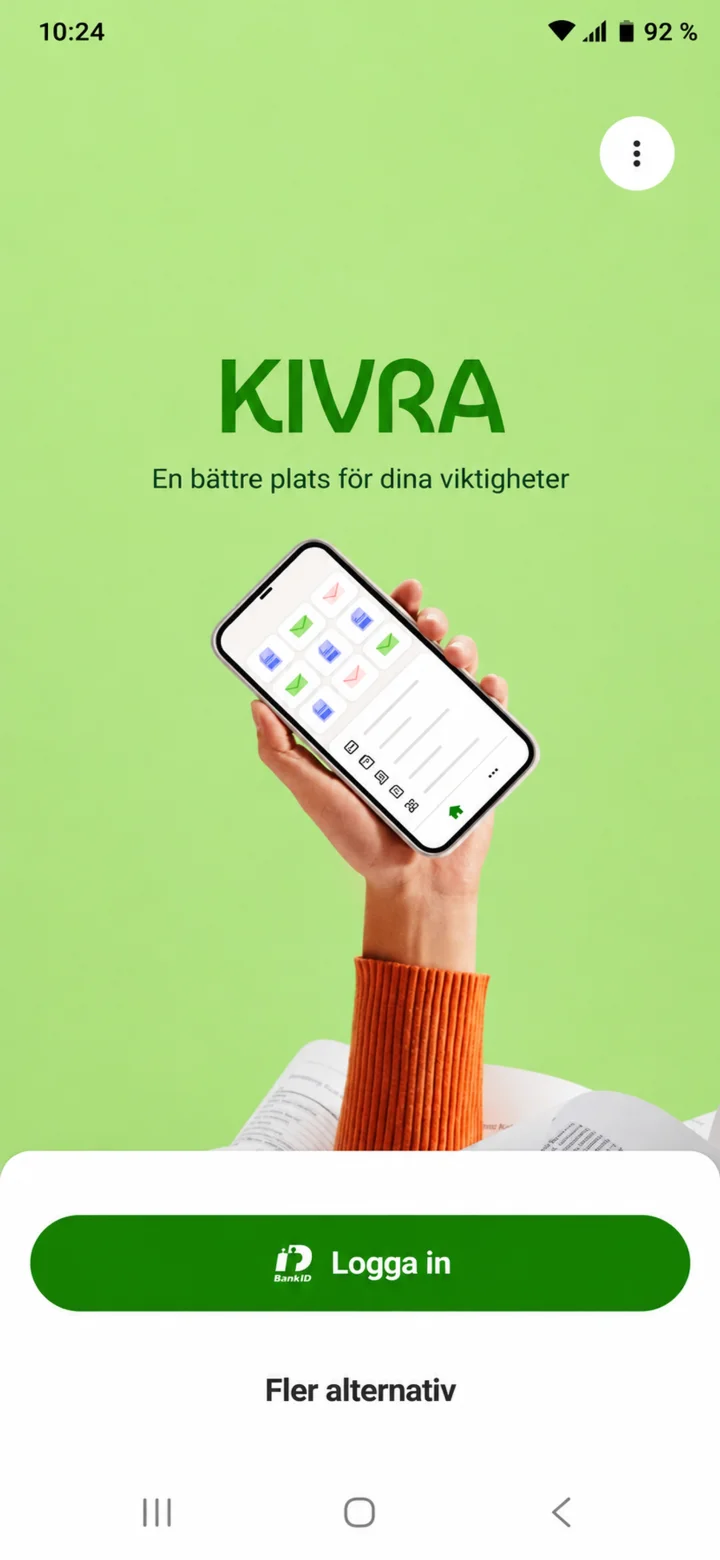
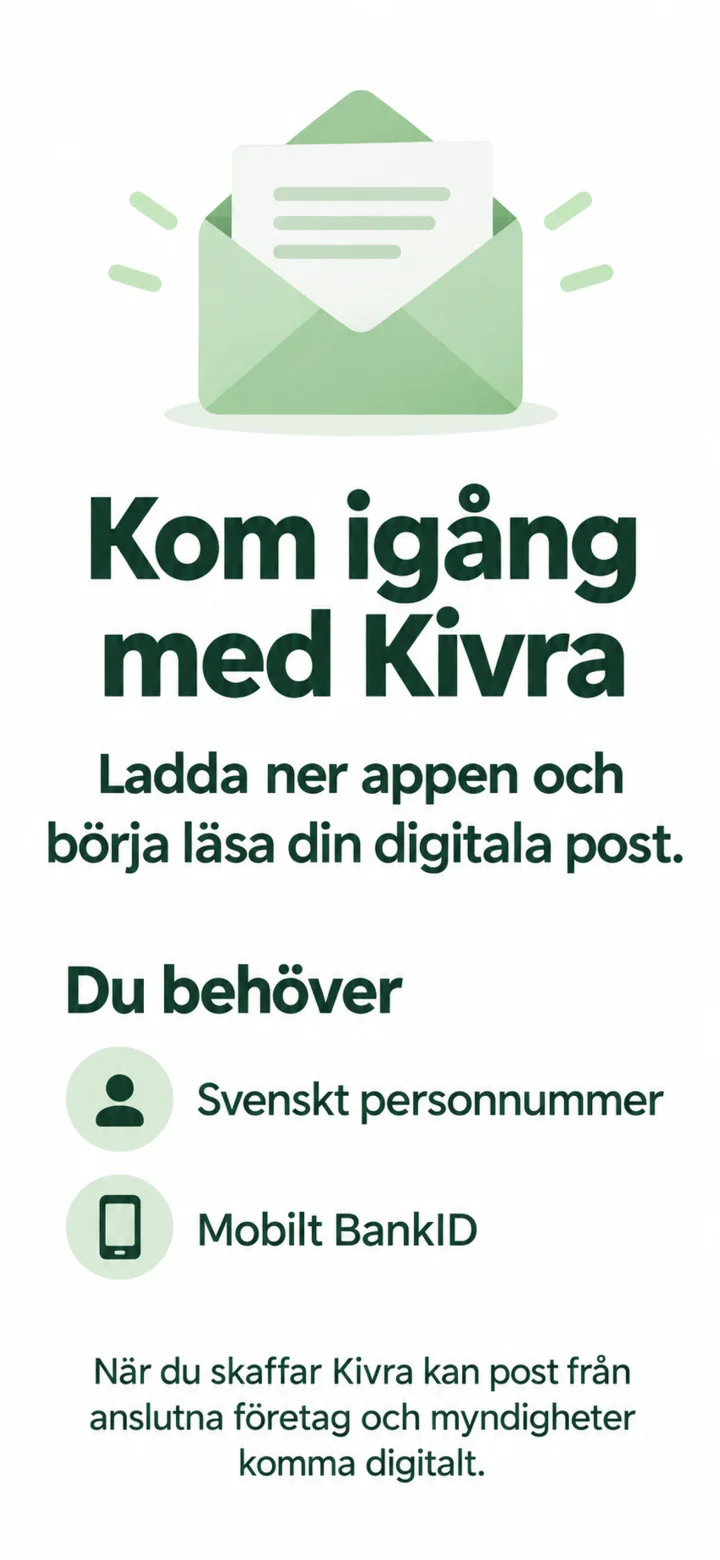
- Now we're going to download Kivra and create an account. You'll need Mobilt BankID and a Swedish personal identity number.
- iPhone: Start on the home screen and tap App Store.
- Android: Start on the home screen and tap Google Play Butik.
- iPhone: Search for Kivra and tap ”Hämta” (Get).
- Android: Search for Kivra and tap ”Installera” (Install).
- iPhone: Open Kivra and tap ”Skapa konto” (Create account).
- Android: Open Kivra and tap ”Skapa konto” (Create account).
- Enter your twelve-digit personal identity number and tap ”Öppna BankID” (Open BankID).
- Android: Tap the button ”identifiera dig med säkerhetskod” (identify yourself with security code).
- Enter your 6-digit security code and tap ”indentifiera” (identify). Now Kivra will open again.
- Fill in your email address and tap ”Fortsätt” (Continue).
- Open the email from Kivra. Copy or write down the six-digit code. Then enter that code in the app.
- Fill in your mobile number and tap ”Fortsätt” (Continue).
- Open the SMS from Kivra. Then enter the code in the app and tap ”Fortsätt” (Continue).
- Your Kivra account is ready. Tap ”Ok” (Ok).
- Kivra is now ready to use. This is your inbox. Here you'll see letters, invoices, and other important messages.