How to pick up packages in the PostNord app
Print the guideTranslated automatically.
Which of these is on your phone?
Look at your phone’s screen and tap the one that looks the same. Then we only show the steps for your phone.
Can’t find either of them? An iPhone has an Apple symbol on the back. If the phone says Samsung, Google, Motorola or OnePlus, it is an Android.
Show all steps as text
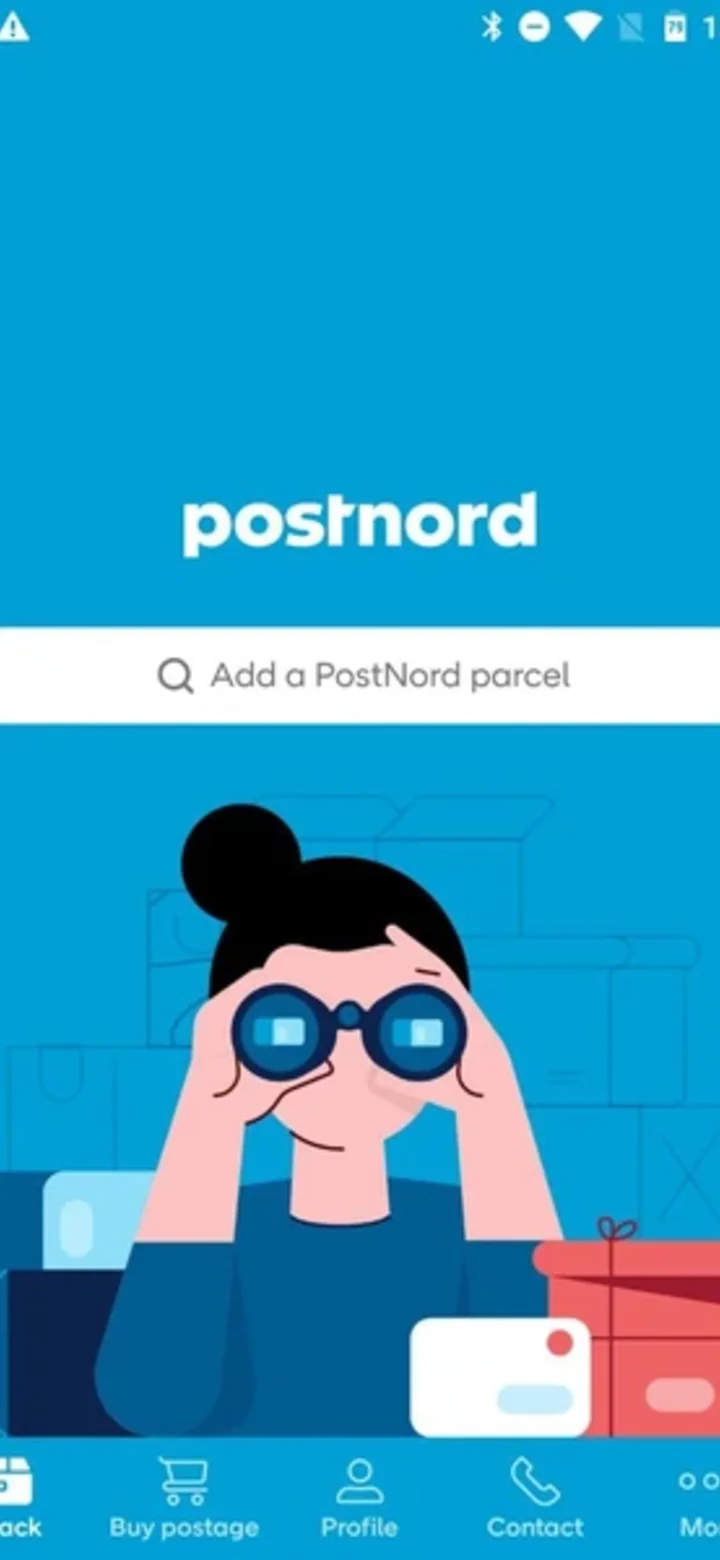
- iPhone: Hello! Now you're going to learn how to download and use the PostNord app to pick up packages. Open the App Store and search for PostNord.
- iPhone: Check that the app is called PostNord and tap ”Hämta” (Get).
- iPhone: When the installation is complete, tap ”Öppna” (Open).
- Android: Open Google Play and search for PostNord.
- Android: Check that the app is called PostNord and tap ”Installera” (Install).
- Android: When the installation is complete, tap ”Öppna” (Open).
- On the home screen, tap the package that can be picked up.
- Tap ”Visa digital avi” (Show digital notification) or identify yourself with BankID.
- Tap ”Öppna BankID” (Open BankID).
- Check that it says PostNord, fill in your security code, and tap ”Identifiera” (Identify).
- Show the digital notification to the staff. The QR code in the guide is just an invalid example.
- Once the package has been handed out, it will show that it has been picked up.