How to enable notifications from 1177
Print the guideTranslated automatically.
Step 1 of 7
Hello! Here, I will show you how to receive text messages or emails whenever there is a new message on 1177.
Show all steps as text
- Hello! Here, I will show you how to receive text messages or emails whenever there is a new message on 1177.
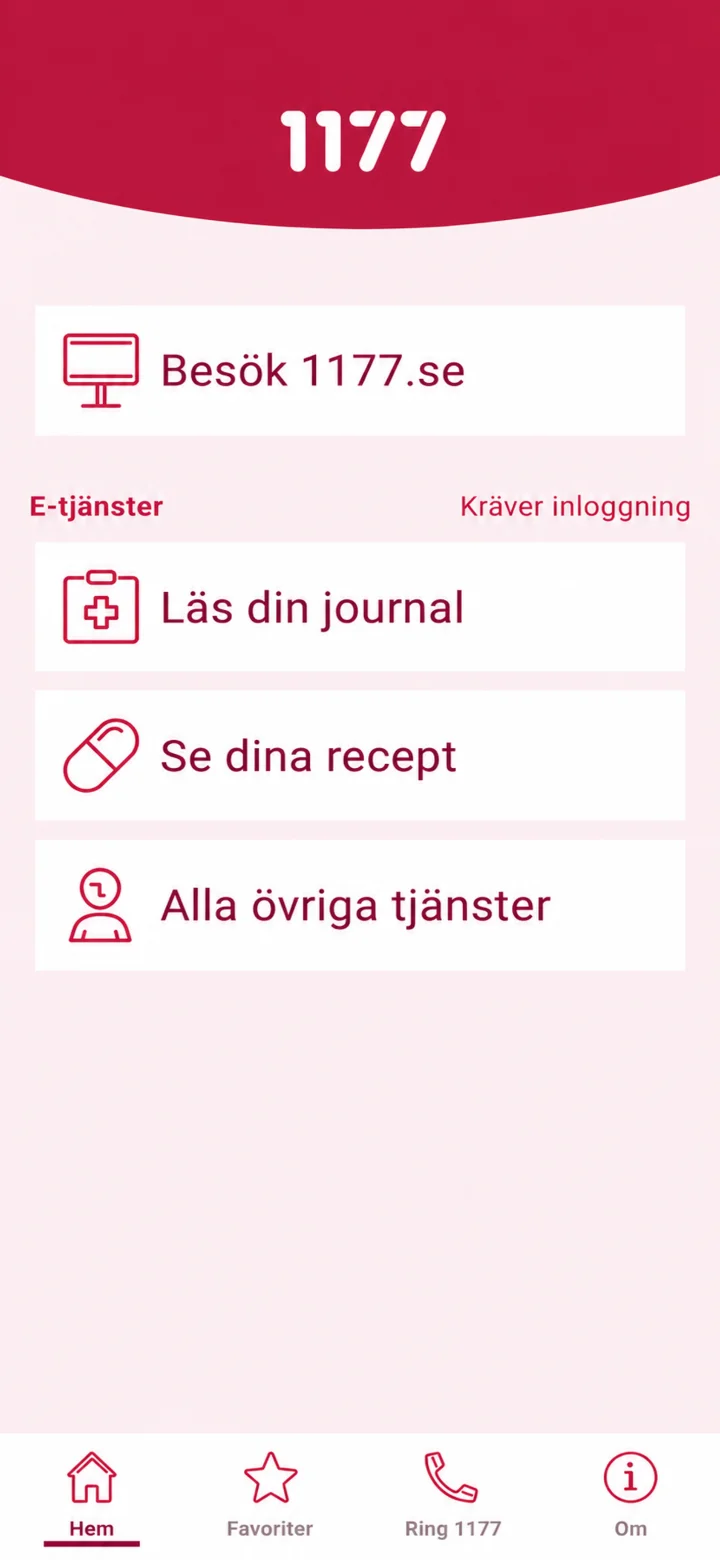
- Open the 1177 app and tap on "Alla övriga tjänster" (All other services).
- If you need to log in, tap on "Öppna BankID" (Open BankID) and identify yourself. Go back to 1177 when you are finished.
- Tap on "Inställningar" (Settings) at the top of the overview.
- Scroll to "Mobilnummer" (Mobile number). Check the country code and enter your mobile number if you want to receive text messages. Select "Avisering via sms" (Notification via text message) and also read the option "Dela mobilnummer" (Share mobile number).
- Enter your email address if you want to receive notifications via email and select "Avisering via e-post" (Notification via email). Also read the option "Dela e-postadress" (Share email address). Check your choices and tap on "Spara" (Save).
- All done! When you receive a notification, log in to 1177 to read the message in your inbox.