How to choose digital mail from healthcare services at 1177
Print the guideTranslated automatically.
Step 1 of 8
Hello! Here, I will show you how to choose to receive information from healthcare services digitally whenever possible.
Show all steps as text
- Hello! Here, I will show you how to choose to receive information from healthcare services digitally whenever possible.
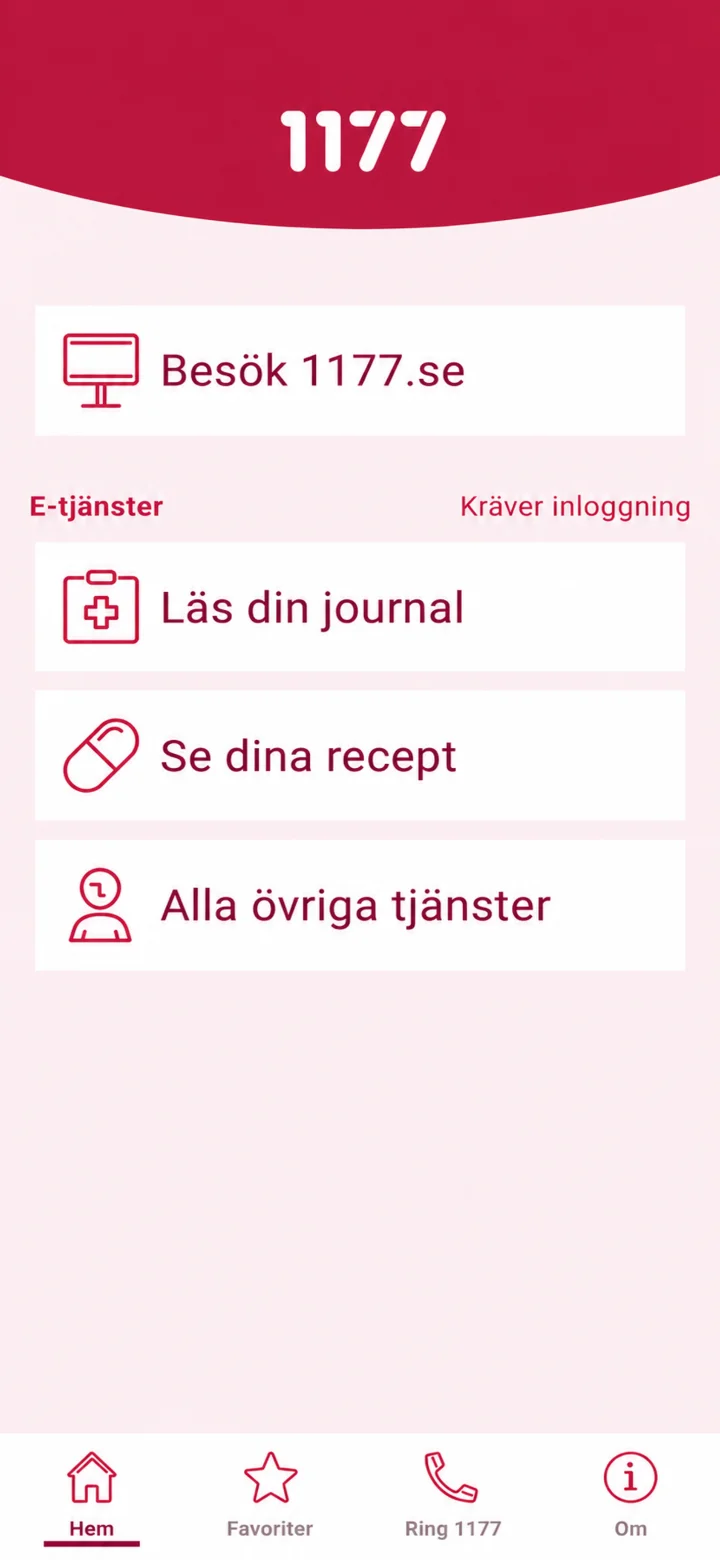
- Open the 1177 app and tap "Alla övriga tjänster" (All other services).
- If you need to log in, tap "Öppna BankID" (Open BankID) and identify yourself. Go back to 1177 when you are finished.
- Tap "Inställningar" (Settings) at the top of the overview.
- Read the information under "Välj att inte få brev hemskickade från hälso- och sjukvården" (Choose not to receive letters sent home from healthcare). Check the box if you want to receive information digitally. Some letters may still arrive by paper mail.
- Scroll down and check your mobile number. Choose if you want to receive notifications via SMS and read the option about sharing your mobile number, so that you can be alerted about new messages.
- Check your email address and choose if you want to receive notifications via email. Also, read the option about sharing your email address. Check your settings and tap "Spara" (Save).
- Done! You can read your digital healthcare mail in the inbox on 1177. Healthcare services may still send some letters by regular mail.