How to see your booked appointments on 1177
Print the guideTranslated automatically.
Step 1 of 6
Hello! Here, I will show you how to find your booked appointments on 1177.
Show all steps as text
- Hello! Here, I will show you how to find your booked appointments on 1177.
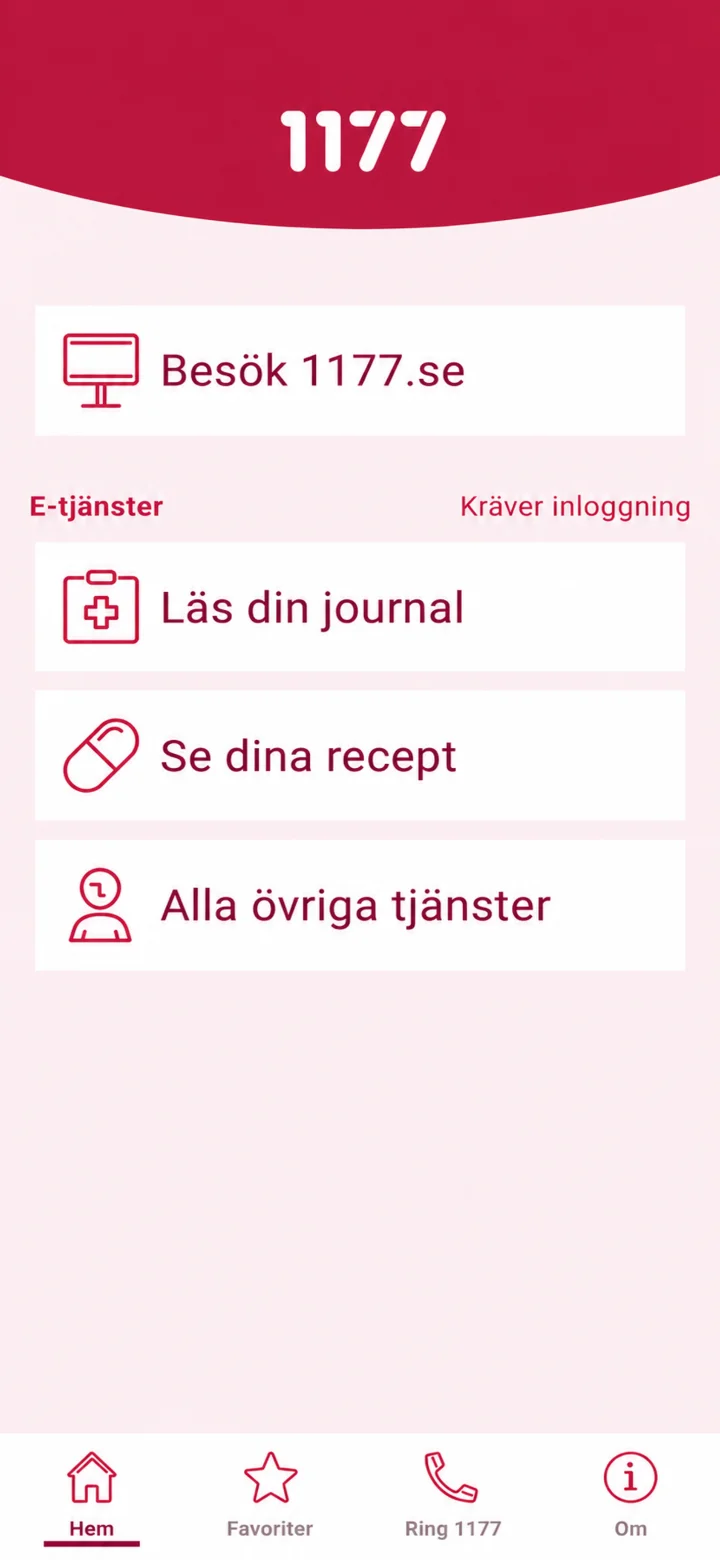
- Open the 1177 app. Tap "Alla övriga tjänster" (All other services).
- If you need to log in, tap "Öppna BankID" (Open BankID) and identify yourself. You will return to 1177 when you are finished.
- On the overview page, tap "Bokade tider" (Booked appointments).
- Here you can see the appointments shown in the service. Open an appointment to read the date, time, and clinic. If an expected appointment is missing, please contact the clinic.
- Done! Now you know where to find your booked appointments on 1177.