How to create and manage strong passwords
Print the guideThis text is not available in your language yet, so it is shown in Swedish.
Step 1 of 9
In this guide, you'll learn how to create and manage strong passwords.
Show all steps as text
- In this guide, you'll learn how to create and manage strong passwords.
- Please don't use the same password everywhere. If one password leaks, your other accounts could also be at risk.
- Long passwords are harder to guess. The examples in the picture should not be used as actual passwords.
- A passphrase consists of several random words. Make the phrase long and always create your own unique one.
- Please avoid names, birth dates, pet names, and common passwords that are easy to guess.
- Don't save passwords on a note next to your computer. A password manager can create and save unique passwords for you.
- A password manager saves your passwords encrypted and fills in the correct password on the right website.
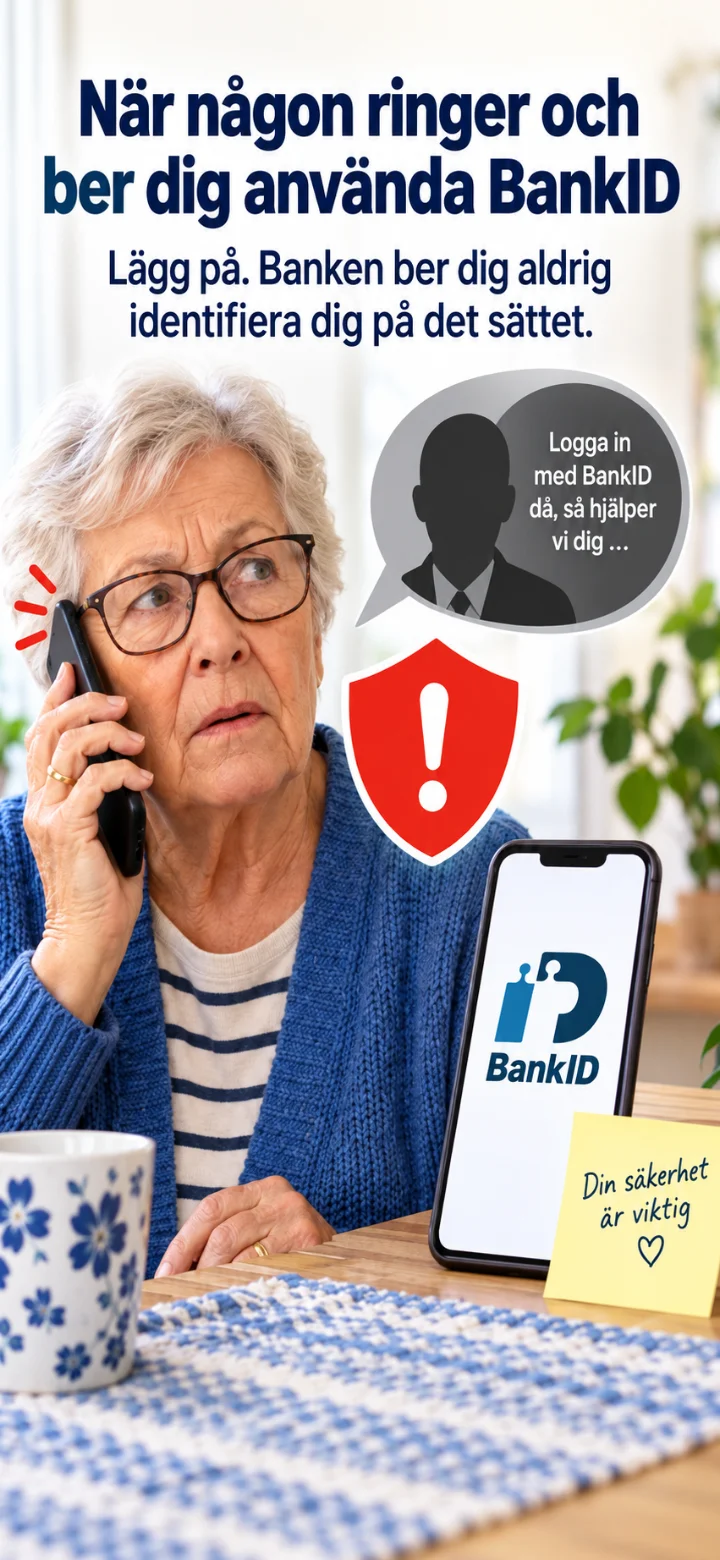
- Aktivera tvåstegsverifiering. Lämna aldrig ut engångskoder till någon som ringer eller skriver.
- If a password has leaked, you should change it immediately, change the same password on other accounts, log out unknown devices, and activate two-step verification.