How to protect yourself from scammers who call
Print the guideThis text is not available in your language yet, so it is shown in Swedish.
Which of these is on your phone?
Look at your phone’s screen and tap the one that looks the same. Then we only show the steps for your phone.
Can’t find either of them? An iPhone has an Apple symbol on the back. If the phone says Samsung, Google, Motorola or OnePlus, it is an Android.
Show all steps as text
- In this guide, you will learn what to do if someone calls and asks you to use BankID.
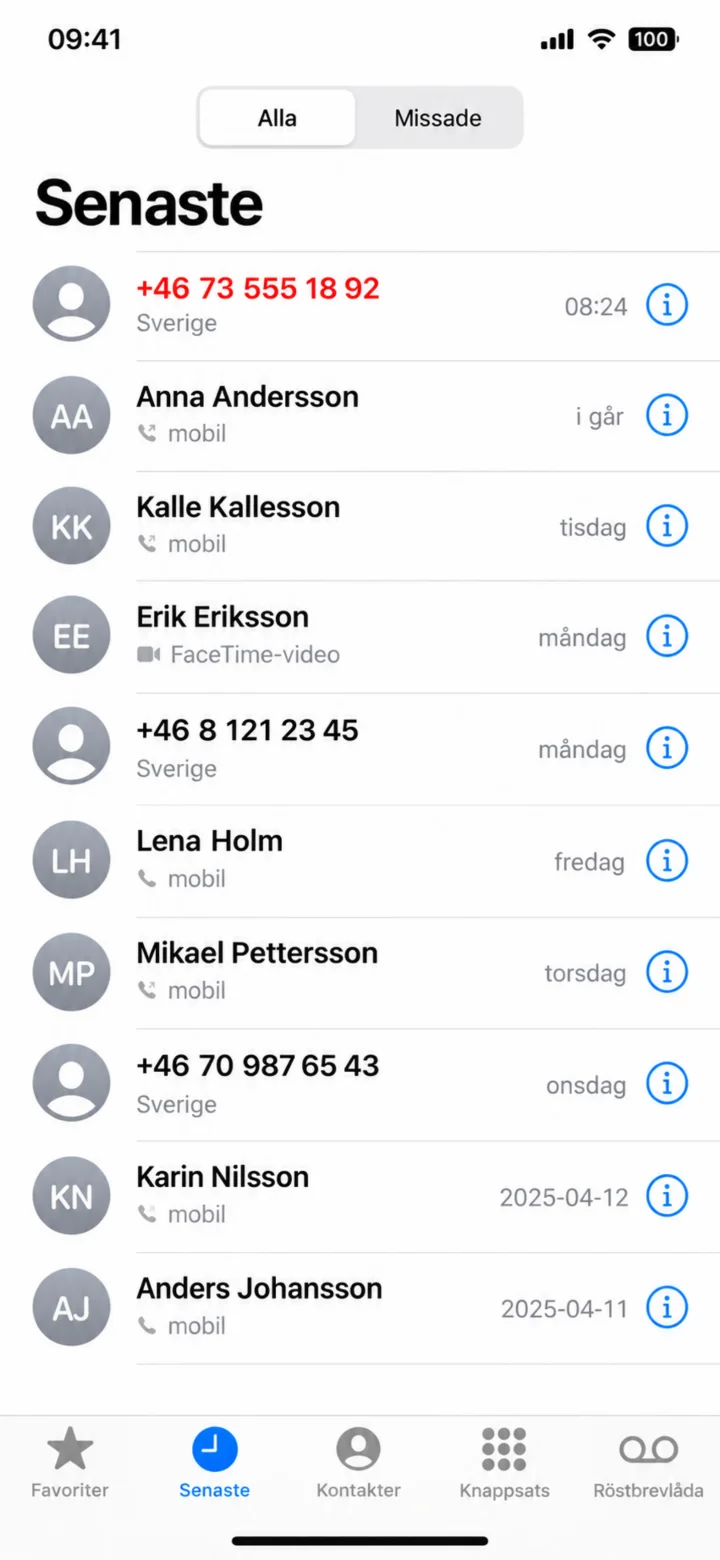
- Be careful when an unknown number calls. The number on the screen doesn't prove who is calling.
- A scammer might claim to be calling from the bank, the police, or a government agency.
- Bedragaren försöker ofta skapa stress och säger att du måste agera omedelbart.
- Never approve a BankID request at the urging of someone who calls you.
- Do not open BankID, do not give out codes, and do not approve an unknown request.
- Hang up. Call the bank yourself using the number on your bank card or the bank's official website.
- If you have already used BankID, you should call the bank immediately. For ongoing crimes, call 112. Otherwise, call 114 14.
- iPhone: On iPhone, open the call information, tap ”Blockera den här uppringaren” (Block this caller) and confirm.
- Android: On Android, open the call information, select ”Blockera” (Block) and confirm with ”Blockera” (Block).